3-3
Cisco Video Surveillance 5010/5011 Indoor Fixed HD IP Dome Camera User Guide
OL-22669-01
Chapter 3 Operation
Live Video Page
Refer to the following section for more information:
• Editing a User, page 3-32
Live Video Page
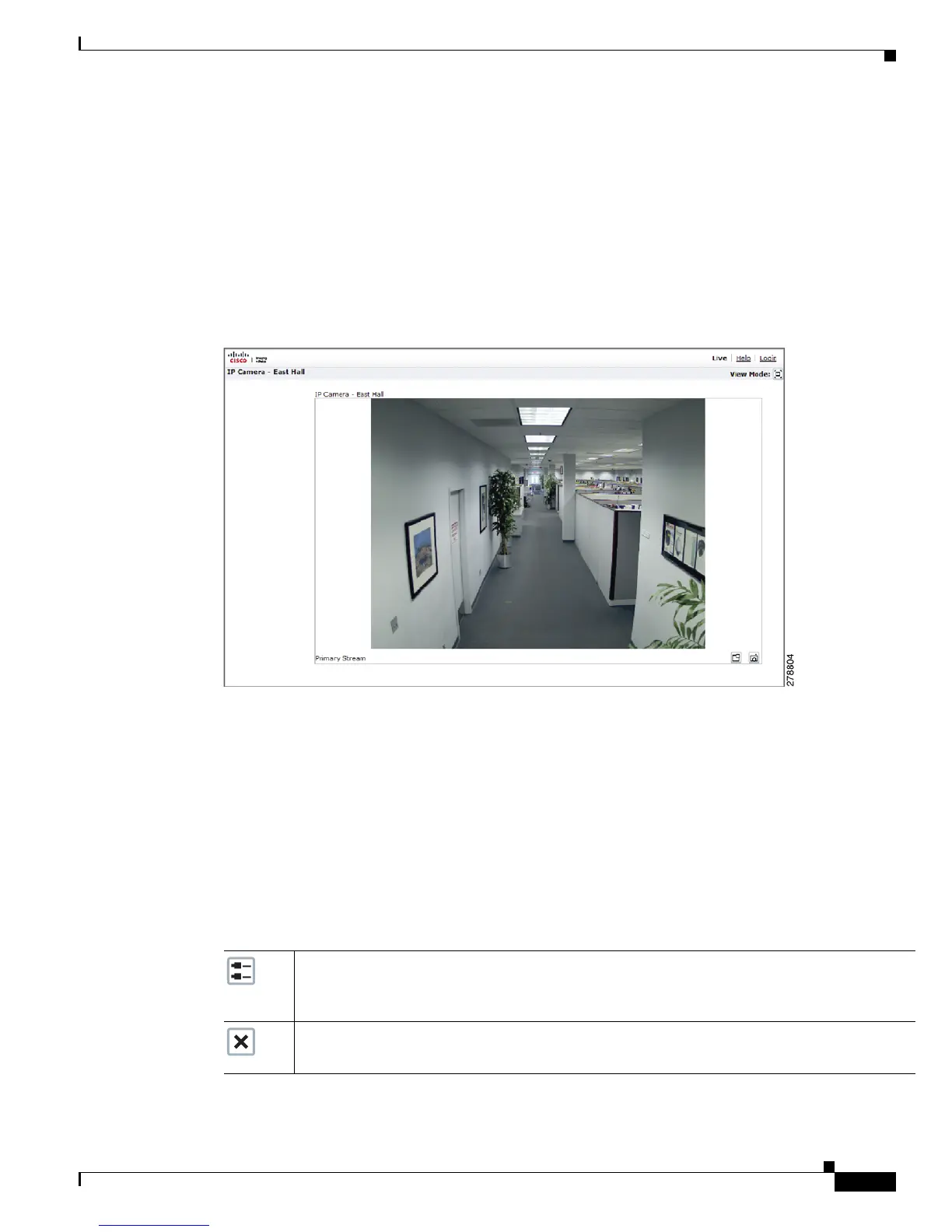
The live video page allows you to manage the way you view live video and capture images. You can also
view live video from this page and access menus on the navigation bar (based on user permissions).
Figure 3-1 Live Video Page
Refer to the following sections for more information:
• Live Video Page Icons, page 3-3
• Selecting a Stream, page 3-4
• Taking a Snapshot, page 3-6
• Displaying Video in the Multiscreen View, page 3-6
Live Video Page Icons
Viewable icons are based on user permissions.
Show Device List: Displays a list of viewable cameras connected to the same virtual local area
network (VLAN) as the camera to which you are logged on.
Note Used only in 2x2 mode to list other devices.
Disable Viewer: Closes the live view window.
Note Used only in 2x2 mode to list other devices.













 To Next Page