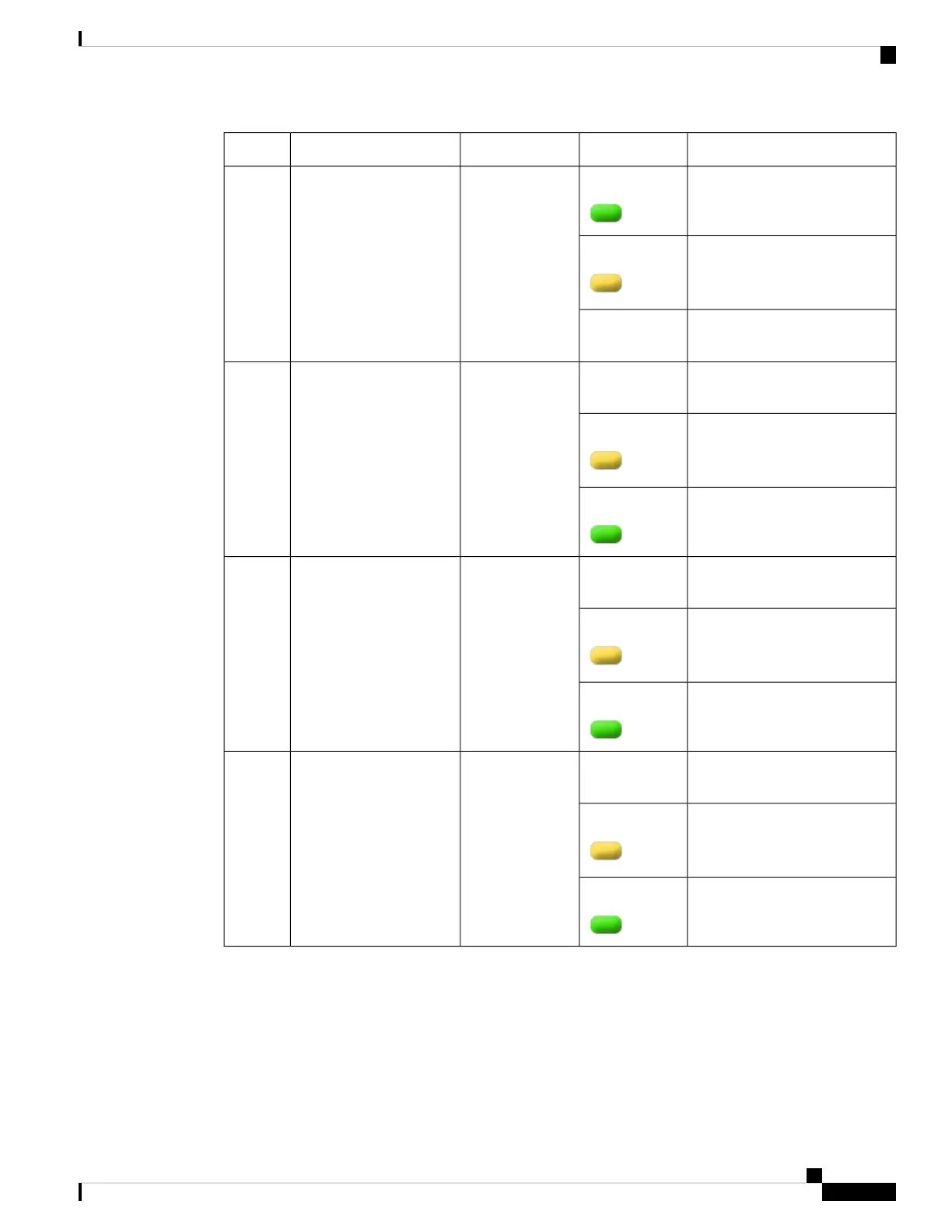
BehaviorLED ColorDescriptionLED LabelNo.
Indicates that the port is enabled
and there is a valid Ethernet Link
GreenRP SFP Port8
Indicates that the port is enabled,
but there is a problem with the
Ethernet Link.
Amber
Indicates that the port is not
enabled.
OFF
Indicates that the port is not
enabled.
OFFBuilt-in EPA 1
and EPA 2 (SFP
+ status LEDs
with 1 per port)
9, 10, 11,
12
Indicates that the port is enabled,
but there is a problem with the
Ethernet Link.
Amber
Indicates that the port is enabled
and there is a valid Ethernet Link
Green
Indicates that the port is not
enabled.
OFF1/10 GE SFP Port
Status LED (1 per
port for ports
0,2,4, and 6)
13
Indicates that the port is enabled,
but there is a problem with the
Ethernet Link.
Amber
Indicates that the port is enabled
and there is a valid Ethernet Link
Green
Indicates that the port is not
enabled.
OFF1/10 GE SFP Port
Status LED (1 per
port for ports 1,
3,5, and 7)
14
Indicates that the port is enabled,
but there is a problem with the
Ethernet Link.
Amber
Indicates that the port is enabled
and there is a valid Ethernet Link
Green
Cisco Catalyst CW9800H1 and CW9800H2 Wireless Controllers Hardware Installation Guide
11
Overview
LEDs















 To Next Page