OPERATING MANUAL
800.749.2761 www.coachcomm.com
37
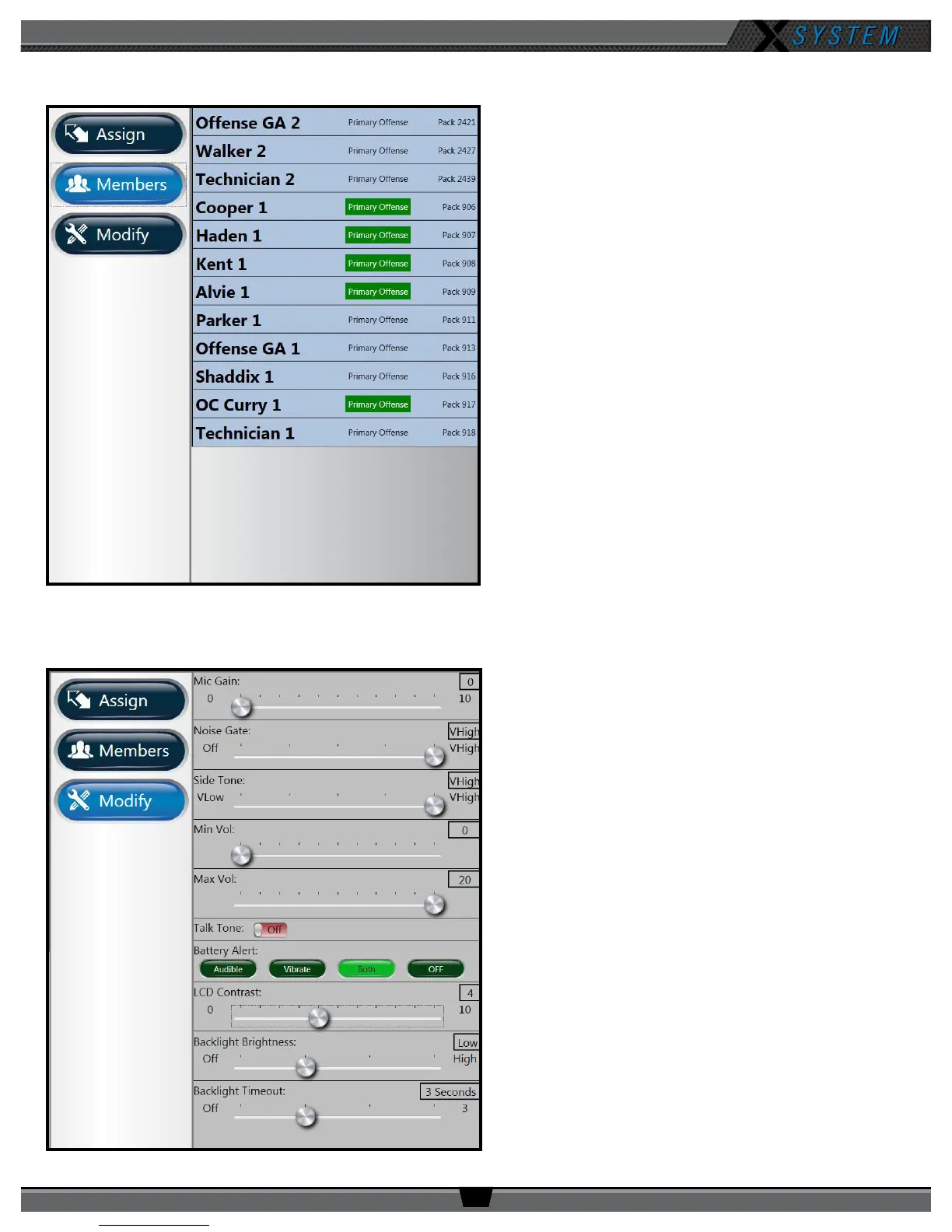
Members View
The Members button enables you to view a list of all users
the selected RP has access to. Users not on the selected
RP’s active conference will appear at the bottom of the
list, but they will be grayed out.
Clicking one of the users on the list will take you to that
user’s RP Prole view.
Modify Settings
The Modify button displays a list of User Settings that
can be customized for the selected RP. You can choose
to retain the prole’s default settings or customize the
settings once the prole is applied.
Figure 48: X-Ware Members View
Figure 49: X-Ware Modify Settings View



 To Next Page