Start up and basic functions
98-145510-E Chapter 5: Initial setup and basic functions 5-7
To learn how to use the keypad see Keypad and display menus on page 6-27.
You can also stow the antenna using the display menu system.
To stow the antenna using mobile web interface
1. Connect your smartphone or tablet to the WLAN access point of the ACU. For
information on WLAN setup, see WLAN settings on page 6-16.
2. In the browser of your smartphone or tablet, type in the IP address for the web
interface. By default the IP address is http://192.168.0.1.
3. Tap Stow.
4. Check that the status shows Stowed.
To stow the antenna using the configuration web interface
1. Connect a PC to the LAN1 connector.
2. Open an Internet browser and type the default IP address: http://192.168.0.1.
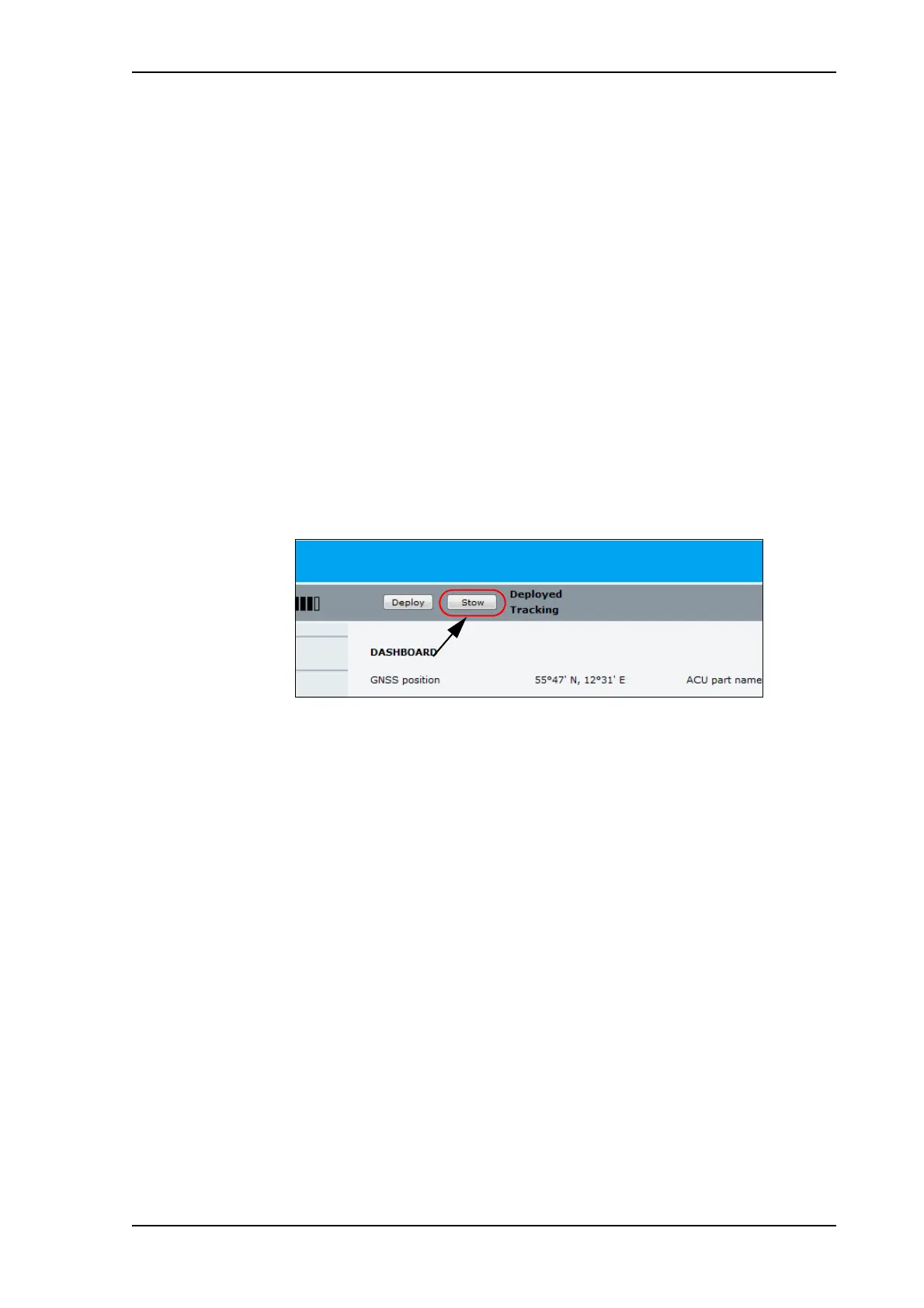
3. At the top of the page, click the button Stow.
4. Check that the status shows Stowed.
Figure 3: To stow the antenna using the web interface



 To Next Page