The web interface
98-145510-E Chapter 6: Setup and operation 6-2
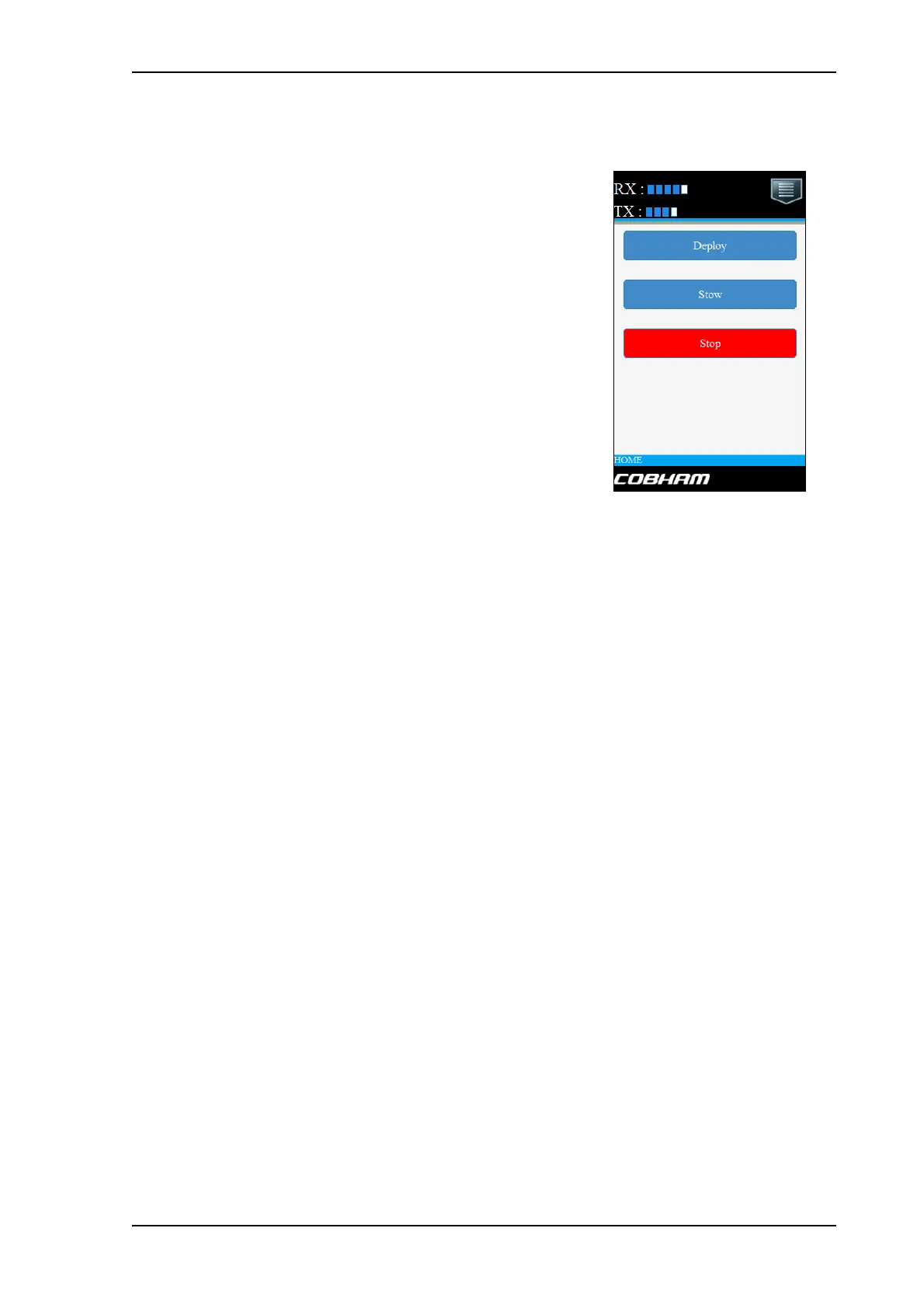
The mobile web interface opens.
To access the menu, tap the ikon in the top right corner.
Menu:
• Status shows information such as system status, host name, position, heading, selected
satellite profile, modem etc.
• Satellites lets you select which satellite to activate, see the next section.
• Eventlist shows a list of currently active events (if any).
• Desktop gives access to the “computer web interface”, i.e. the full version of the web
interface.
• Help opens the user & installation manual for the EXPLORER 8000 series VSAT system.
To select and activate a satellite profile
1. From the menu, select Satellites.
2. Select the satellite profile you want to activate.
3. Tap Activate.
The deploy, stow and stop functions are described
in Start up and basic functions on page 5-3.
Figure 1: Mobile web interface, main screen



 To Next Page