The web interface
98-145510-E Chapter 6: Setup and operation 6-21
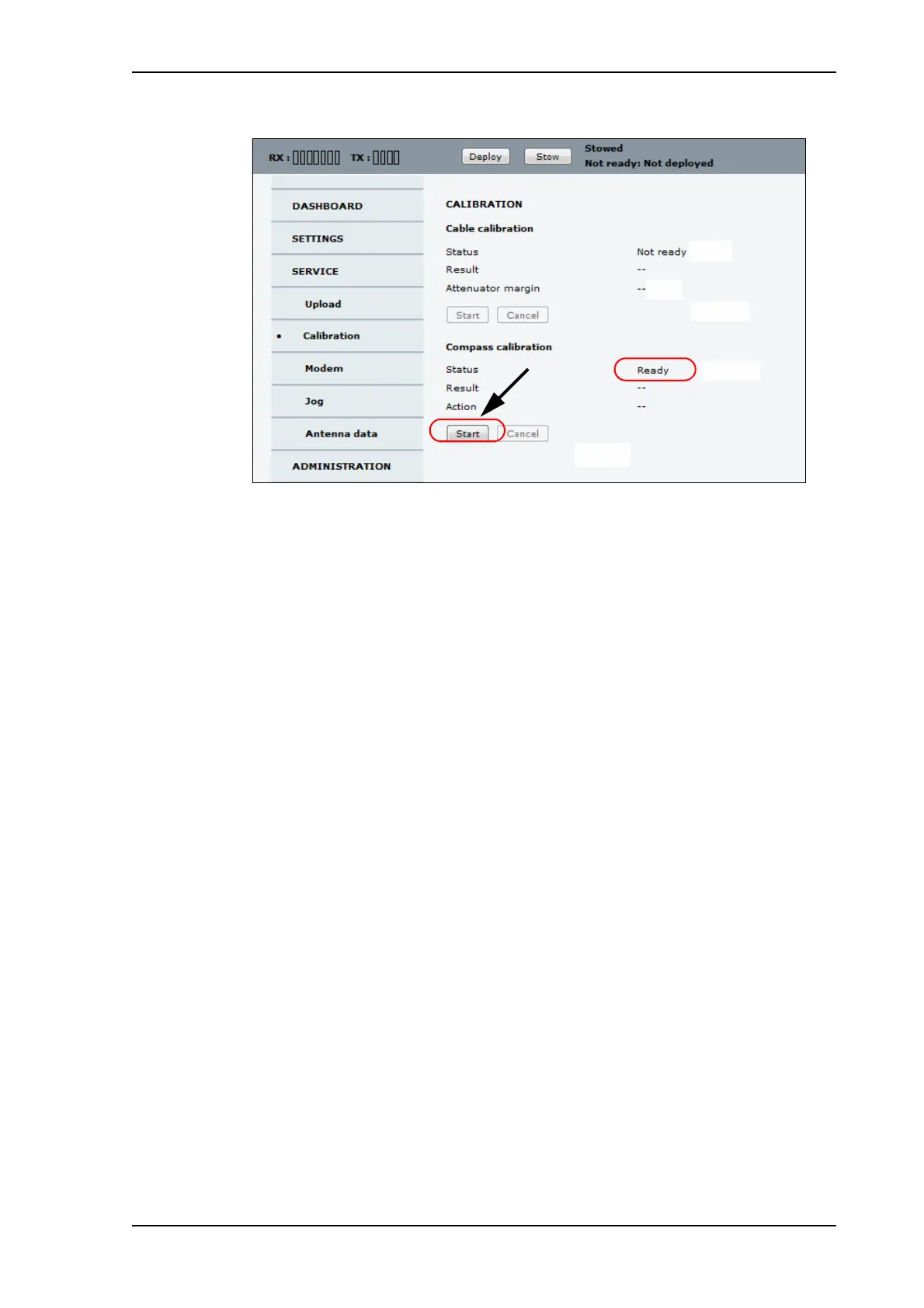
9. When the Status field under Compass calibration shows Ready, click Start.
The first calibration step begins. When the first step is completed, the Result field
shows Done and the Start button changes to a Continue button.
10.When the first part is completed, move the vehicle so that it is parked approximately on
a 90 degrees angle relative to the previous position, see Figure 13.
11.Click Continue.
12.When the Result field shows Done, move the vehicle 90 degrees again, so that it is
parked approximately on a 180 degrees angle relative to the first position and click
Continue.
13.When the Result field shows Done, move the vehicle 90 degrees again, so that it is
parked approximately on a 270 degrees angle relative to the first position and click
Continue.
14.When the Result field shows Done and the button changes to Start again, the
compass calibration is completed.
Figure 14: Web interface: SERVICE, Calibration, Compass calibration



 To Next Page