To stow and unfold the antenna manually
98-145510-E Chapter 7: Service and maintenance 7-11
9. When the Feed boom is close to the base frame, check that the rubber bumpers on the
base frame touch the feed boom correctly in both sides (straight and symmetrically).
10.Continue adjusting with the Hand crank until the rubber bumpers are slightly
compressed and the antenna is completely stowed.
11.Remove the screw driver from the Elevation stow lock release mechanism.
12.Remount the three covers (Elevation adjustment, Elevation stow lock release and the
small cover for the Azimuth adjustment).
7.4.2 Manual unfolding
Do as follows:
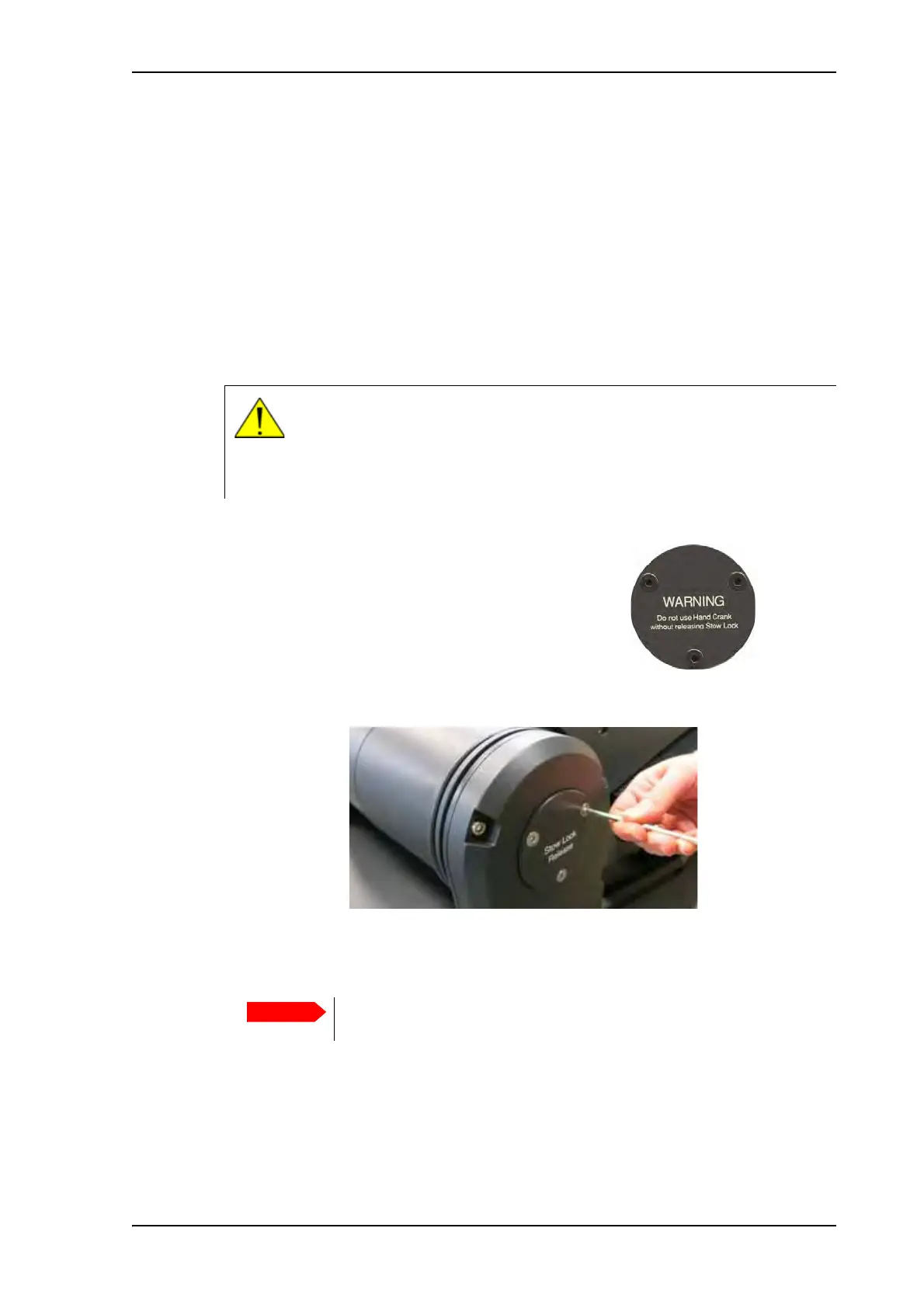
Step 1 and 2 are only for antennas with the stow
lock mechanism (marked with this warning on the
elevation adjustment cover).
If you do not have this antenna version, go directly to
step 3.
1. In both sides of the antenna, use a hex L key to remove the screws for the circular
covers.
2. Insert the hex L key at the top of the L-shaped hole, tip it downwards and follow the
direction of the hole to the left to release the lock.
CAUTION! There are two versions of the EXPLORER 8100 antenna. One
with a stow lock mechanism and one with a stow brake. For the stow lock
version it is important to release the stow lock before adjusting the
elevation. The stow lock will be damaged if it is not released before the
antenna is unfolded.
Figure 10: Covers for manual elevation adjustment and stow lock release
Leave the hex L key in the Released position while adjusting the
elevation.



 To Next Page