Code Blue
•
259 Hedcor Street
•
Holland, MI 49423 USA
•
800.205.7186
•
www.codeblue.com
GU-137-Hpage 15 of 67
IP1500 and IP2500 Series
Administrator Guide
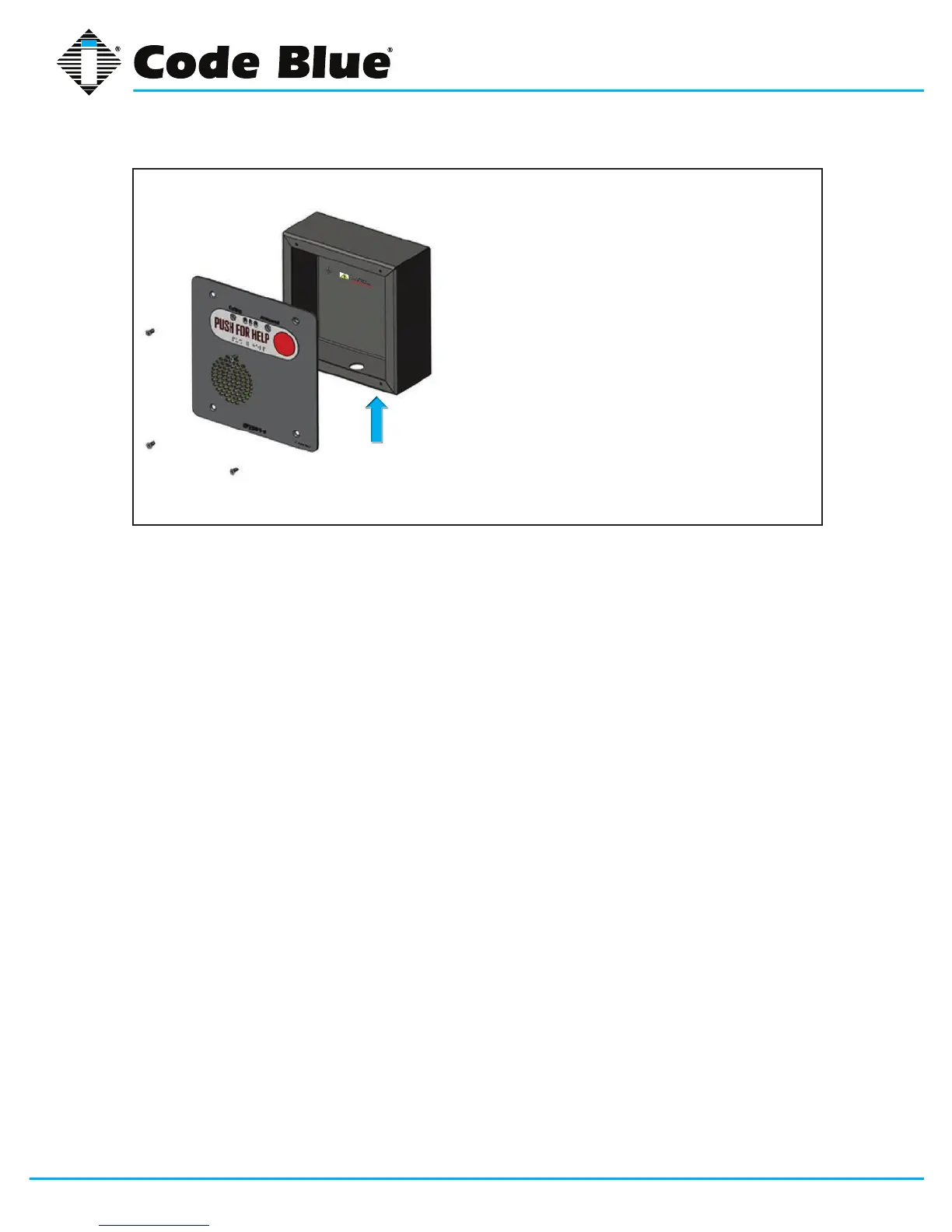
• First,removethefourfaceplatescrewsfromthe
backbox
• Usethebackboxasyourguideonthewall,
marktheroughopeningsize
• Createtherequiredopeningandconduitruns
• Pull CAT 5e cable through the conduit hole in
thebackbox
• ConnectCAT5ecabletotheEthernetporton
the PCB
• Attachfaceplatetobackbox
• Replacethefourfaceplatescrews
Vertical
Orientation



 To Next Page