Code Blue
•
259 Hedcor Street
•
Holland, MI 49423 USA
•
800.205.7186
•
www.codeblue.com
GU-137-Hpage 31 of 67
IP1500 and IP2500 Series
Administrator Guide
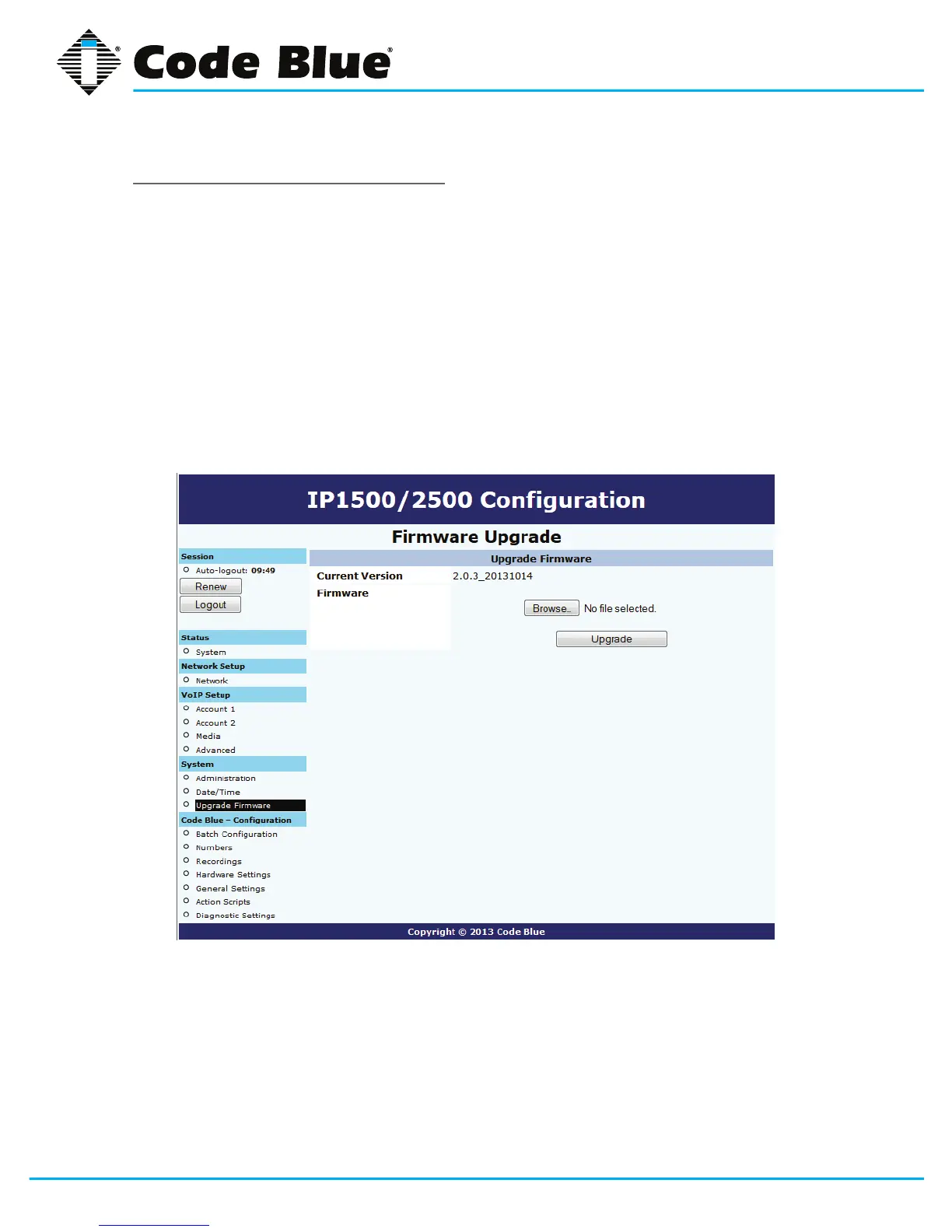
UpgradingtheIP1500/2500Firmware
Thespeakerphonermwarelecanbechangedby:
1. Select Upgrade Firmware under System (seefarlefthandcolumn).
2. Click Browse(orSelect File)andselecttheappropriatermwarele.
3. Click the Upgrade button.
4. Thespeakerphonewillupdate,automaticallybackupthenewrmwareand
reboot.Oncethisiscomplete,yournewrmwarewillbeinuseandshouldbedisplayed
nexttoCurrent Version.
Note:FirmwareversionisalsoreportedintheAdministration section.



 To Next Page