CQube MF & LF
14
OVERVIEW OF COMPONENTS
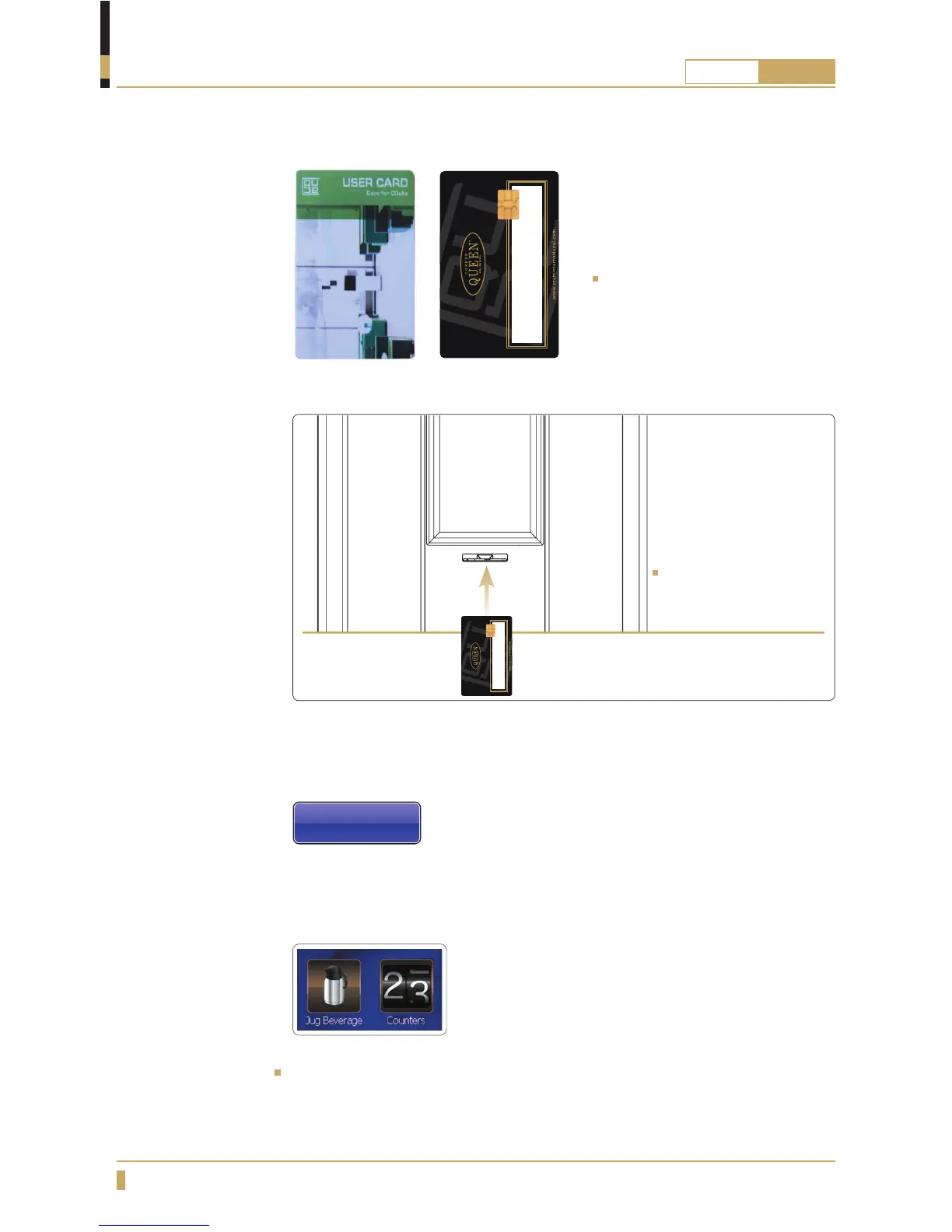
User card
Insert the user card
with the chip upwards
as gure.
User Card
Is used for entering jug mode and
see counter settings.User card is
supplied by your dealer.
The display will show the Service Menu, Jug Beverage and you can now
browse forwards through the menu.
The display will show the Service Menu, you can now browse forward by
touching these icons.
Face Back
For CQube with membrane switch
For CQube with touchscreen
To use the machine again remove the user smart card and store it in a safe place.
Service Menu
Jug Beverage






 To Next Page