19
CQube MF & LF
OPERATION
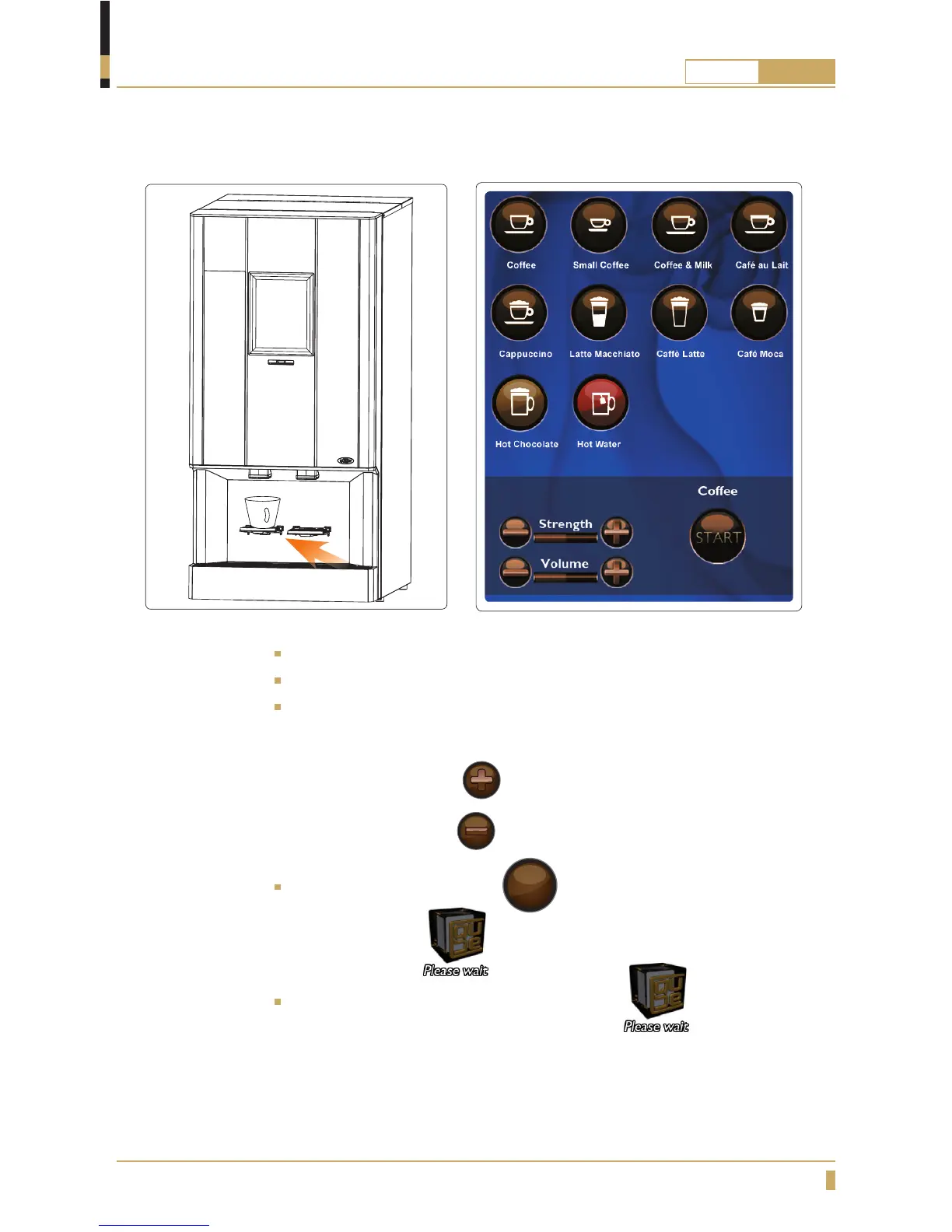
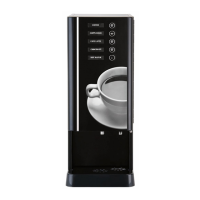
Brewing a cup of coffee (CQube with touchscreen)
Place a cup under the outlet for hot drinks. (A)
Choose drink by pressing the drink button on the display.
The strength of the drink is set to default. If you would like to increase or
decrease the strength then follow the steps in the section below.
Stronger drink, Press the
button
or
Weaker drink, Press the
button
Con rm drink by pressing the
START
button
The display shows:
and the cup light goes on.
Wait until the cup light switches off and the text has
disappeared from the display before removing the cup.
A






 To Next Page