CQube MF & LF
16
INSTALLATION AND START-UP
Switch
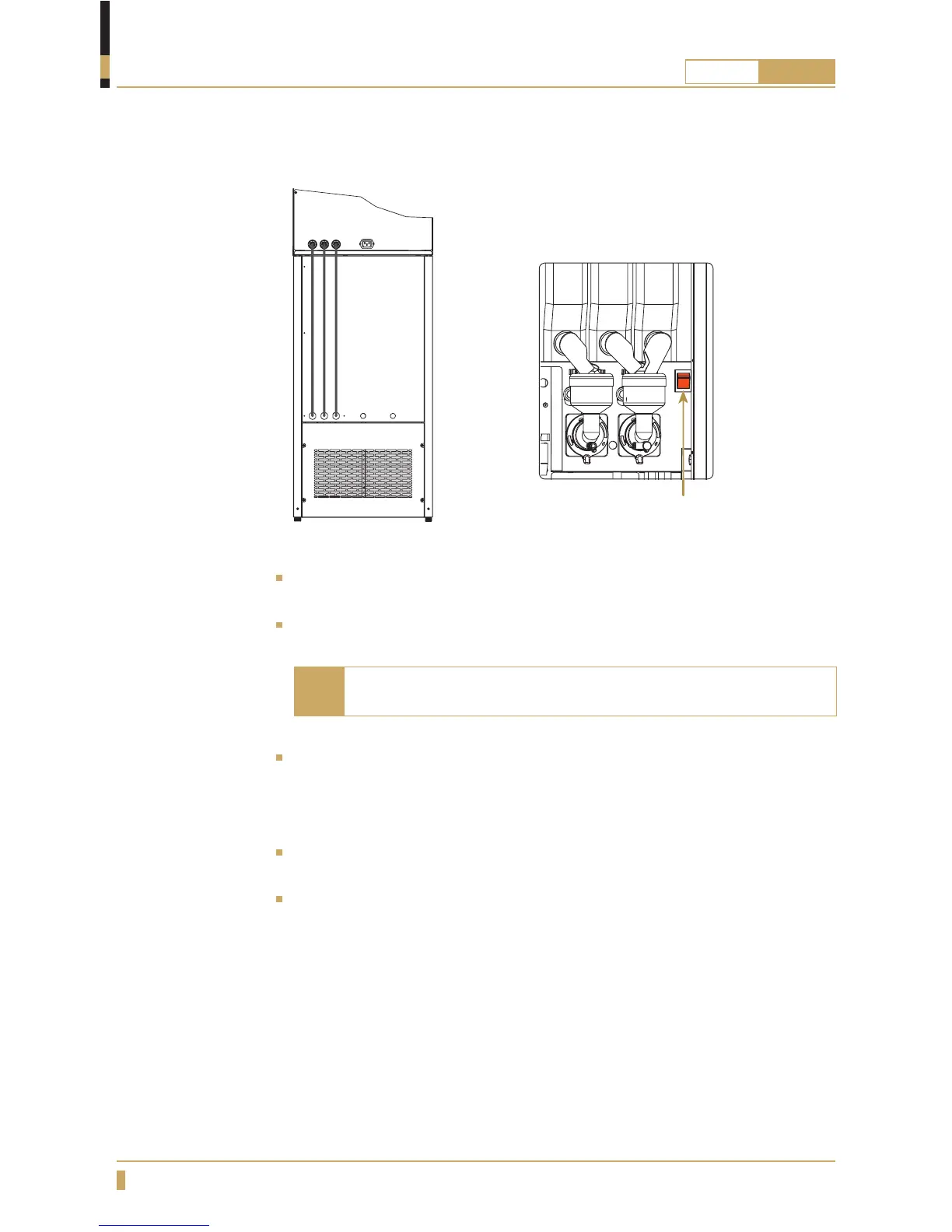
Now connect the electricity cable which comes from the base cabinet into the
electric socket at the machine (B).
Switch on the machine again and wait until the text in the display starts to
rotate.
The fresh-brew machine must be warm before any cold water
can be dispensed.
Note
Take a glass and press the button for cold water until water is dispensed in a
even fl ow and the pressure pump that is buzzing gives a different calmer sound
(cold water compressor is relatively quite so it should not usually be heard very
much)
Now press the button for carbonated water so the water can mix with the
carbon dioxide, keep the button pressed until you have a even fl ow of water.
When you release the button the pump will ll up the cooling unit and then turn
off. The machine is now ready for use.
B
A






 To Next Page