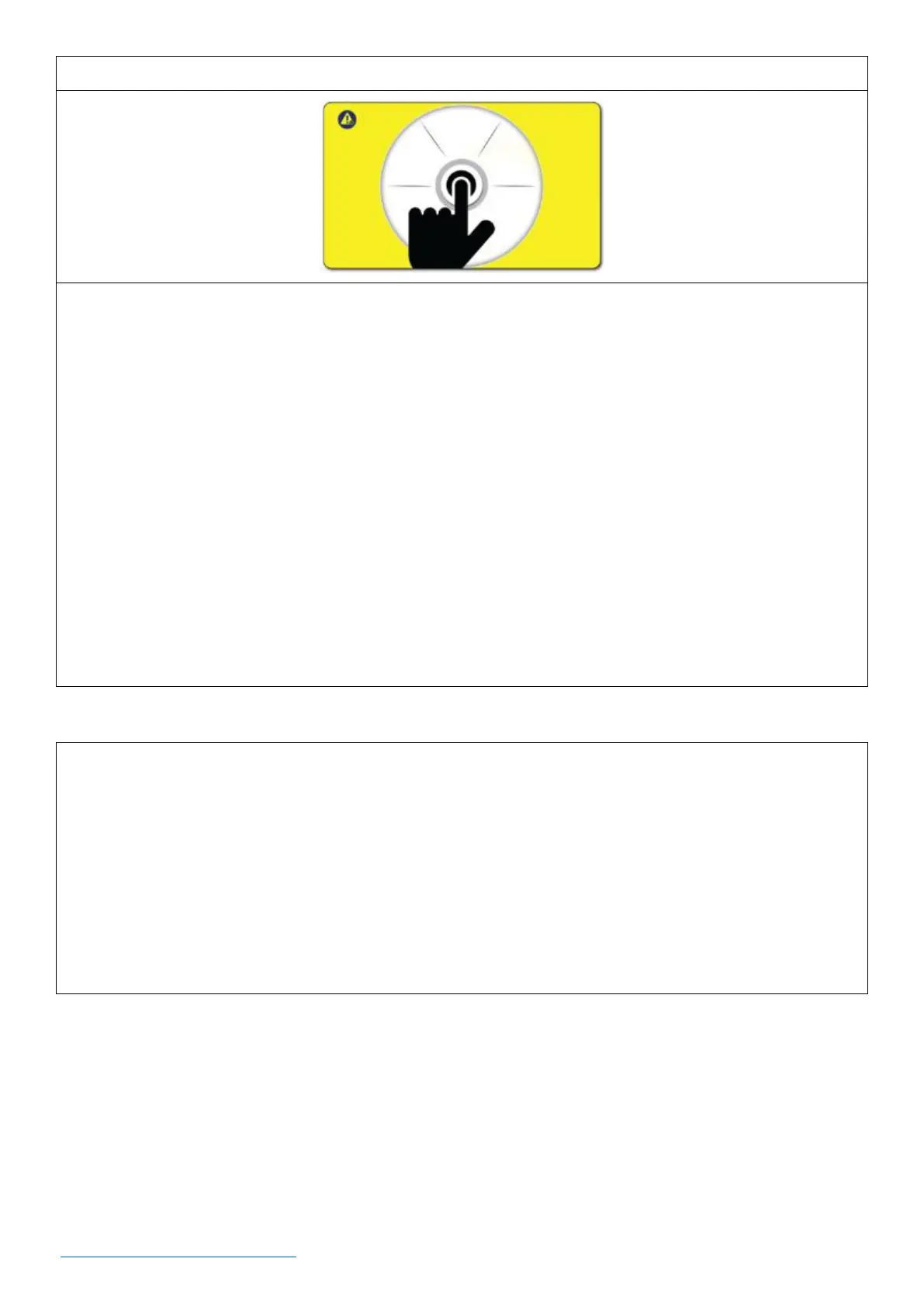
• The reset screen appears if the Emergency Stop Button has been depressed (activated) or if the lid
to the trough has been opened.
• If an emergency has occurred in which the Emergency Stop button has been depressed (activated)
o Correct any issues that initially caused the emergency.
o When the issue(s) have been corrected, reset the Emergency Stop button.
o Press the rotary encoder dial on the reset screen as shown above. This will cause the
machine to go through a calibration sequence that lasts about (15) seconds. It will then
return to its last mode of operation prior to shut down.
• If the trough has been opened, close it. Then, press the rotary encoder dial on the reset screen as
shown above. This will cause the machine to go through a calibration sequence that lasts about (15)
seconds. It will then return to its last mode of operation prior to shut down.
The standard machine package includes:
• 1/2 in (12.7 mm) Precision Applicator with on/off, air-only, light control.
• 1/2 in (12.7 mm) Blast Hose
• 1/2 in (12.7 mm) Air Supply Hose
• Choice of 2 Nozzles
• Mobility Cart - Your choice of standard storage cart (2A0620) OR thermo-cart (2A0592) with a
built-in cooler for dry ice storage



 To Next Page