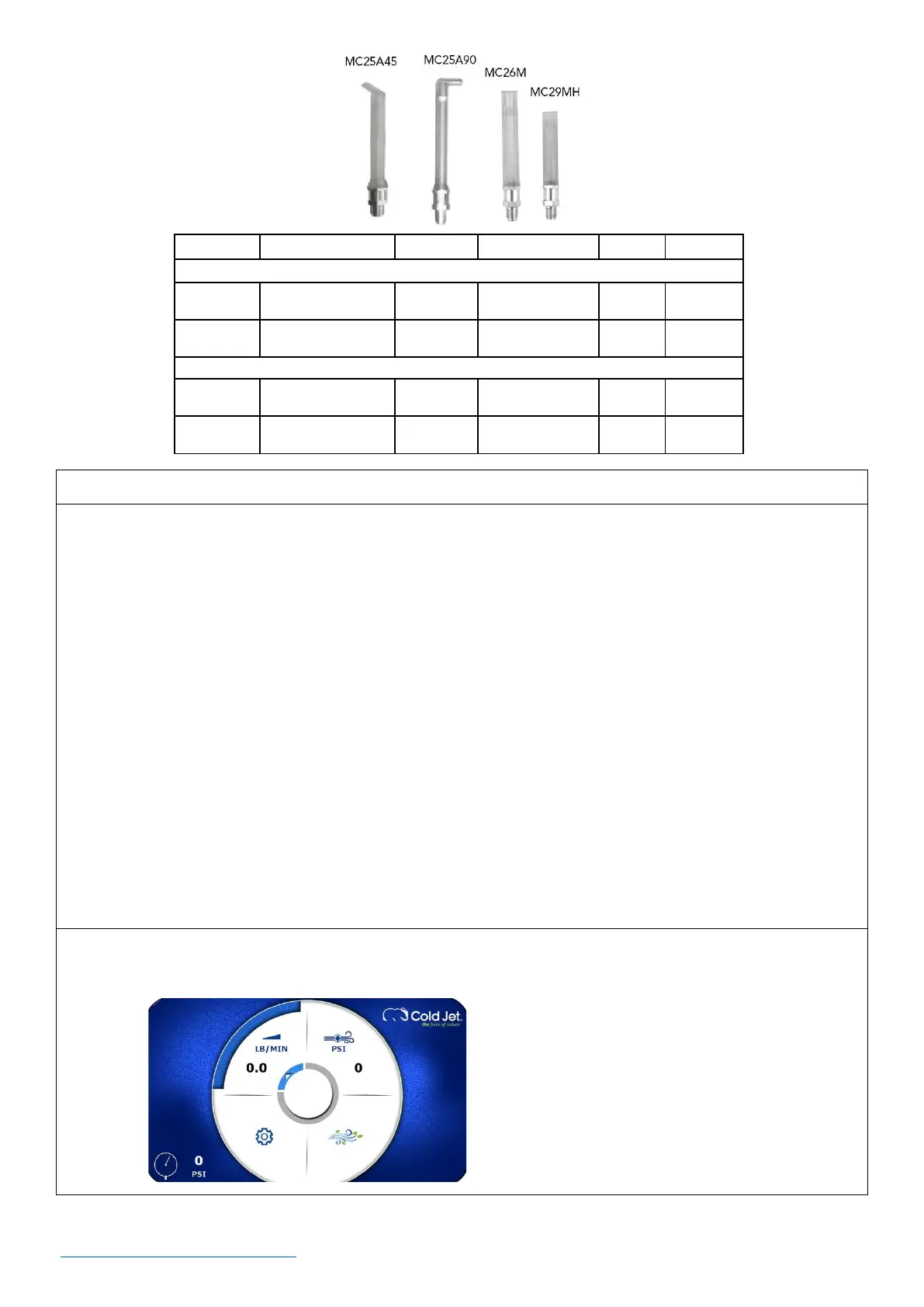
• This machine uses a rotary encoder dial that allows the operator to navigate, select, and adjust
settings on the control panel screen. You must first press the rotary encoder to activate navigation.
• Navigate between options by turning the rotary encoder dial left or right; this will highlight the
option in blue. Once the desired option is highlighted, simply press the dial to select it; this will
highlight the option in green. With the option selected (green), turn the rotary encoder dial left or
right to adjust the setting, then press again to accept.
• To access other screens (i.e., recipes, machine status, advanced settings, applicator light, screen
lock) using the rotary encoder dial, navigate to the settings screen and press to select. Continue to
navigate through the screens and adjust the settings as needed by turning and pressing the rotary
encoder dial.
• Once the settings are completed and after approximately (30) seconds, the screen on the control
panel will change to a screen saver with incoming air pressure and feed rate.



 To Next Page