EasyManua.ls Logo

Cold Jet i3 MICROCLEAN 2 - Page 17

Cold Jet i3 MICROCLEAN 2
46 pages
Print Icon
To Next Page IconTo Next Page
To Previous Page IconTo Previous Page
Loading...
17 2023-08-29
Click to go to Top of Document
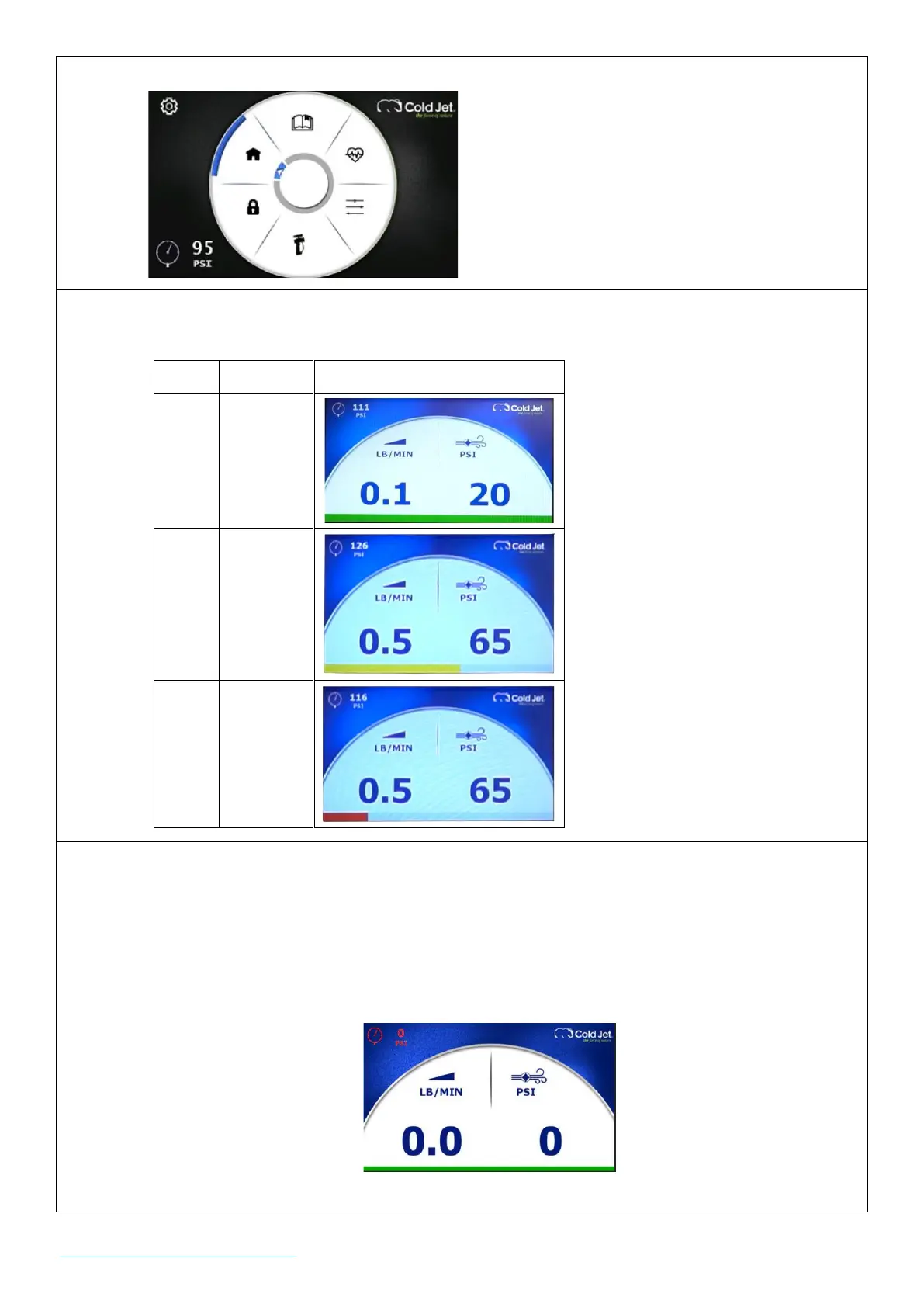
o A settings screen with a black background.
During operation, the HMI screen will have an indicator at the bottom of the screen that will
change colors to convey the level of dry ice in the trough.
Color
Level
HMI Screen
Green
Full
Yellow
Half Full
Red
Low
During operation, the numbers on the screen will change colors to indicate normal operation or
a failure mode.
o White (numbers on blue background) and Blue (numbers on white background) = Normal
o Orange= Warning
o Red = Critical - Needs Attention
Example Screen Showing Red/Needs Attention Numbers

Other manuals for Cold Jet i3 MICROCLEAN 2

Related product manuals