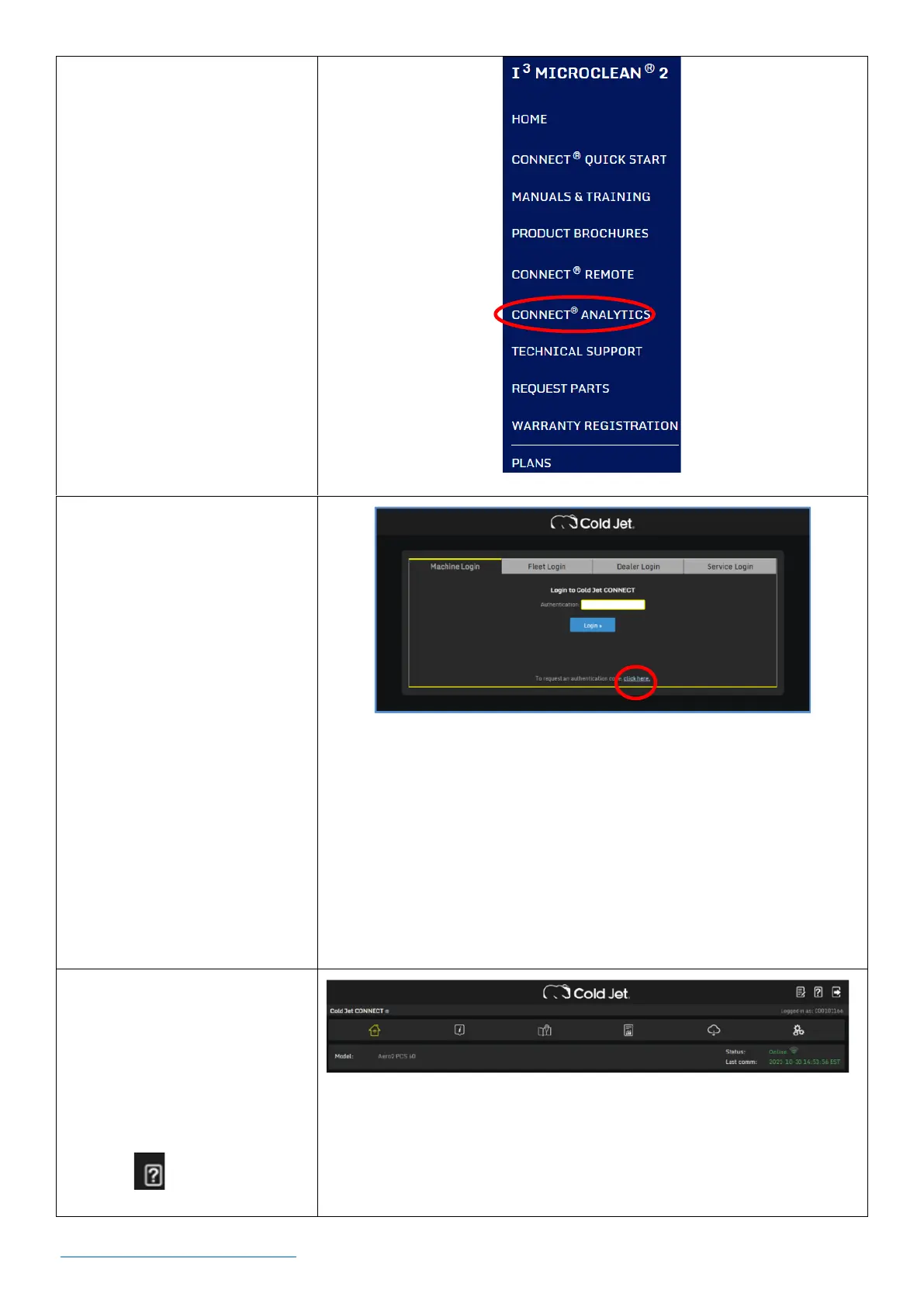
2. Click on Machine Login.
3. Enter your
Authentication Code.
NOTE: If you don’t know
your authentication code,
request it by clicking the
“click here” link located at
the bottom of the page
(circled in red on the right).
A form will be shown. Fill in
and submit the form. A
code will be sent by email.
4. Click on the Login button.
5. Once logged in, the page
on the right is shown. To
learn more about the
analytics, access the user
guide by clicking the help
icon .



 To Next Page