InteliLite
NT
– MRS3,4, AMF8,9, SW version 1.4, ©ComAp – October 2008 26
IL-NT-MRS3,4-AMF8,9-1.4-Reference Guide.pdf
Analog inputs
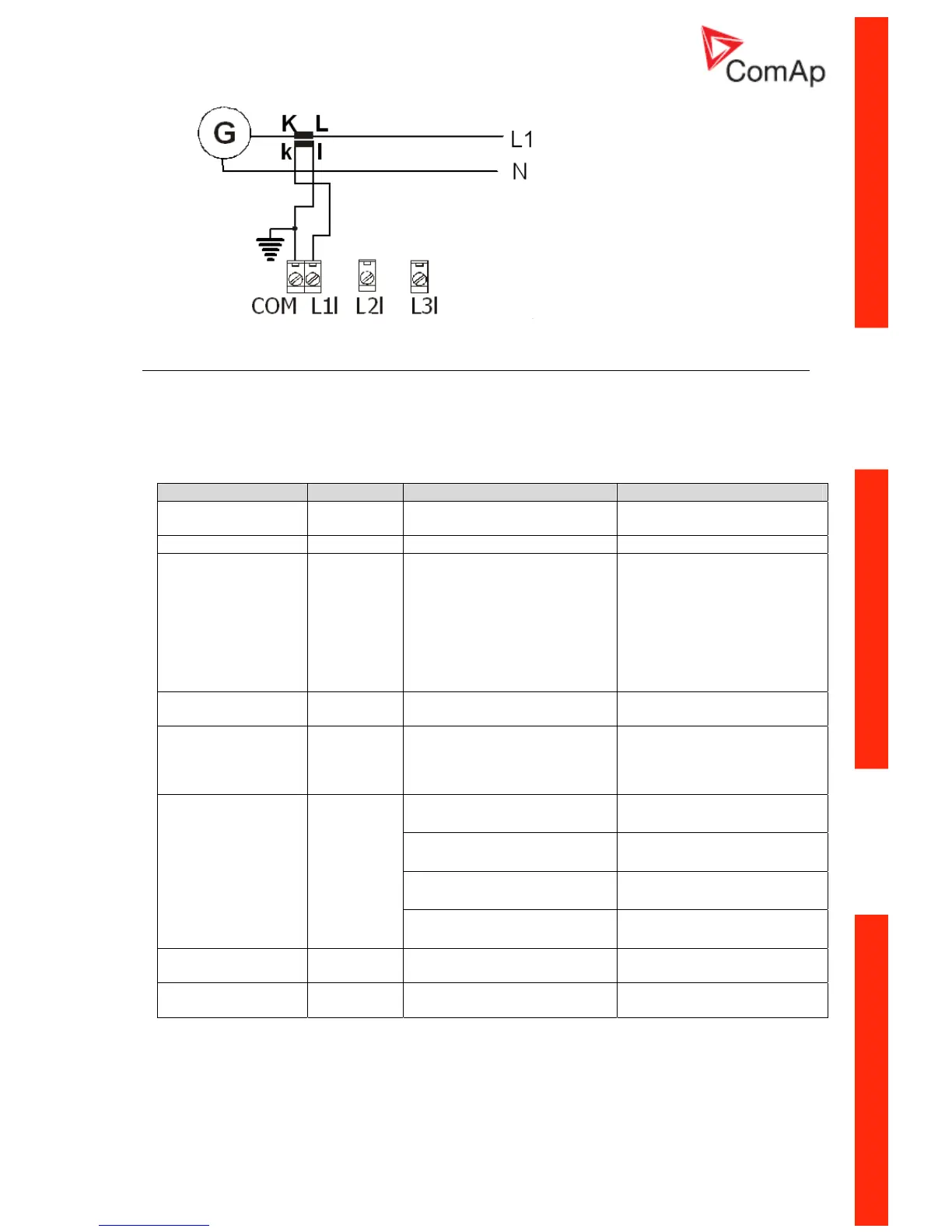
Two analog inputs are available on the IL-NT.
Configuration
Each analog input can be configured by LiteEdit software following way.
Analog input item LiteEdit Possibility
Type Type Not used
Alarm
Analog input isn’t used
Analog input name Name Up to 14 ASCII characters
Config of input Config Analog
Binary (not supp. by PTM)
Tri-state (not supp. by PTM)
ECU
Analog measuring in specified
range.
Binary: open/close - threshold
750 Ω.
Three-state: open/close -
threshold 750 Ω,
Failure <10 Ω or > 2400 Ω
Value is read from ECU
Physical dimension Dim bar,%,°C, … Up to 4 ASCII characters
(Valid only for analog inputs)
Polarity Contact type NC
NO
Valid only for binary and three-
state inputs
Valid only for binary and three-
state inputs
Over Overstep. Sensor Fail does
not activate protection.
Over+Fls Overstep and Sensor Fail
activates protection.
Under Under step. Sensor Fail does
not activate protection.
Protection direction Protection
Under+Fls Under step and Sensor Fail
activates protection.
Sensor characteristic Sensor Predefined user curves
User changeable and
configurable
Resolution Resolution 0 – 0,00001 Sensor resolution
(Valid only for analog inputs)
User Curves are adjustable in LiteEdit.
Each Analog input has separate set points for two level alarm setting. Analog input alarm levels and
delay adjust in Basic settings group.






 To Next Page