35
Profiles
Sign In to Your Skype on XFINITY Prole
A Skype on XFINITY prole is a combination of your Comcast and Skype accounts. Your Skype on
XFINITY Prole is:
SKYPE ON XFINITY PROFILE = COMCAST ACCOUNT + SKYPE ACCOUNT
- Comcast ID - Skype Name
- Comcast Password - Skype Password
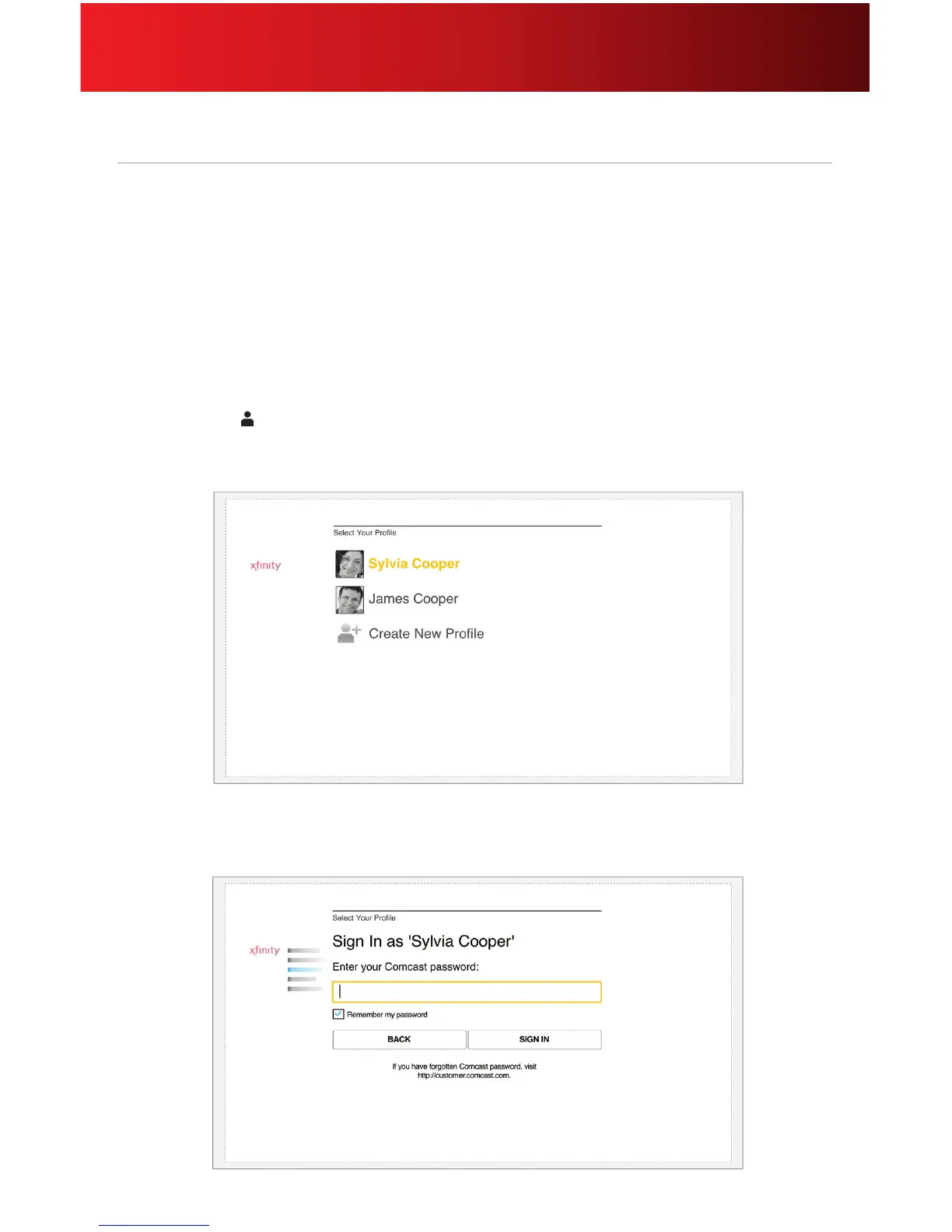
To sign in to your prole, follow these steps.
1. Press the Proles button on your remote.
2. Select an existing prole (if more than one) and click OK on your remote.
3. Using your remote’s keyboard, enter your password, then click SIGN IN. This step is not required
if you have set your prole to remember your password.






 To Next Page