78
Other Features
Notications
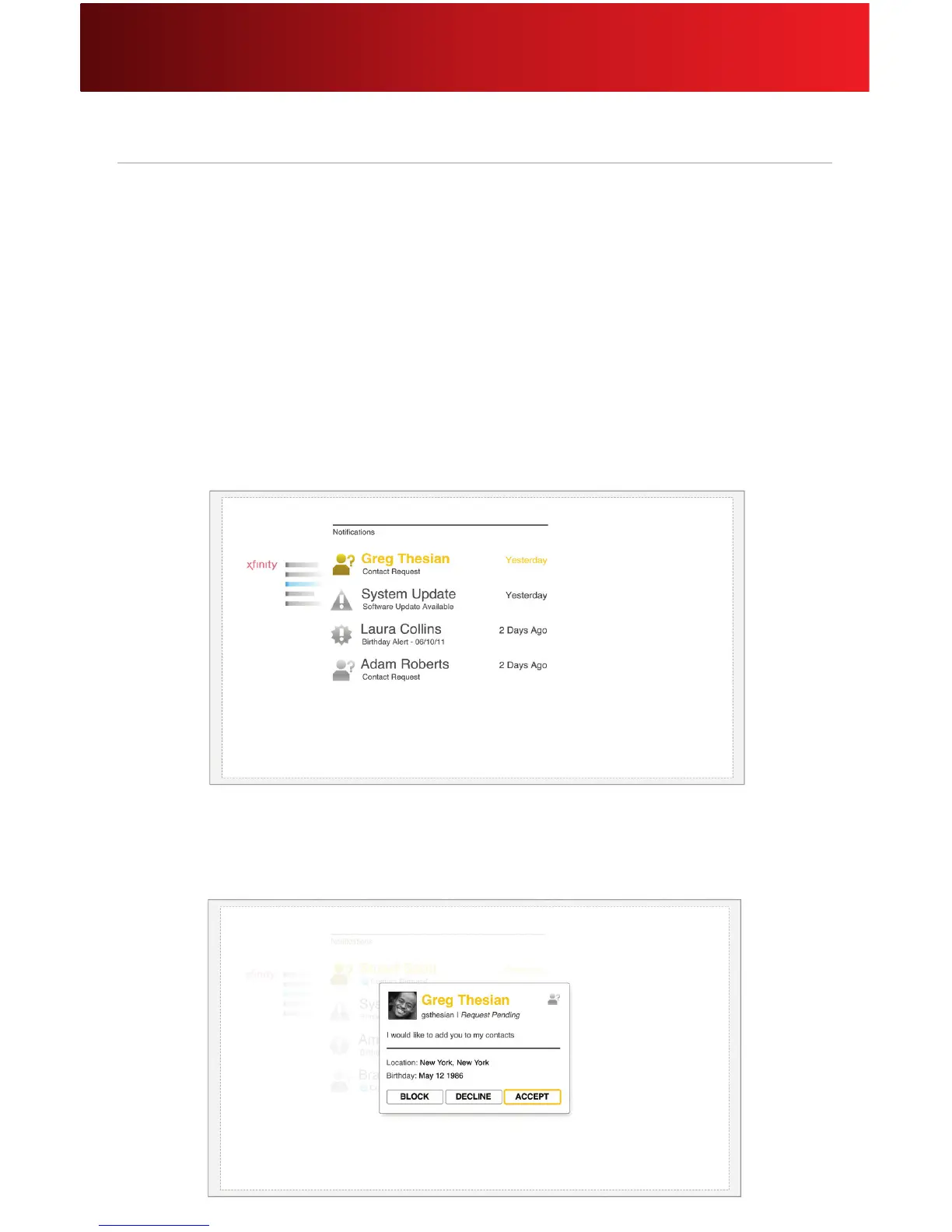
Notications are helpful alerts that are displayed until an action is taken. For instance, a software update
will remain in your list until you download and install the software. Not all notication types are currently
available. Other examples include:
• Contact requests sent by family and friends: Accept or decline a contact request,
or block a contact.
• Software updates: To optimize performance, download security and feature enhancements.
• Birthday reminders for your contacts.
• Not all Notication types are currently available
View and Respond to a Notication
1. Select Notications.
2. Select the notication you want to respond to or view.
3. A window provides the details of the notication. Click the desired action. Following is an example
of a contact request notication.






 To Next Page