50
Messages
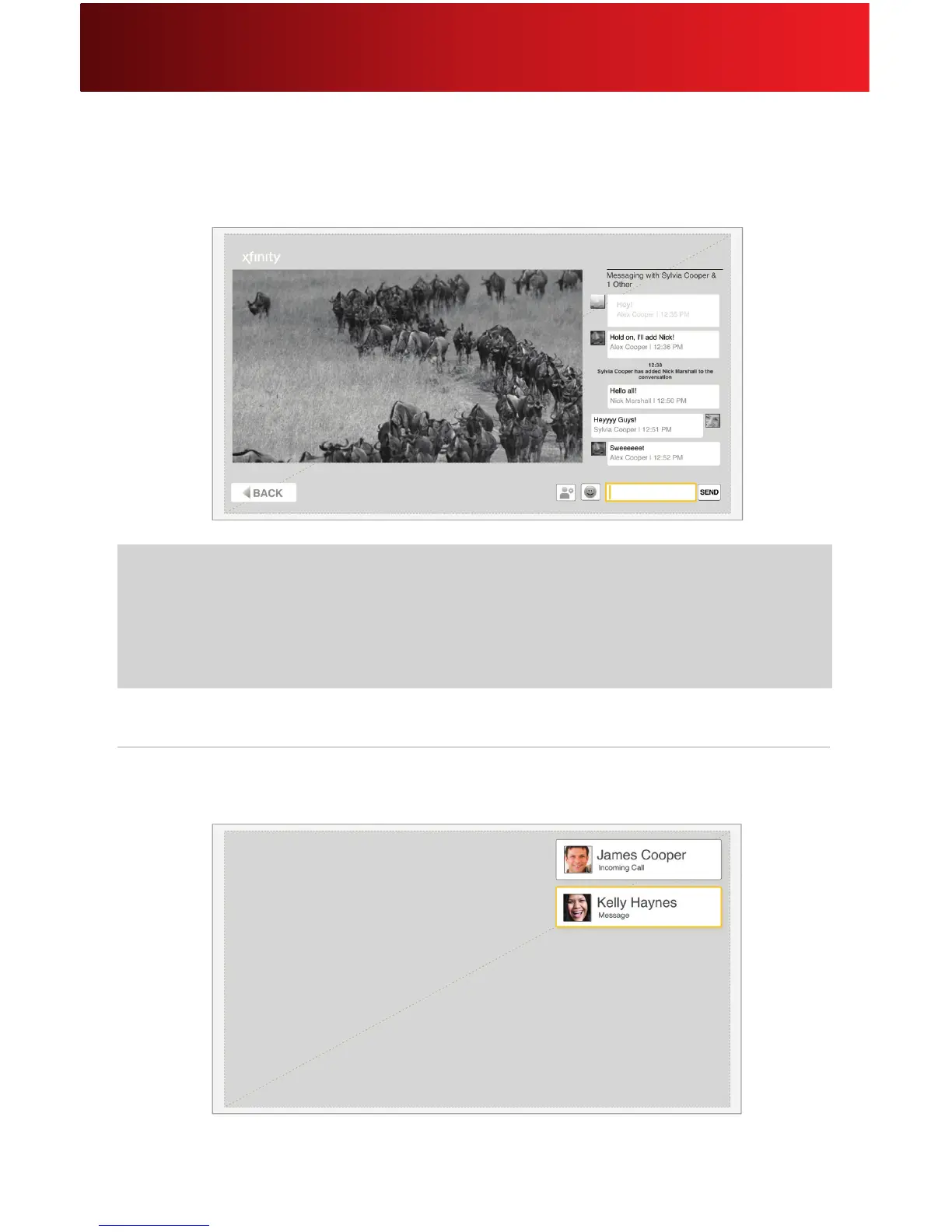
3. Using your remote, type your message. Press OK on your remote or click SEND on your
screen. You will see your message, along with your contact’s response, on the screen as the
conversation continues.
Incoming Messages
1. When a message notication appears on your screen, it will identify the person who wants to
message with you.
2. Select the contact.
Helpful Hints for Messages
• Ifyourremoteisnotworking,refertotheHelpfulHintsfortheRemotesectiononpage9.
• WhetheryouarewatchingliveTV,OnDemandorDVRprogramming,youcansendandreceive
messages wile the TV program continues to play.






 To Next Page