58
Contacts
Helpful Hints for Pending Contact Requests
• If someone has sent you a contact request, they will not appear in your Pending Contact Requests
list. To view contact requests you have received, go to Home, then select Notications.
• The Pending Contact Requests menu item will only be visible if you have contact requests.
Pending Contact Requests
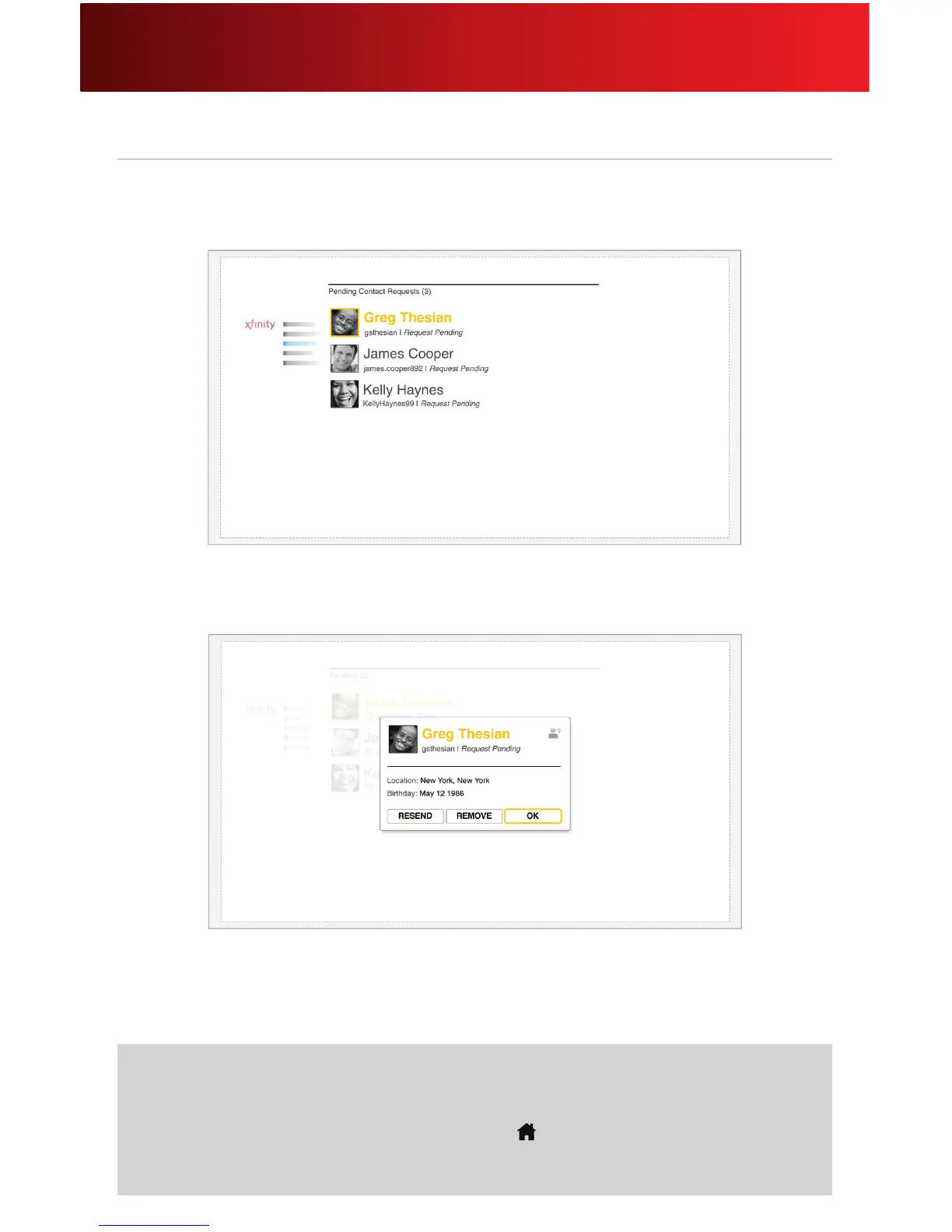
1. Select Pending Contact Requests from the Contacts menu.
2. You will see a list of people you have sent contact requests to.
3. If you want, you can resend the request. You can also remove the contact from this list. Please
note that removing a contact from this list does not withdraw your contact request.






 To Next Page