60
Contacts
3. Click SEARCH SKYPE.
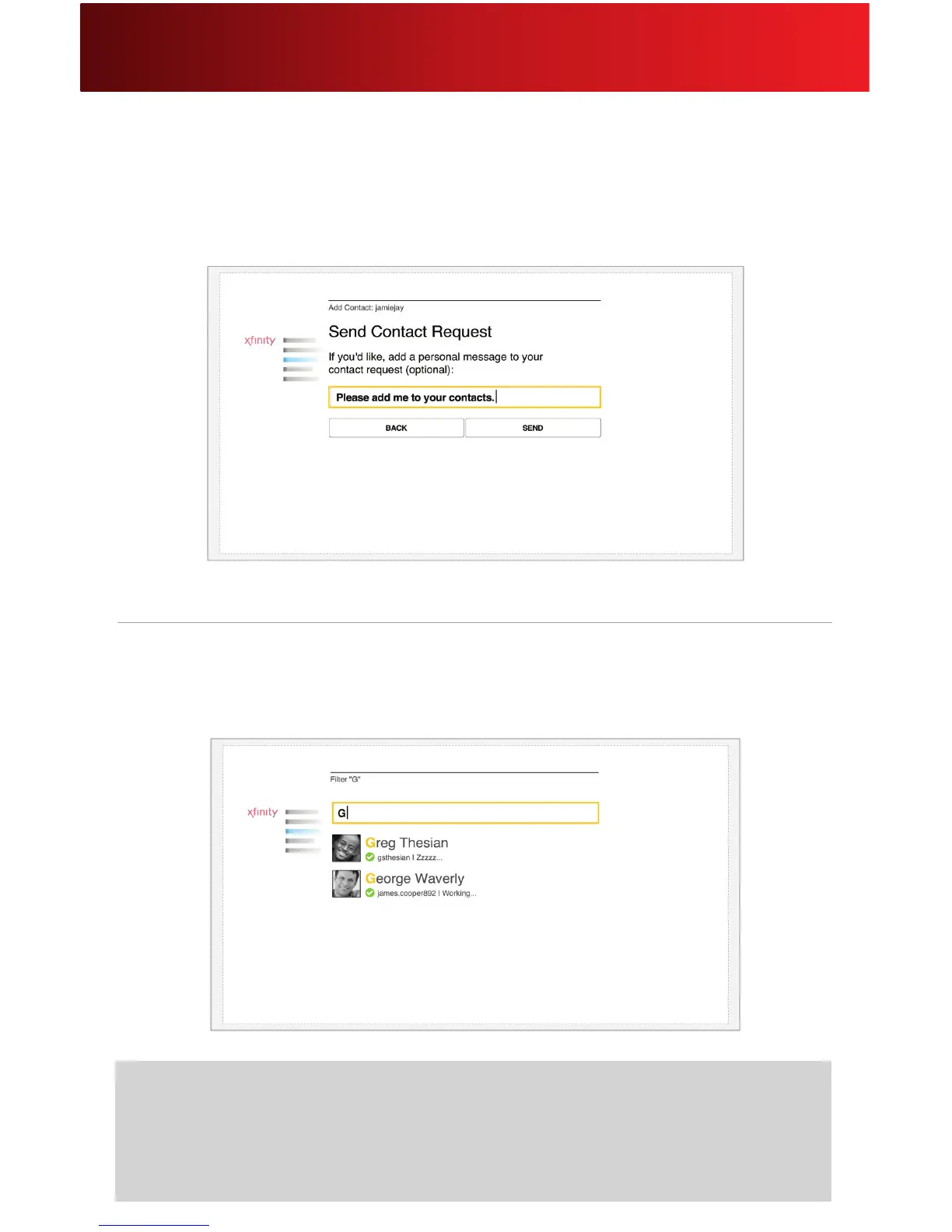
4. Select the contact to send a contact request to. You can also add an optional personal message.
5. Click SEND.
Filter Contacts
1. When you are viewing one of your contacts lists (Available, Pending Contact Requests or All
Contacts), press any alphabet key on your remote to lter which contacts are shown in your list.
2. As you type a contact’s name or Skype Name, matching entries are displayed.
Helpful Hints for Filtering Contacts
• If your remote’s keyboard is not working, refer to the Helpful Hints for the
Remote section on page 9.
• To expand choices, enter fewer characters. To reduce choices, enter more characters.






 To Next Page