55
Contacts
Your Contacts’ Information
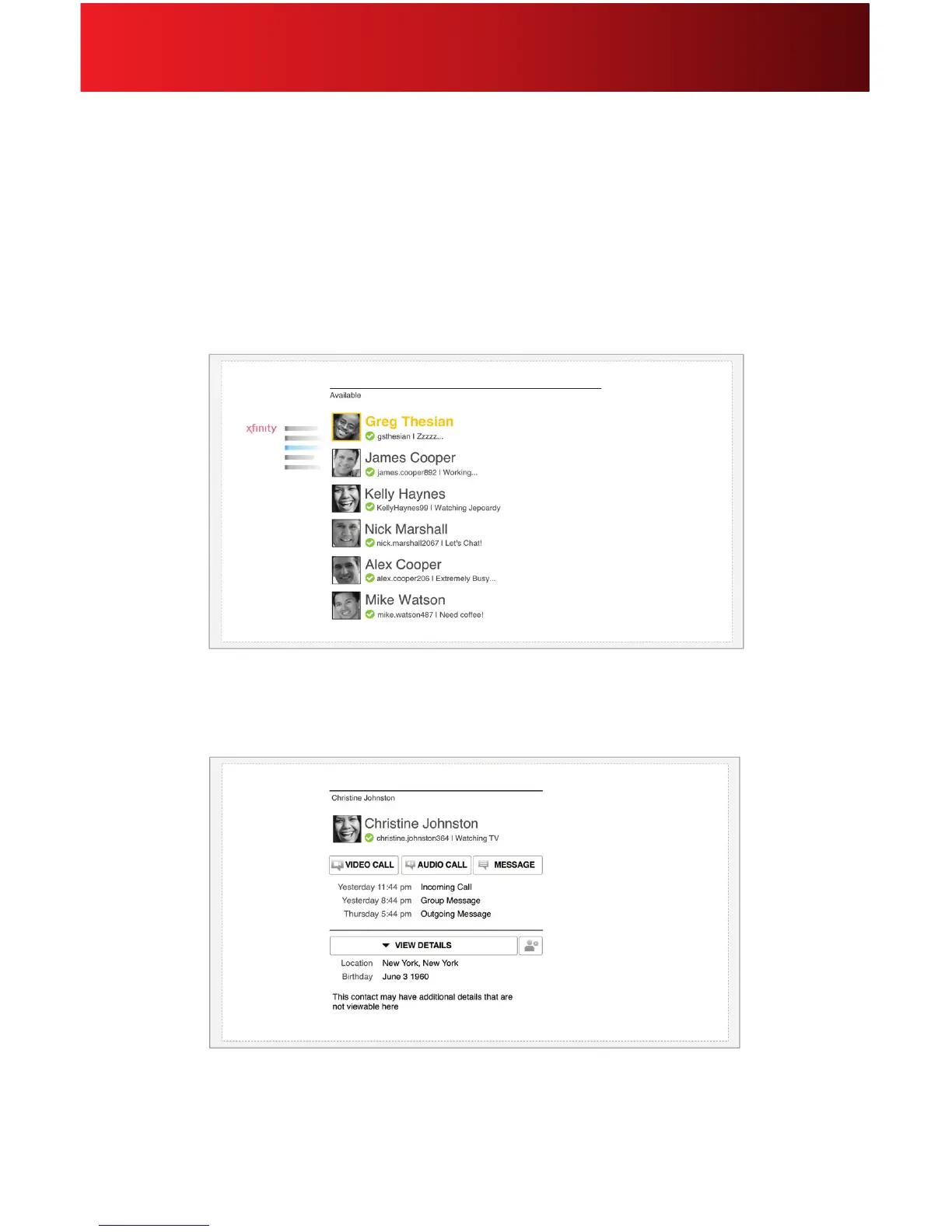
Select a contact to view their prole picture, name, status, mood and other information. Your contacts are
sorted by status and then alphabetically.
View your recent conversations and connect right from this screen by following these steps:
1. From Contacts or Recent, select a contact. Your contacts are sorted by status and
then alphabetically.
2. From here you can initiate a video or audio call, or send a message.






 To Next Page