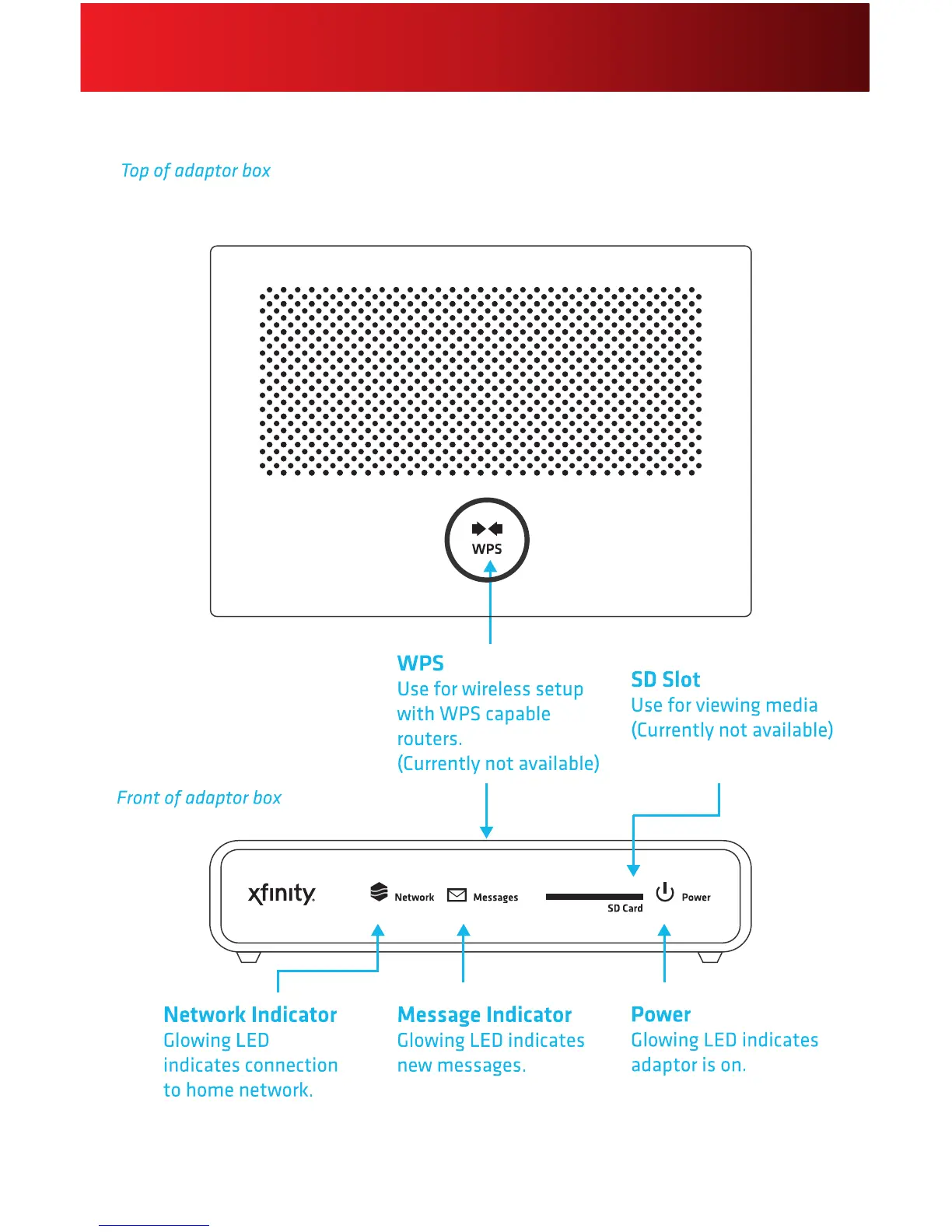
Helpful Hints for the Adaptor Box
• ThereisnoOn/Offindicatorlight.ThePowerLEDremainslitwhenpluggedin.
• Pleasebeawarethatdigitalaudiocanrunthroughyourdigitalaudioreceiver,butdigitalvideo
mustbeconnecteddirectlyfromyouradaptorboxtoyourTV.
• TheResetbuttonisrecessedtopreventaccidentalpressingandhastwofunctions,depending
onthelengthoftimeheld:
- NormalReset:InsertathinobjectandholdtheResetbuttonfor2-5 secondstorebootthe
adaptorboxandkeepyourpersonalsettings.
FactoryReset:InsertathinobjectandholdtheResetbuttonfor15 or more secondsto
deleteALLpersonalsettingsandrestoretheadaptorboxtothedefaultfactorysettings.Factory
Resetshouldbeusedwithcaution,asitremovesallSkypeonXFINITYproles.






 To Next Page