Alarm
ALARM
Panic
Fire
Priority call 4
Configure ViP address
Audio message
Call received audio message
• CONFIGURE VIP ADDRESS
Allows you to enter the address of the device to which the
emergency call is to be directed.
See "CONFIGURE VIP ADDRESS" on page 16
• AUDIO MESSAGE
This function - when selected - allows you to send a pre-recorded
audio message as an emergency call.
• CALL RECEIVED AUDIO MESSAGE
When selected, this function allows a pre-recorded message to
be launched automatically if a priority emergency message is
received by the monitor.
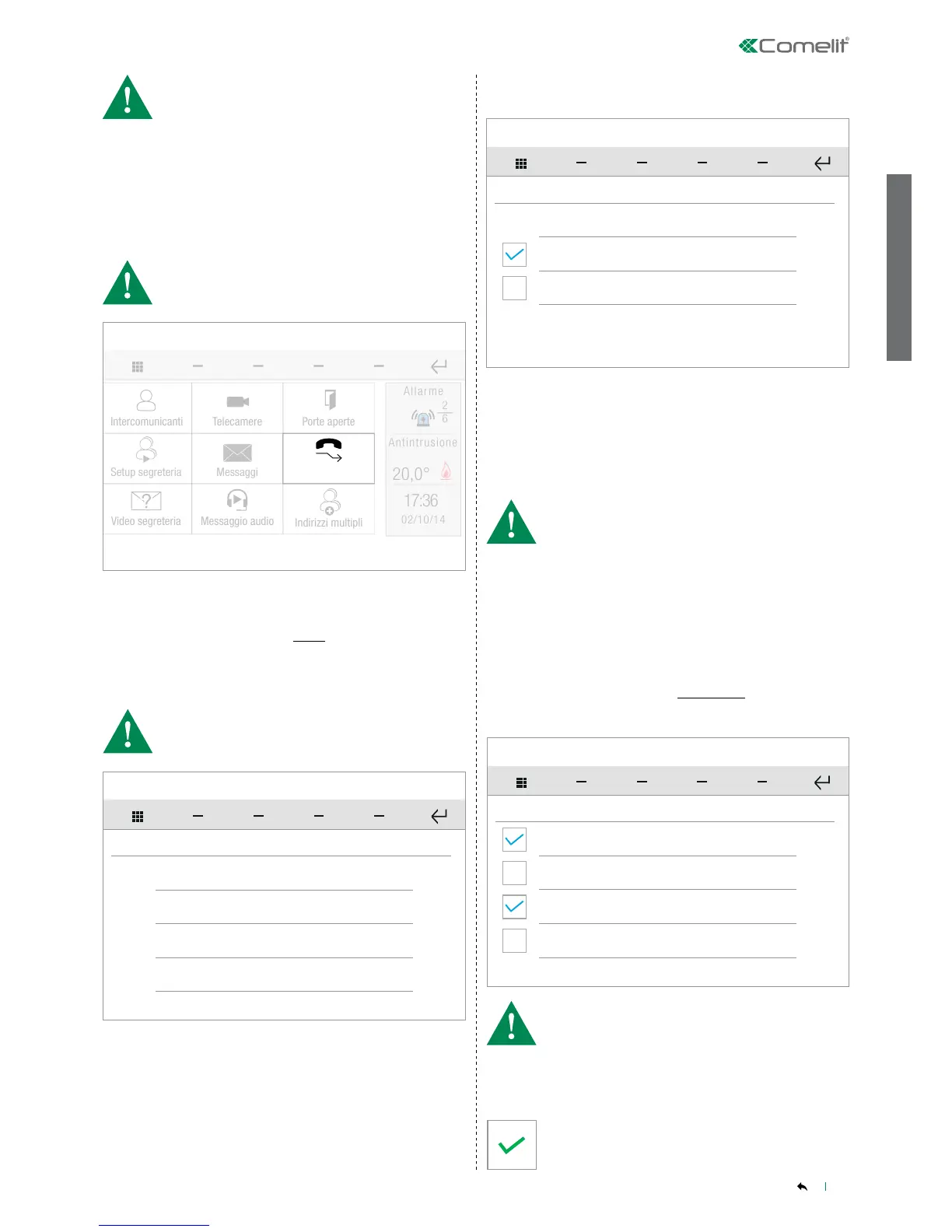
From this menu you can set and manage a series of previously
programmed emergency/alarm calls to a control panel.
Press next to the required call type to open the corresponding sub-
menu.
• YOU can also associate a pre-recorded audio message on an SD
card to an emergency call.
• Consult your installer for conguration of alarm calls!
Door entry monitors - Alarms
SETUP-ADVANCED-Door entry monitors-Alarms
• The message must saved on the SD card.
• Consult your installer for conguration of the audio message and
alarm calls!
CONTENTS
• ACTIVATE TIMED DIVERT
Selecting this function activates call divert in the event of no reply
or absence.
• ACTIVATE DIVERT WHEN BUSY
Selecting this function activates call divert if a call is received
when the device is already busy with another call.
• The waiting time value only applies when the ACTIVATE TIMED
DIVERT function is enabled (see below).
• If the CALL DIVERT function has been CONFIGURED, then the
DOOR ENTRY MONITORS menu will display an icon for the rapid
activation/deactivation of the function.
Normally open
ACTIVATE OUTPUT
Normally closed
Monostable
Bistable
This function allows you to set the characteristics of the output.
» In monostable mode you can set the activation time in the
dedicated window.
Door entry monitors - Activate output
SETUP-ADVANCED-Door entry monitors-Activate output
•
are mutually exclusive options
Set the desired values (days, hours, minutes, seconds,
hundredths of a second) then press the icon to confirm.


 To Next Page