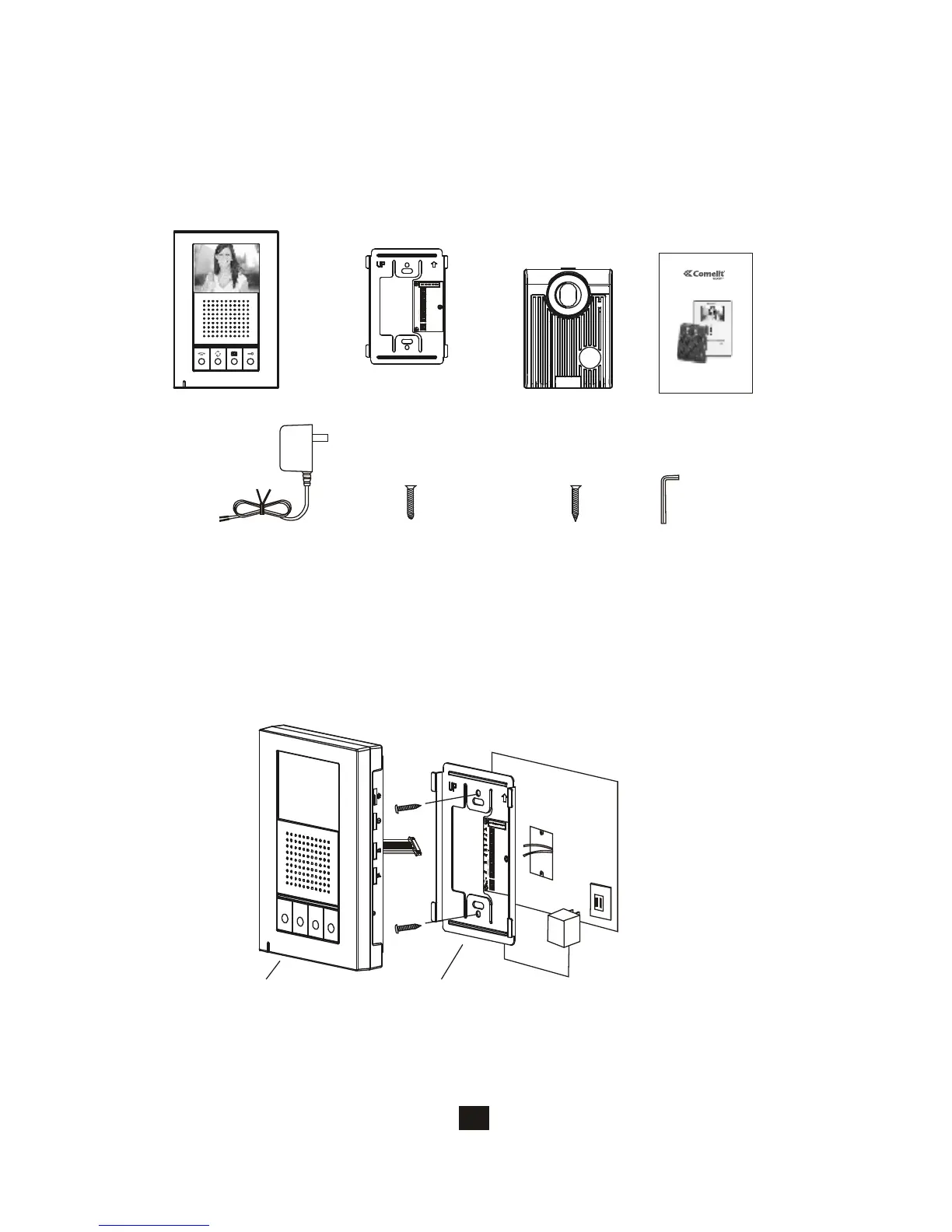
A. Fasten the wall mount bracket using the provided hardware.
B.Fasten wires on terminals accordingly (Refer to 3.4).
C. Select jumpers for desired function (Refer to 3.5).
D. Plug-in pin wires and mount the monitor unit on bracket.
14
3.2. Install main monitor
Do not plug in the
power at this stage.Wall mount bracketMonitor
3. HFX-700M installation
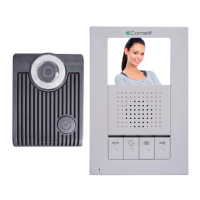
3.1.Examine package contents
Door camera
X1X1
Main monitor
X1
Wall mount bracket
PT1
PT2
DG1
DG2
OUT+
OUT-
DR2
DR1
POWER
<+>
<->
X1
Manual
Adaptor
X1
X4
White wall
mount screws
HANDS-FREEEXPANDABLE
VIDEOINTERCOMSYSTEM
,
OWNERSMANUAL
INSTALLATIONANDOPERATION
Screws wrench
X1
X4
Flat head screws
NOTE: Examine the following contents of the package.






 To Next Page