4. Expansion video monitor(EX-700H) Installation
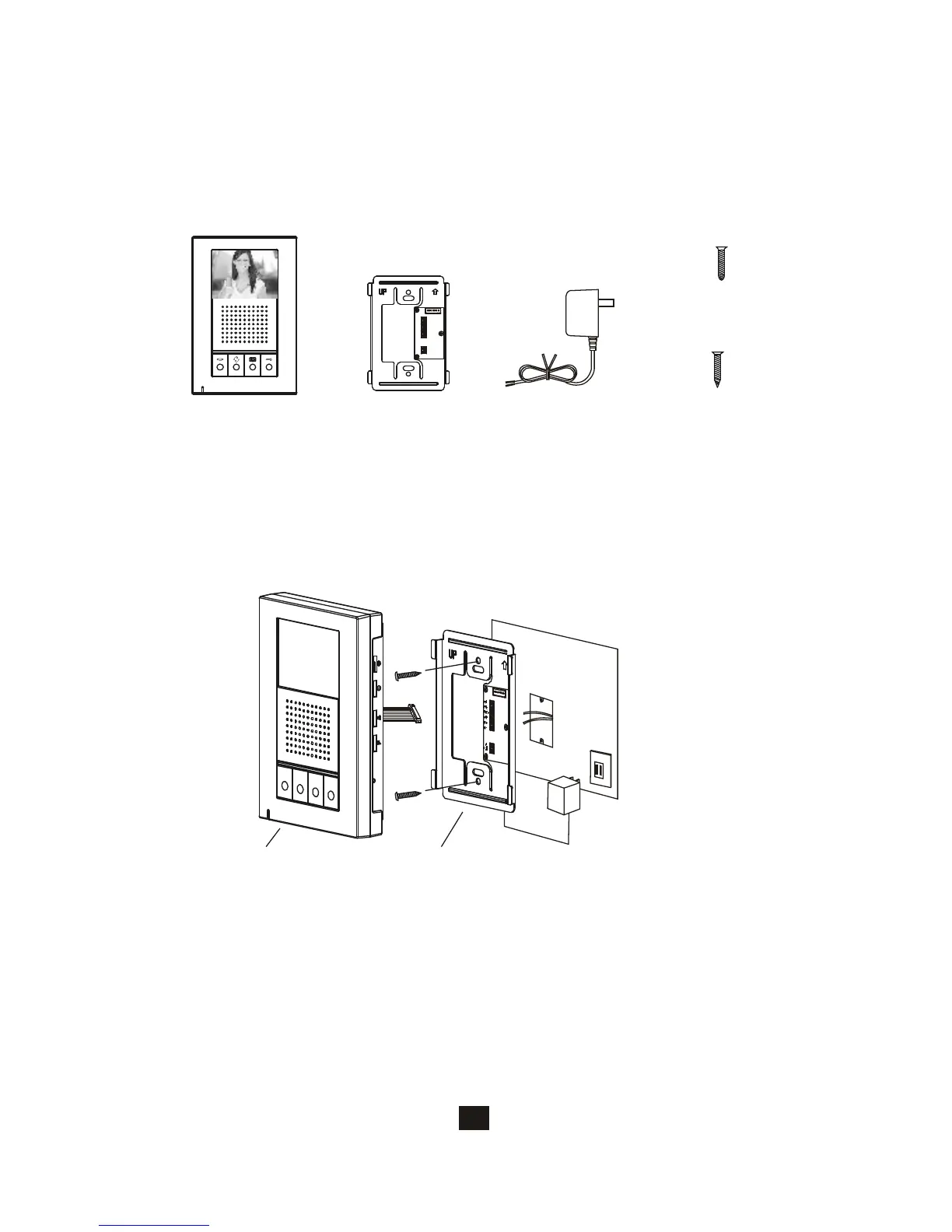
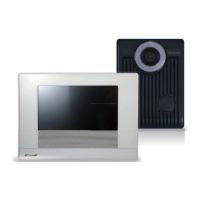
4.1. Examine package contents
18
A. Fasten the wall mount bracket using the provided hardware.
B.Fasten wires on terminals accordingly. (Refer to 4.3)
C. Select jumpers for desired function (Refer to 4.4).
D. Plug-in pin wires and mount the monitor unit on bracket.
4.2. Install expansion video monitor
Do not plug power
at this stage.
Wall mount bracketMonitor
NOTE: Examine the following contents of the package.
Adaptor
X1
X1
Wall mount bracket
PT1
PT2
IN+
IN-
OUT+
OUT-
POWER
<+>
<->
X1
Expansion monitor
X2
White wall
mount screws
X2
Flat head screws







 To Next Page