EasyManua.ls Logo

Commodore MPS-801 - Carrier Return Operation; Service Precautions; Self Test

Commodore MPS-801
34 pages
Print Icon
To Next Page IconTo Next Page
To Previous Page IconTo Previous Page
Loading...
SERVICE
PRECAUTIONS
1.
Be
sure
to
unplug
the
power
cord
from
the
outlet
before
removing
the
upper
case.
2. Do
not
try
to
move
or apply
undue
force
to
the
print
head and carrier
unit.
They
can be
moved
manually
by
removing
the
ribbon
cassette
and pressing
the
top
of
the
head
solenoid
to
free
the
clutch.
See page
27.
3. Since
the
enclosure material is plastic,
it
is
recommended
that
the
6
screws
which
hold
the
upper
and
lower
cases
together
not
be
overtightened.
4.
Do
not
use
lubricate
other
than
the
designated
ones.
5.
To
detach
the
parallel cable
from
the
PCB,
lift
the
connector
housing
and pull up
on
the
cable.
The
cable is secured
by
lifting
the
connector
housing,
inserting
the
cable, and
then
pressing
the
housing
down
until
it
clicks
into
position.
make sure
the
connection
is
good
by
pulling up on
the
cable
slightly.
6.
The
smooth
side
of
an
E-ring should
face
a
rotating
gear.
SELF
TEST
This
unit
has a
pre-programmed
self-checking
capability.
The
program
may
be used
to
test
the
print
head
operation,
print
quality
and
printer
mechanism
(ribbon feed
function,
linefeed, etc.).
The
self-
test
function
is
initiated
by
selecting
"T"
on
the
device
selector
switch.
NOTE: While in
the
self-test
mode,
communication
with
other
devices
is
not
possible. Do
not
operate
self-test
without
paper in
the
printer. The
test
will
continue
until
the
unit
is
turned
off.
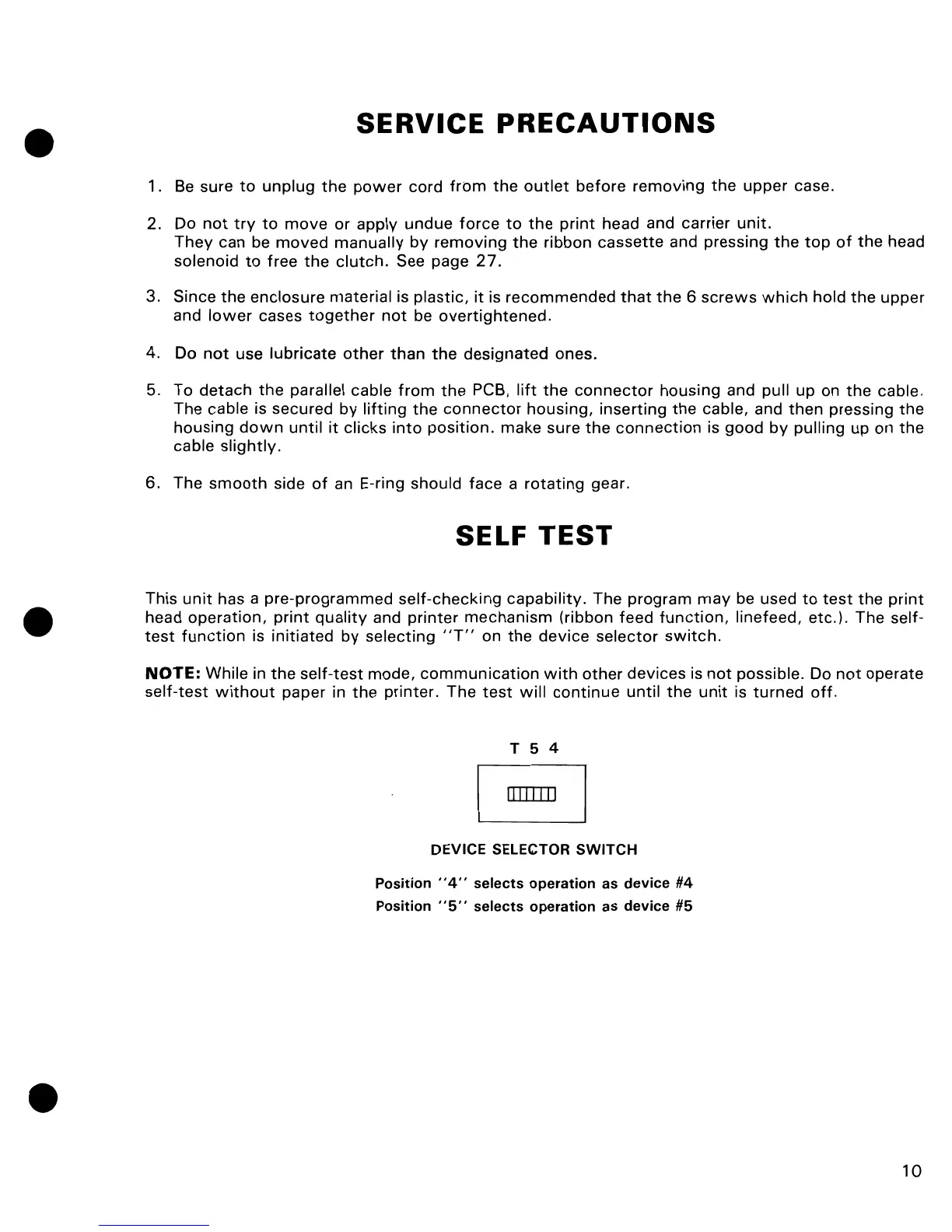
T 5 4
DEVICE SELECTOR SWITCH
Position
"4"
selects
operation
as
device
#4
Position
"5"
selects
operation
as
device
#5
10

Other manuals for Commodore MPS-801

Related product manuals