M0203AHA_uc CommScope ERA
®
CAP M2 with Fiber Interface
© August 2022 CommScope, Inc. Page 9
Fiber CAP M2 Overview
CAP M2 Accessories and Options
The Fiber CAP M2 accessories and options are described in the following sections:
• "Mounting Kits” on page 9
• "SFP+ Module Kits” on page 10
• "OCTIS™ Universal Lever Assembly Kits” on page 11
Mounting Kits
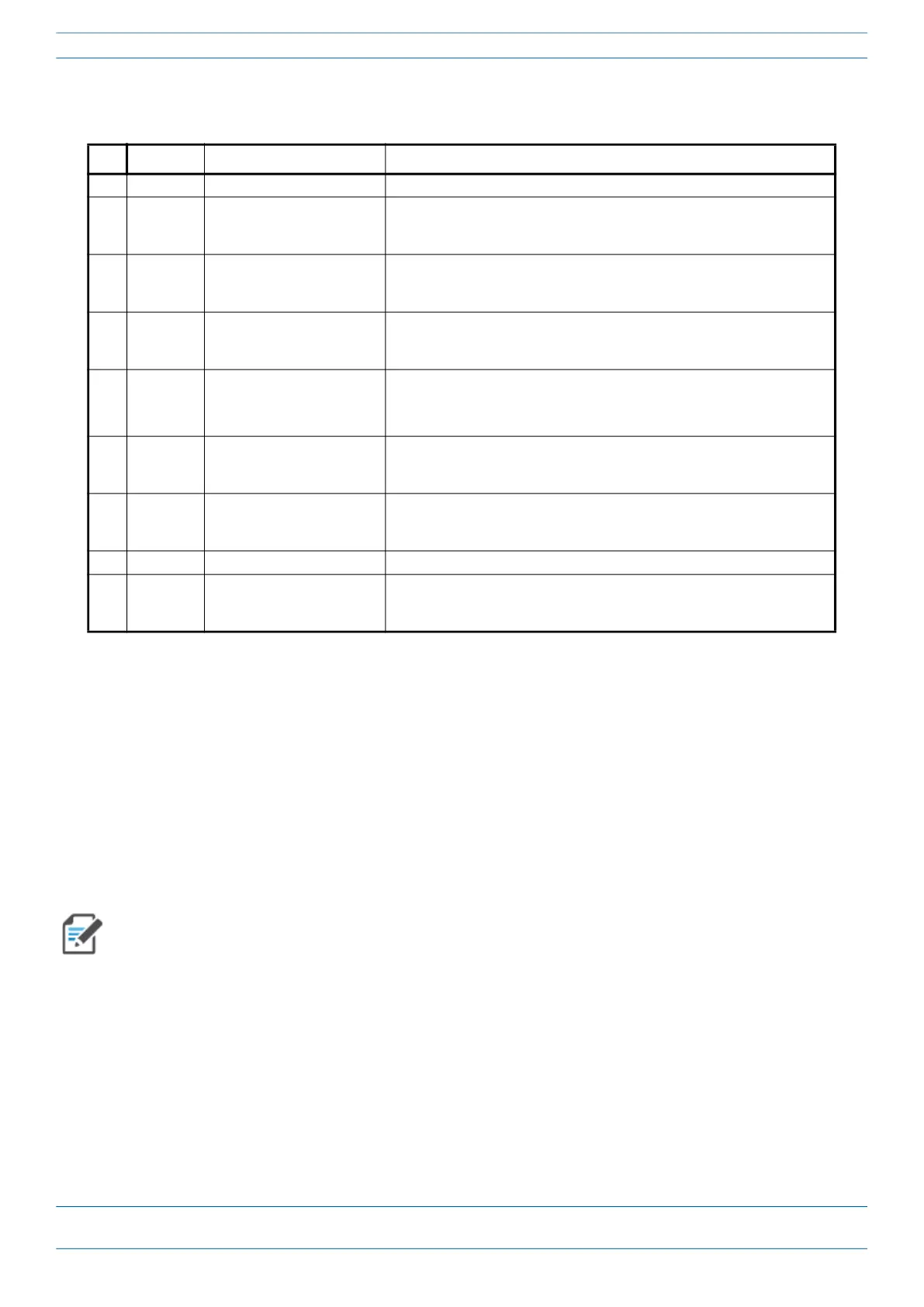
Table 5. Function of the CAP M2 Connectors and LED
Ref # Label Description Function
0 None Grounding Bolt Connects the CAP MX to an approved earth-ground source.
1
Port 1 Port 1 OCTIS Connector Port to pass fiber cable to the SFP+ module. The port seal is the OCTIS Universal
connector PN 7847069. Connecting the fiber cable to the CAP M2 requires
removing the service lid.
2
ANT 1 4.3-10 RF connector Connect to external antennas or to one of the ports on a multiple input
cross-polarized antenna via 50Ω coaxial cable. The antenna ports ship with
dust caps that can be discarded upon unit installation.
3
ANT 3 4.3-10 RF connector Connect to external antennas or to one of the ports on a multiple input
cross-polarized antenna via 50Ω coaxial cable. The antenna ports ship with
dust caps that can be discarded upon unit installation.
4
None Power connector
(Vac or Vdc)
Connects to any of the following (graphic shows the port populated):
• Vac—Main power
• Vdc—Remote DC power supply or a Hybrid Fiber Junction Bo
5
ANT 4 4.3-10 RF connector Connect to external antennas or to one of the ports on a multiple input
cross-polarized antenna via 50Ω coaxial cable. The antenna ports ship with
dust caps that can be discarded upon unit installation.
6
ANT 4 4.3-10 RF connector Connect to external antennas or to one of the ports on a multiple input
cross-polarized antenna via 50Ω coaxial cable. The antenna ports ship with
dust caps that can be discarded upon unit installation.
7 None Power and Status LED See "Connectors and LED for the Fiber CAP M2” on page 8
8
Port 2 Port 2 OCTIS Connector Port to pass fiber cable to the SFP+ module. The port seal is the OCTIS Universal
connector PN 7847069. Connecting the fiber cable to the CAP M2 requires
removing the service lid.
Wall Mounting Kit 7851781-00 (EMEA) is provided in the CAP M2 kit.
Wall Mounting Kit 7851753 (NAR) is not provided in the CAP M2 kit and must be ordered
separately.










 To Next Page