CommScope ERA
®
CAP M2 with Fiber Interface M0203AHA_uc
Page 36 © August 2022 CommScope, Inc.
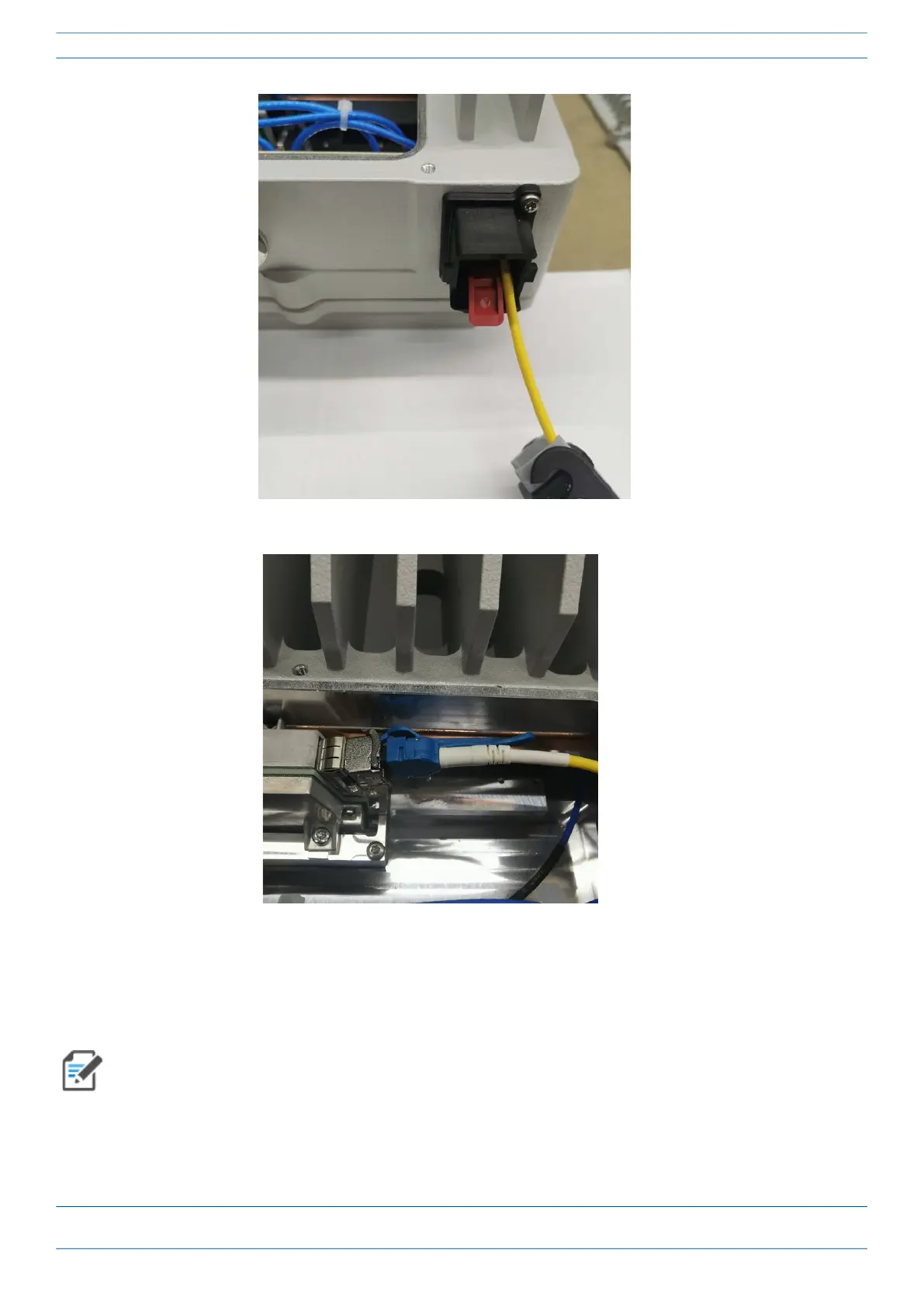
Connect the Cables to the Fiber CAP M2
5 Connect the LC connector to the SFP+ module inside the CAP M2.
6 Replace the cover on the CAP M2.
Connect the Fiber CAP M2 to a Classic CAN or TEN
When using duplex fibers, the fiber paths need to be crossed. Ensure that the fiber connecting the CAP
M2’s SFP Tx is connected to the CAN/TEN’s SFP Rx and the CAP M2’s SFP Rx is connected to the CAN/TEN’s
SFP Tx.










 To Next Page