M0203AHA_uc CommScope ERA
®
CAP M2 with Fiber Interface
© August 2022 CommScope, Inc. Page 35
Connect the Cables to the Fiber CAP M2
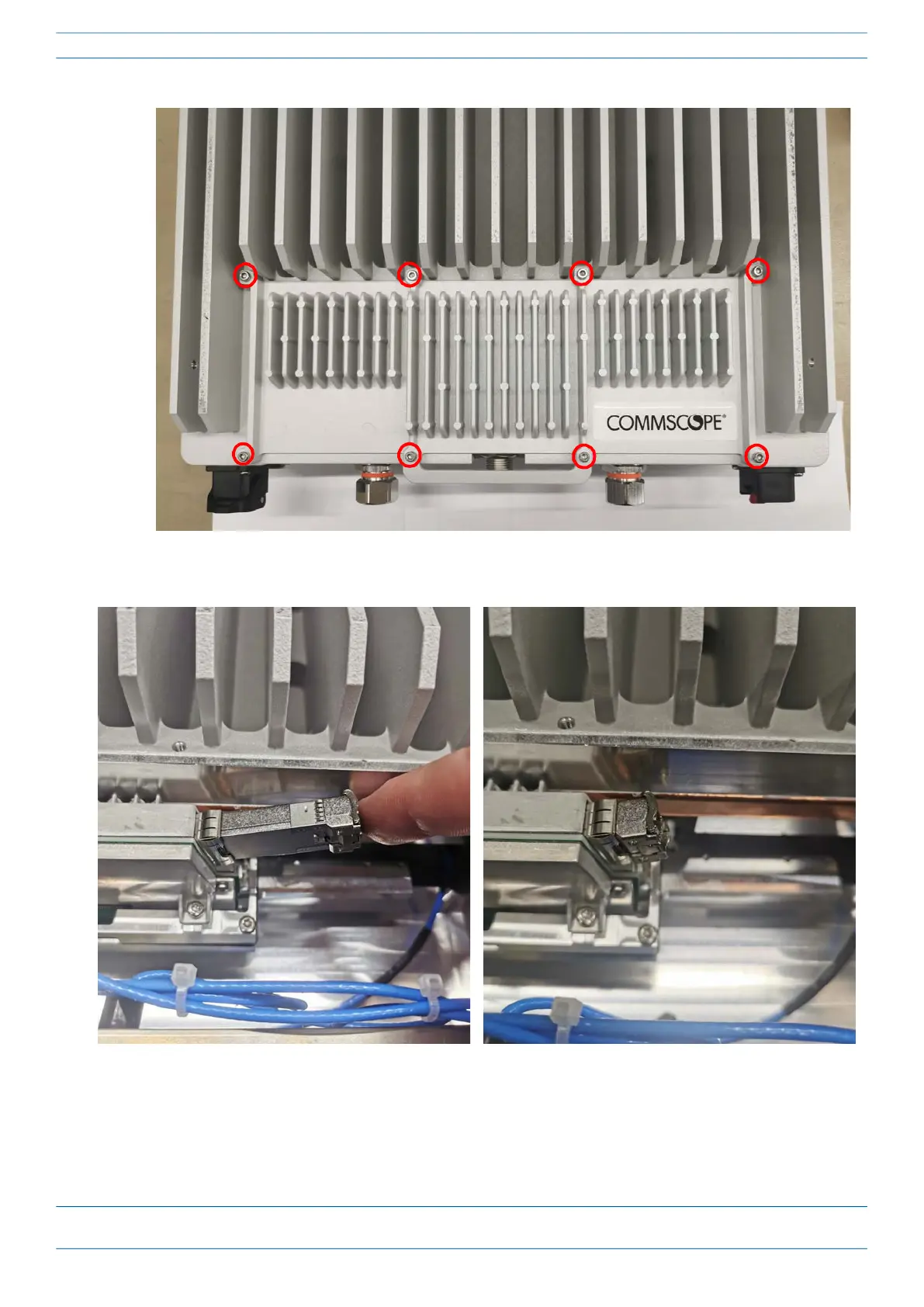
3 Insert the SFP+ module into the port as shown below.
4 Feed the cable from the hybrid splice box through the CAP M2 port, as shown below, and assemble the
OCTIS LC Universal connector and insert it into the CAP M2 port as shown in Figure 2.










 To Next Page