CommScope ERA
®
CAP M2 with Fiber Interface M0203AHA_uc
Page 34 © August 2022 CommScope, Inc.
Connect the Cables to the Fiber CAP M2
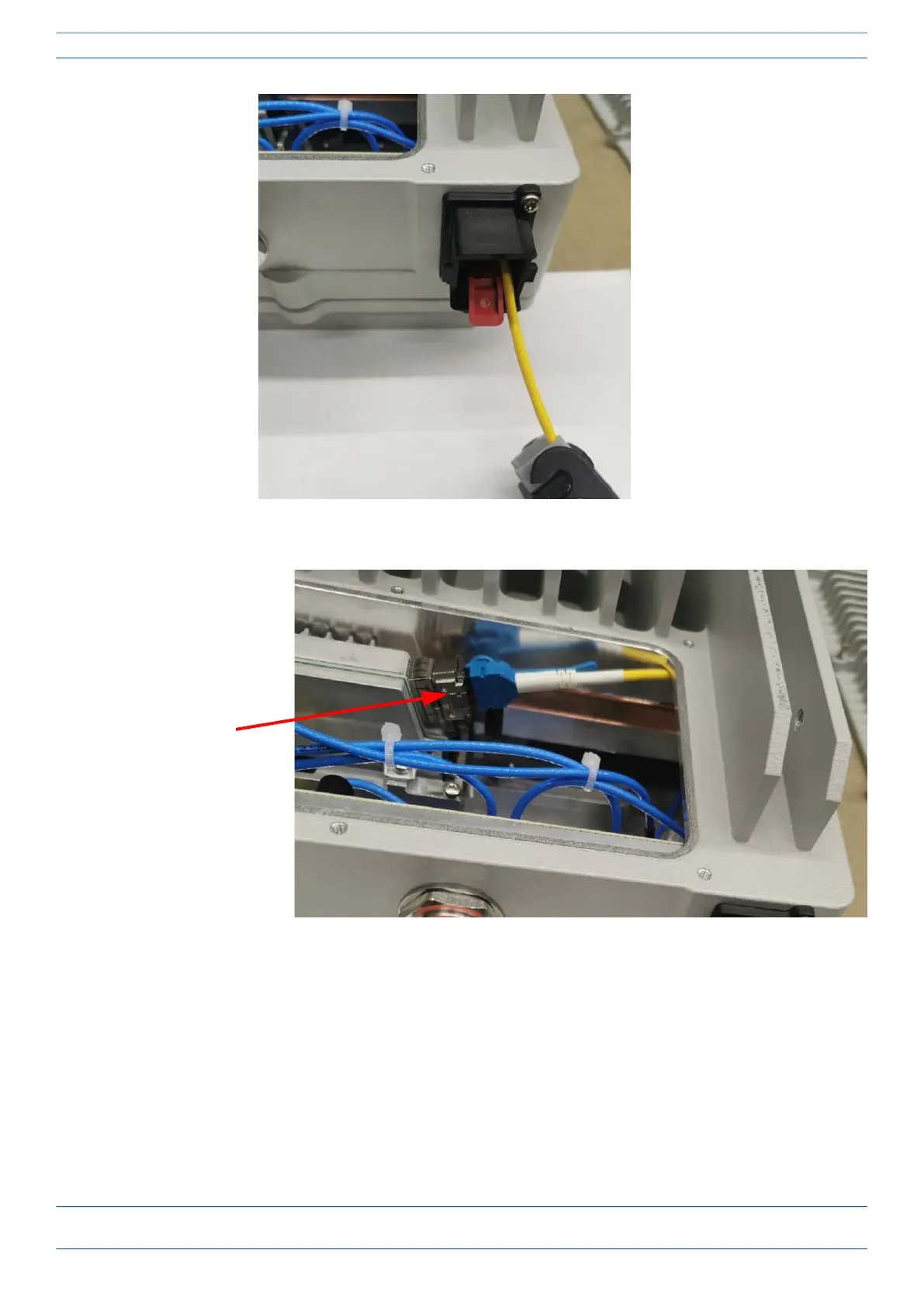
4 Insert the cable in the fiber optic port.
5 Replace the cover on the CAP M2.
Installing SFP+ Modules in the CAP M2
See "SFP+ Module Kits” on page 10 for more information.
1 Install the hybrid splice box on the CAP M2 bracket. See "Mounting a CAP M2 with a Hybrid Fiber Splice
Box Kit (optional)” on page 22.
2 Loosen the eight torque screws on the cover located at the bottom of the CAP M2.
Fiber optic cable
inserted into CAP M 2
port










 To Next Page