M0203AHA_uc CommScope ERA
®
CAP M2 with Fiber Interface
© August 2022 CommScope, Inc. Page 29
Connect the Cables to the Fiber CAP M2
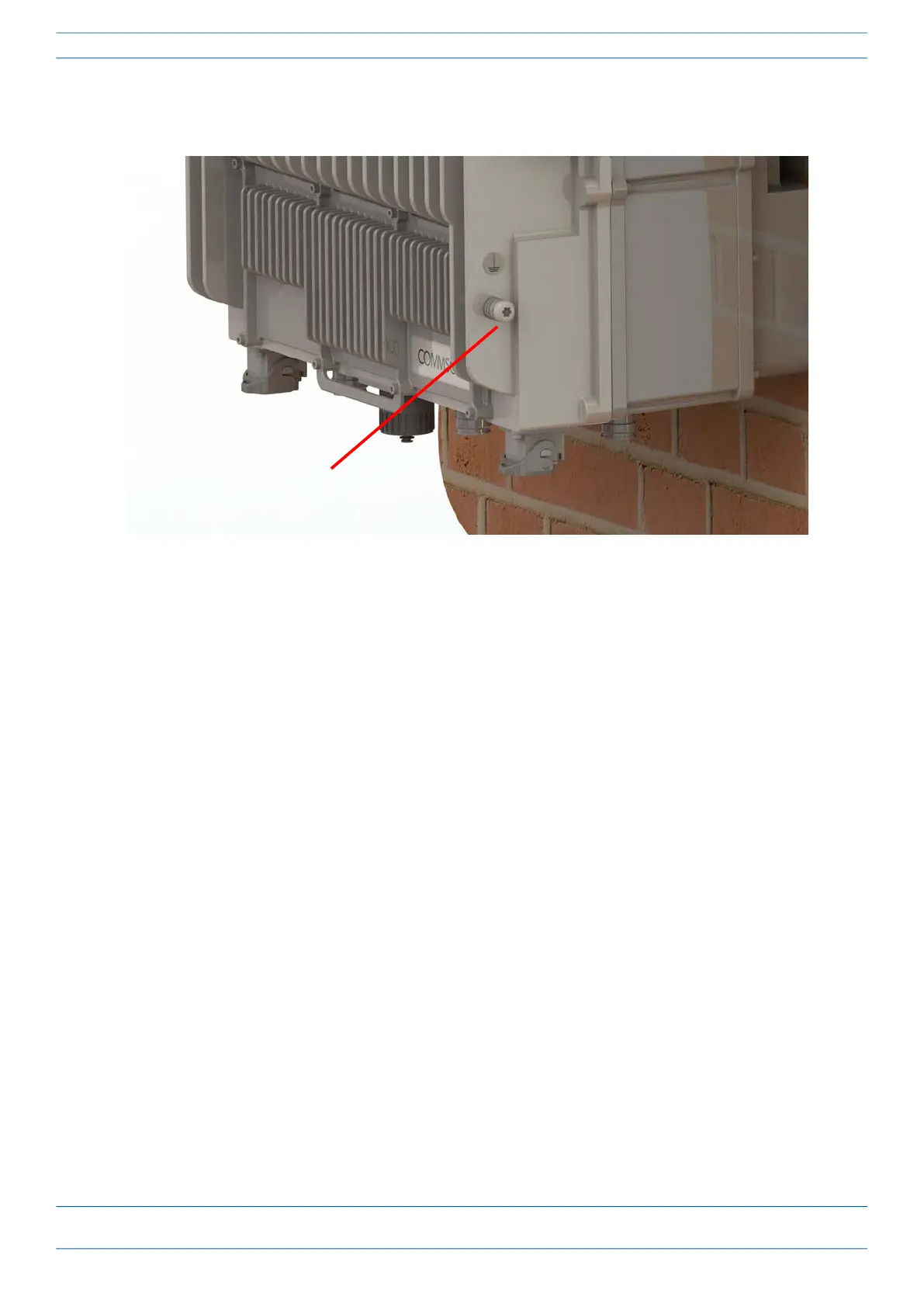
5 Attach the ring end of the wire to the chassis ground stud on the bottom, right side of the CAP M2, as
shown in the graphic below.
6 Use the Keps nut removed in Step 4 to secure the ground wire to the chassis-ground stud.
7 Route the free end of the chassis grounding wire to an approved (per local code or practice) earth ground
source.
Connect the Fiber CAP M2 to a Passive RF Antenna
The following sections guide you through connecting the CAP M2; complete these procedures in the order in
which they are presented.
• "Clean the RF Cable Connectors” on page 30
• "Connect the Passive RF Antenna” on page 32
Chassis ground stud










 To Next Page