M0203AHA_uc CommScope ERA
®
CAP M2 with Fiber Interface
© August 2022 CommScope, Inc. Page 27
Mount the Fiber CAP M2
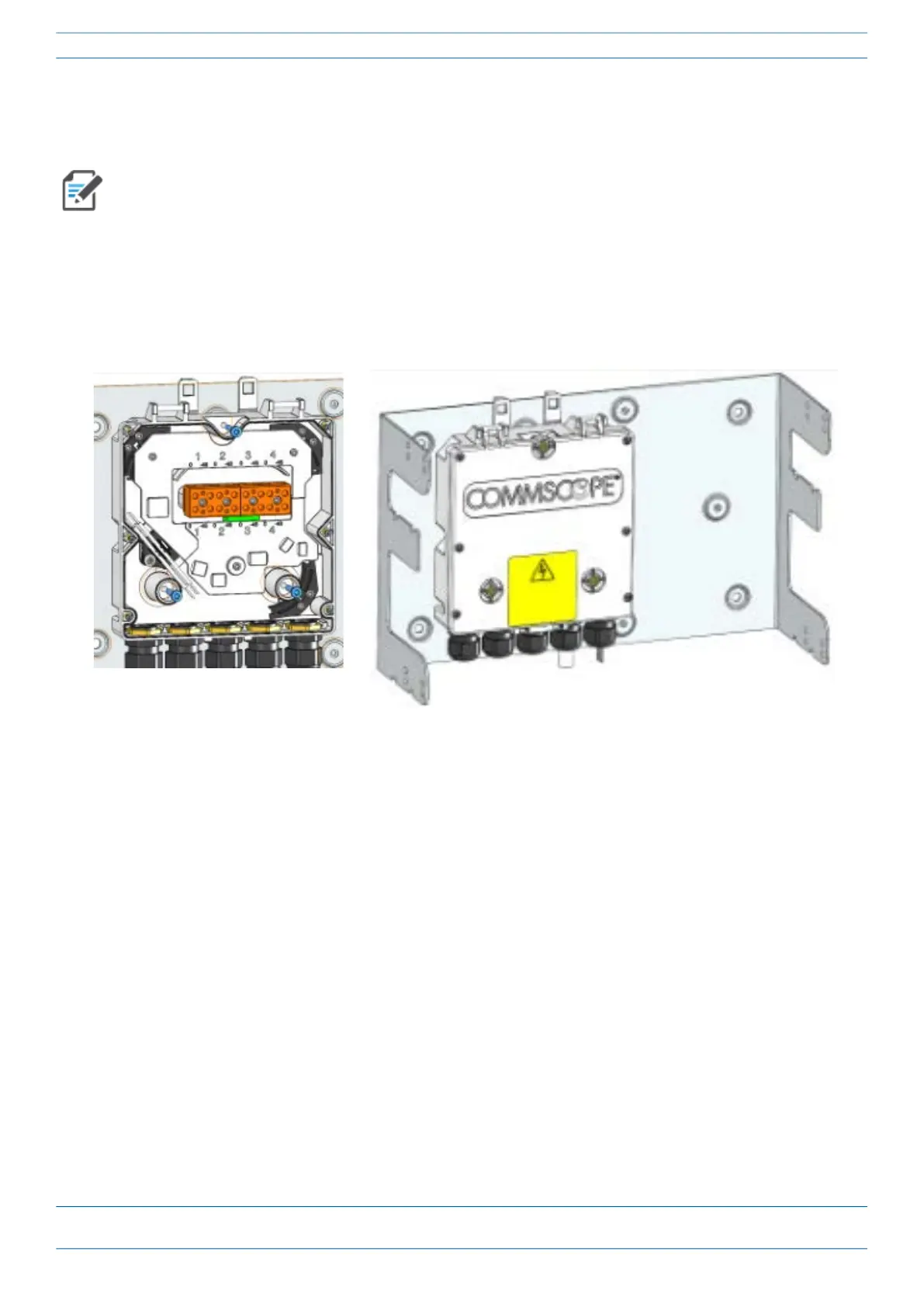
Wall Mount a CAP M2 Using a CAP M2 Hybrid Fiber Splice Box Kit (optional)
1 Remove the Hybrid Fiber Box cover.
2 Attach the Hybrid Fiber Splice Box to the Wall Bracket with the three captive screws already installed in
the Splice Box.
3 Replace the cover.
4 Attach the assembled Wall Mounting Bracket and Hybrid Splice Box to the selected mounting location.
5 If required, install an SFP+ module and follow the instructions in "Installing SFP+ Modules in the CAP M2”
on page 34.
6 Follow procedure in "Mounting CAP M2 with a Wall Mounting Kit” on page 19.
The steps in this section pertain only to those installations that require the use of the optional Hybrid
Fiber Splice Box to provide fiber and power to the CAP M2.










 To Next Page