ComNav G2 & G2B Installation & Operation
Document PN 29010093 V1.5 - 25 -
16 December 2016
antenna’s heading bias is set to 0°, allowing the mounting as shown in Figure 3. If you
mount the antenna as in Figure 4, you need to set the heading bias to 90°.
Mounting
The G2 allows for Surface mounting options:
• Surface mount for mounting the G2 on a flat surface such as a cabin’s roof, a
mounting plate on the mast, and so on.
.
When mounting, ensure that the mounting location accommodates the cable length in
routing as required into the vessel (see Cables & Extensions on page 29 for more
details).
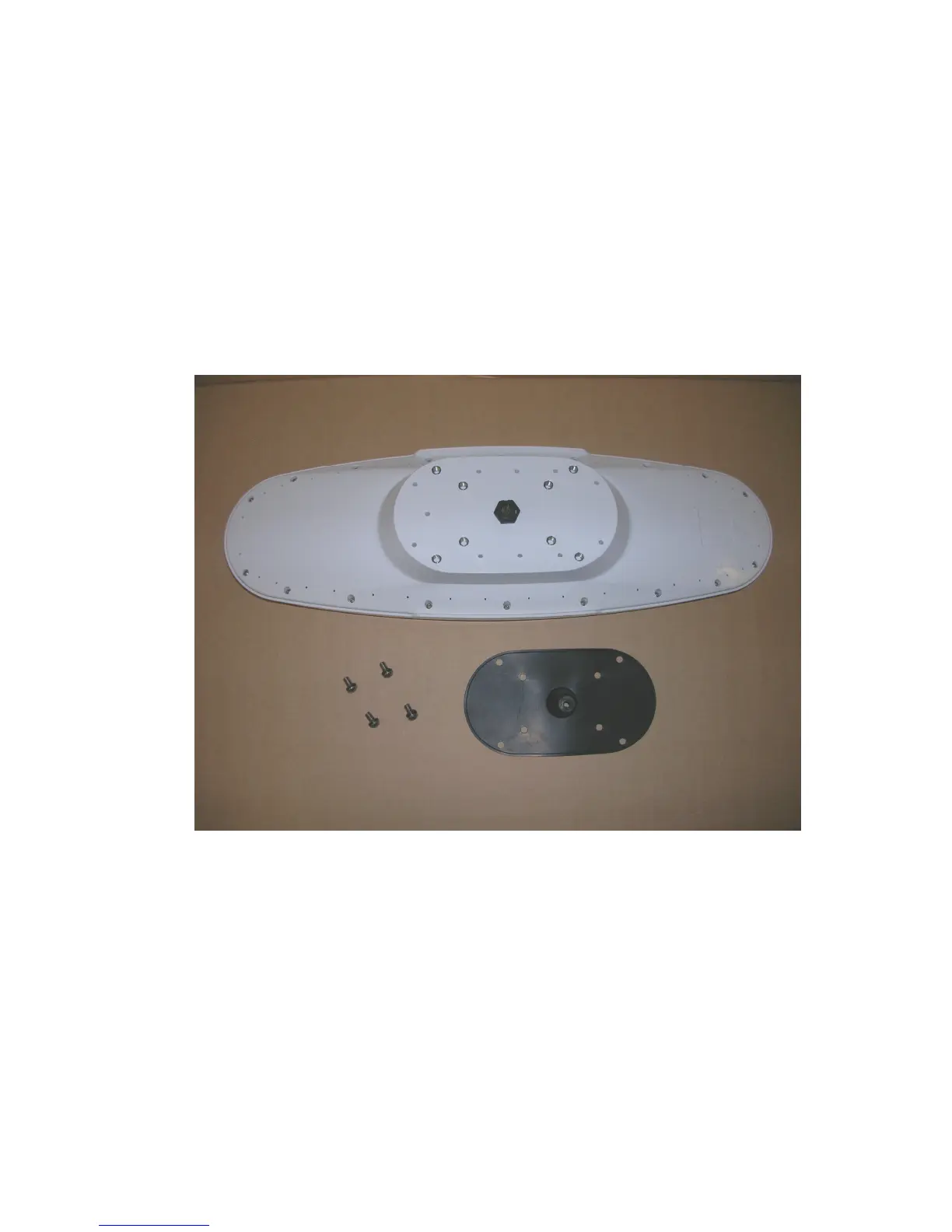
Figure 9 - Deck mount bracket assembly



 To Next Page