ComNav G2 & G2B Installation & Operation
Document PN 29010093 V1.5 - 53 -
16 December 2016
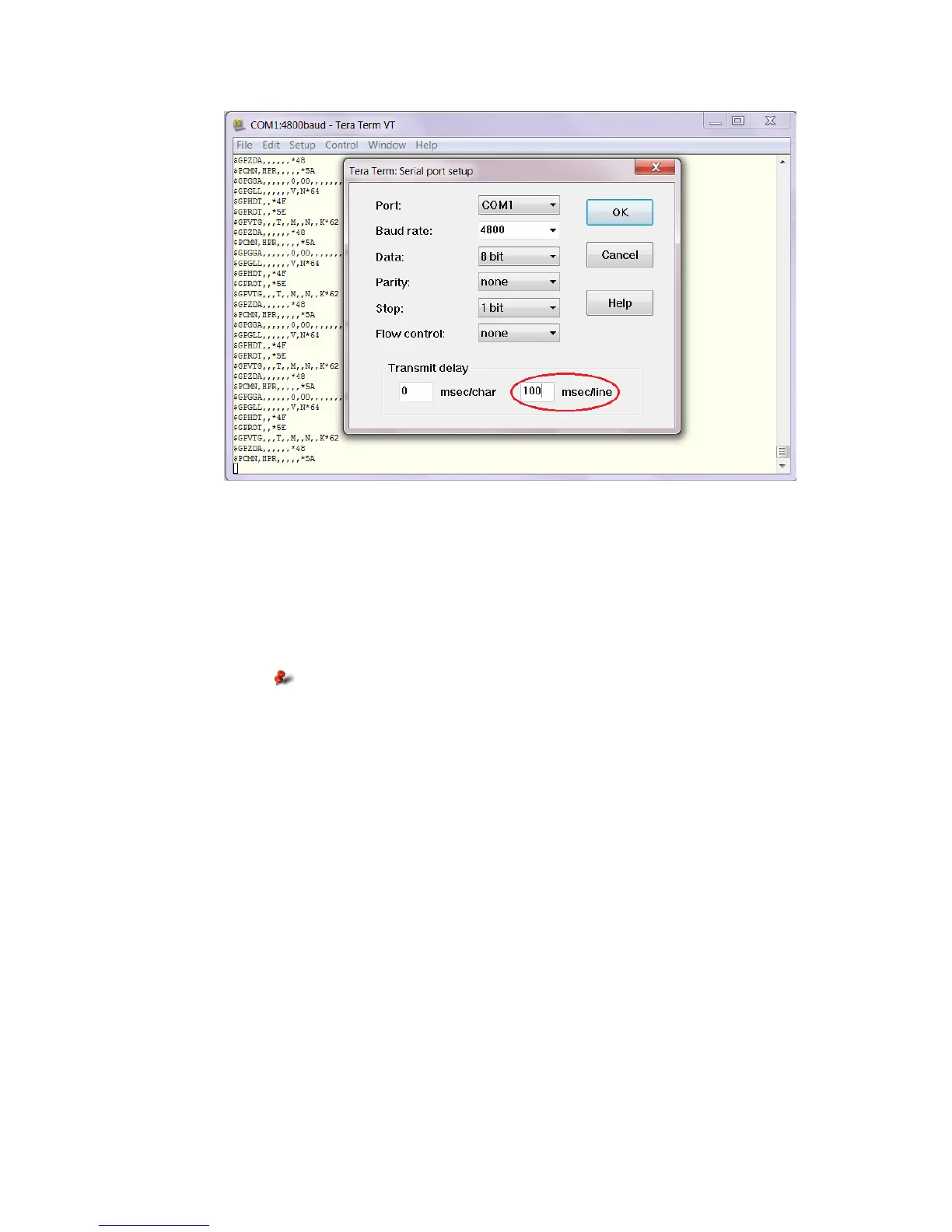
Figure 19 – Setup Tera Term to add a 100ms pause between command lines in a file
Using a Navigator G2
The Navigator G2 GPS Compass Display System is the easiest & best way to monitor and
control a G2 Satellite Compass.
Full instructions are in the Navigator G2 Installation & Operation Manual.
The system must be wired as shown in Figure 14.
Navigator G2 only works in 12VDC system. If your system uses
24VDC power supply, you should not use Navigator G2 GPS
Compass Display.
Using a G3 Compass Display
Using G3 Compass Display to configure the G2 satellite compass is the easiest way for an
IMO model, or a G2 in a NMEA 2000 network. For the full descriptions please refer to G3
Compass Display’s user manual.
However, G3 compass display cannot be used to configure NMEA 0183 ports, or change
NMEA 0183.
The system must be wired as shown in Figure 1 (for NMEA 2000 network), or as shown in
Figure 18 following the connection details in Table 5.
Customising & Fine-tuning the Configuration
There are a number of situations where you might want to change the G2’s factory-default
configuration settings in ways other than simply enabling or disabling the specific sentences
that your system requires, or changing the update rates of the enabled sentence(s).
Smoothing Output Data with Time Constants
The G2 incorporates user-configurable time constants which can provide a degree of
smoothing to the course over ground, heading, pitch, rate of turn, and speed outputs.



 To Next Page