ComNav G2 & G2B Installation & Operation User Notes
Document PN 29010093 V1.5 - 88 -
16 December 2016
User Notes & Settings
User Settings
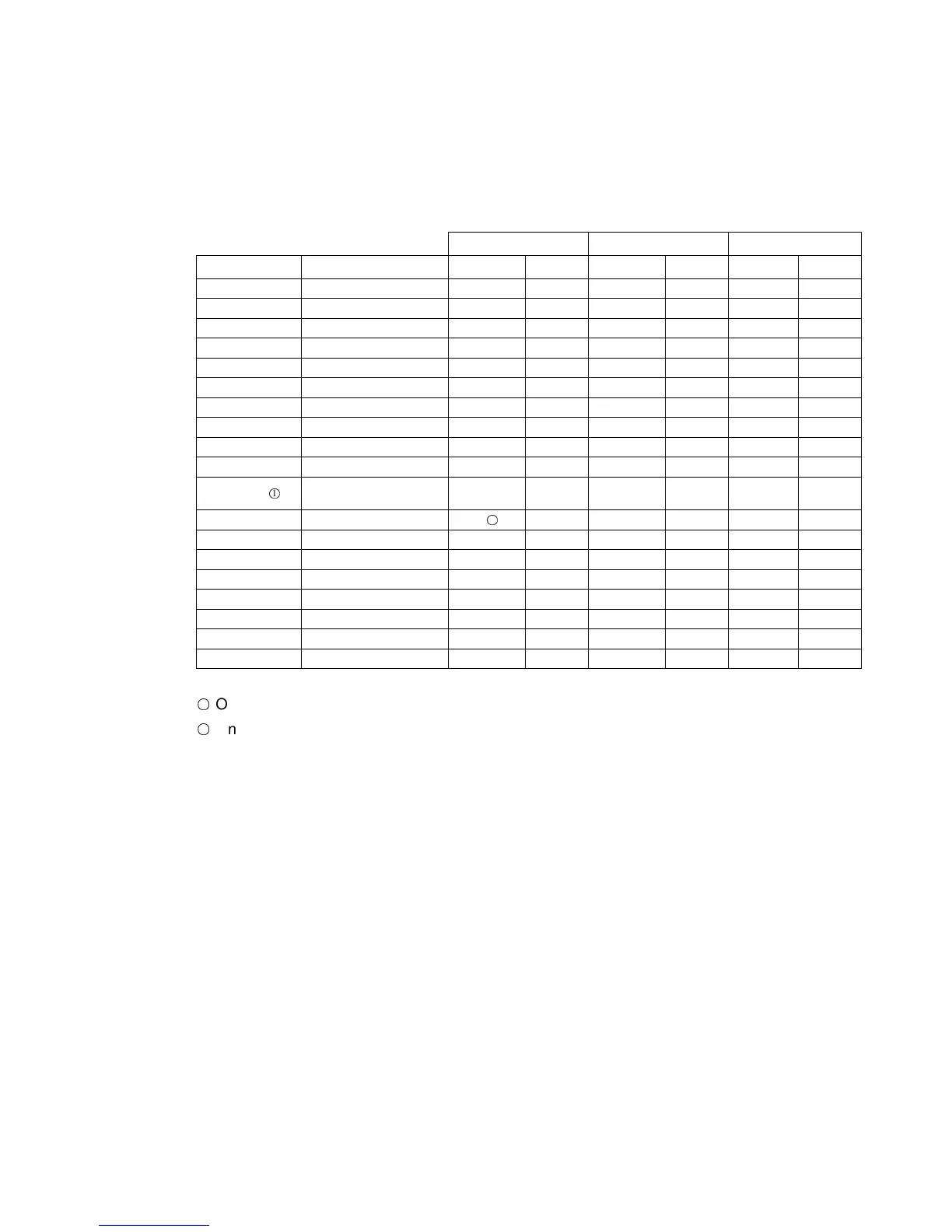
Once your G2 has been installed and configured correctly, you can make a record of all the
settings you have chosen, in the tables below.
Port 1 Port 2 Port 3
Sentences Range Default Yours Default Yours Default Yours
GPDTM 0, 0.2, 1 0 0 0
GPGGA 0, 0.2, 1, 5, 10 or 20 1 0 0
GPGLL 0, 0.2, 1, 5, 10 or 20 1 0 0
GPGNS 0, 0.2, 1, 5, 10 or 20 0 0 0
GPGRS 0, 0.2, 1, 5, 10 or 20 0 0 0
GPGSA 0, 0.2, 1 0.2 0 0
GPGST 0, 0.2, 1 0.2 0 0
GPGSV 0, 0.2, 1 0.2 0 0
GPHDG 0, 0.2, 1, 5, 10 or 20 0 0 0
GPHDM 0, 0.2, 1, 5, 10 or 20 0 0 0
GPTHS
○
1
0, 0.2, 1, 5, 10, 20,
50
50 0 0
GPHDT 0, 0.2, 1, 5, 10 or 20 1
○
2
10 0
GPRMC 0, 0.2, 1, 5, 10 or 20 0.2 0 1
GPROT 0, 0.2, 1, 5, 10 or 20 1 0 0
GPVTG 0, 0.2, 1, 5, 10 or 20 1 1 0
GPZDA 0, 0.2, 1, 5, 10 or 20 1 0 0
PCMN,HPR 0, 0.2, 1, 5 or 10 1 0 0
PTSS1 0, 0.2, 1, 5, 10 or 20 0 0 0
BAUD rate 4800 to 115200 4800 4800 4800
Table 26 – User Settings (NMEA 0183 Ports)
○
1
Only in software version 1.6.0 and above
○
2
Only in software version before 1.6.0. For software version 1.6.0 and above, HDT is not
defaulted in Port 1



 To Next Page