compact electric CDMRE 100 Manual Page 10
1230 Vienna, Großmarktstraße 22
PHONE: + 43 / 1 / 815-12-71-0 or + 43 / 1 / 815-51-74-0
FAX: + 43 / 1 / 813-64-21-21
Homepage: http://www.compactelectric.at
3. MENU NAVIGATION AND SETTINGS
3.1. Measured values
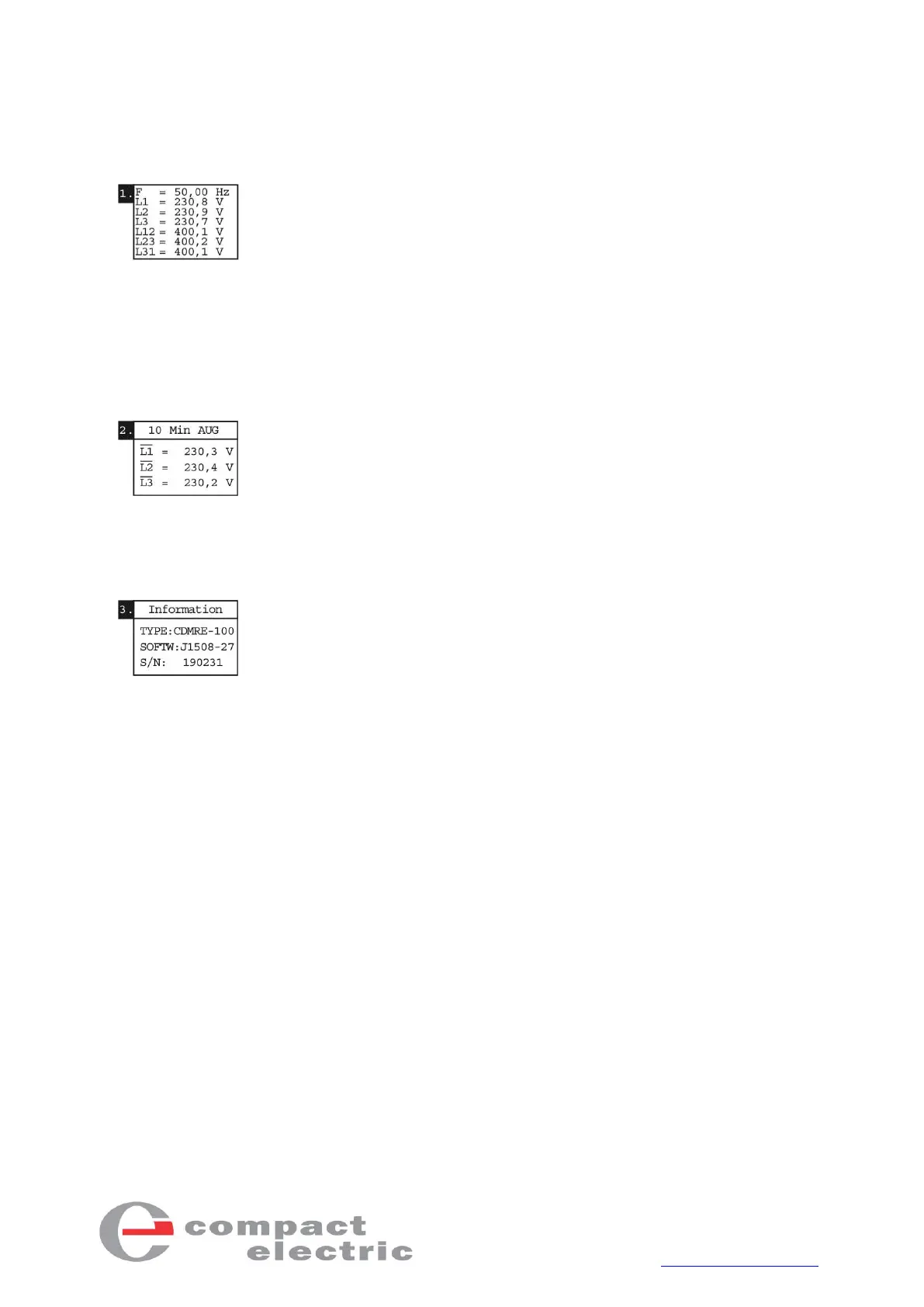
The 1st menu item shows the instantaneous frequency, as well as all
4-wire (star) and 3-wire (delta) voltages.
This view is automatically shown after commissioning the device. An
overshooting/undershooting of a set limit value is indicated in the meas-
ured value menu by the inverted display of the violated limit value. In
addition, the "=" sign changes to "<", "<<", ">" or ">>" depending on the
limit value violation.
3.2. 10-minute average values
The 2nd menu item shows the current 10-minute average values. Depending
on whether 4-wire (star) or 3-wire (delta) voltages are measured, the
10-minute average value L1, L2 and L3 is shown for star or that of L12, L23
and L31 is shown for delta. If a limit value is overshot, the violated limit value
is shown inverted and the “=” sign changes to the “>” sign.
3.3. Information
The 3rd menu item shows general information about the device. The type,
the software version and the serial number can be read here.



 To Next Page