compact electric CDMRE 100 Manual Page 24
1230 Vienna, Großmarktstraße 22
PHONE: + 43 / 1 / 815-12-71-0 or + 43 / 1 / 815-51-74-0
FAX: + 43 / 1 / 813-64-21-21
Homepage: http://www.compactelectric.at
4.4. Event log
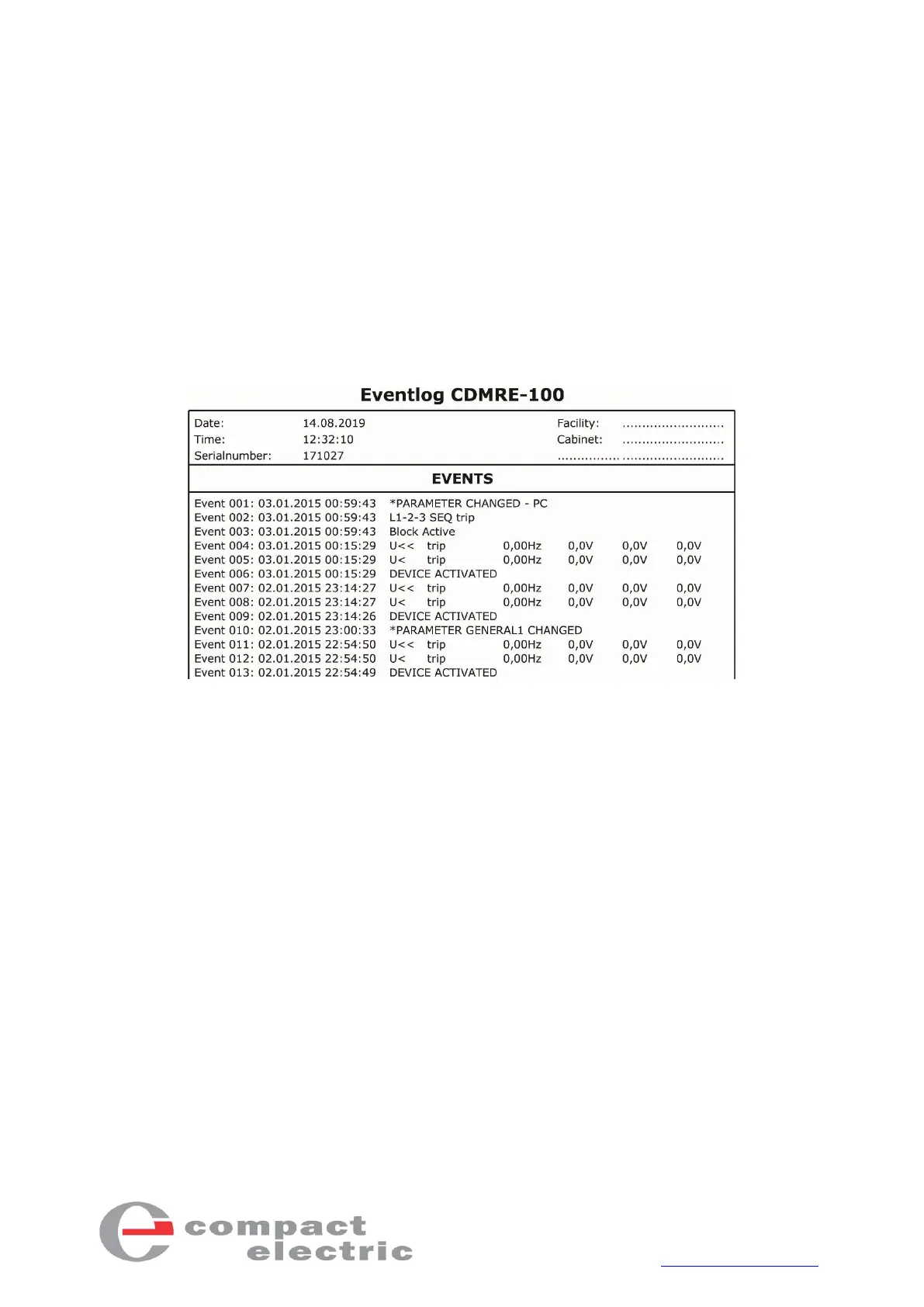
If the device has been successfully connected (see section 4.2 Connection), the event log can be read
out from CDM-RE-100 by pressing the “Send/Receive"/"Receive event log" button. The last 100
events are displayed in a list.
Once the memory has been read, a PDF document of the 100 events can be created using the
"File"/"Print - Event log" button.
In the "General 3" menu, the event log can be deleted by entering the number "14" in the "EvtLog Cl”
line.
Figure 13 - Printout of an event log



 To Next Page