Note: RATE, BOLUS, INTERVAL and TOTAL VOLUME must all be set / reviewed if either one is changed or the pump has just been turned on.
Only then can the nutritional therapy be started.
5. Clear Nutritional Therapy Settings and Delivery Information
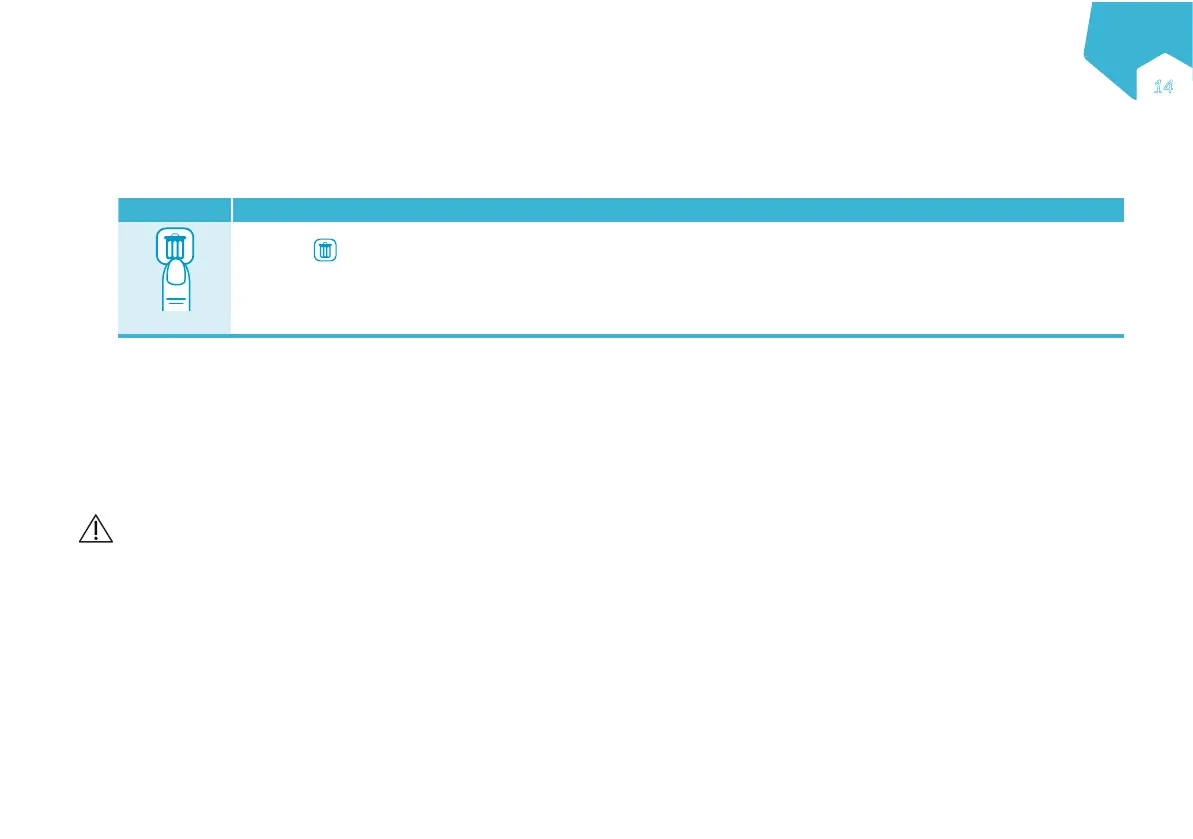
Button Direction / Result
3”
Hold down
for 3 seconds (3”) to clear all nutritional therapy settings.
• Nutritional therapy values cleared to default: RATE, VOLUME, BOLUS, INTERVAL, TOTAL VOLUME
• Volume history values cleared to default: VOLUME GIVEN THIS THERAPY, CUMULATIVE VOLUME
• The pump displays a THERAPY RESET confirmation message.
Note: This does not affect any other pump settings (such as alarm level, backlight etc.), language or rolling 30-day volume history.
6. Pump Setup
6.1 Connect to the AC power adapter
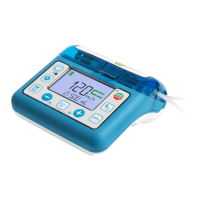
See pump and accessories overview (page 4)
The AC power adapter is delivered with multiple country-specific adapters. To change the country specific adapter, press the button on the AC power adapter
and rotate country specific adapter to release it. Install the new country specific adapter and rotate until you hear a click.
Warning: Do not attempt to attach the “country specific” AC adapter to AC power without it attached to the AC power adapter body.
6.2 Use with a pole clamp
See pump and accessories overview (page 4)
EN
ƎƑ


 To Next Page