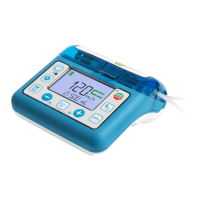
6.3 Power On and Off
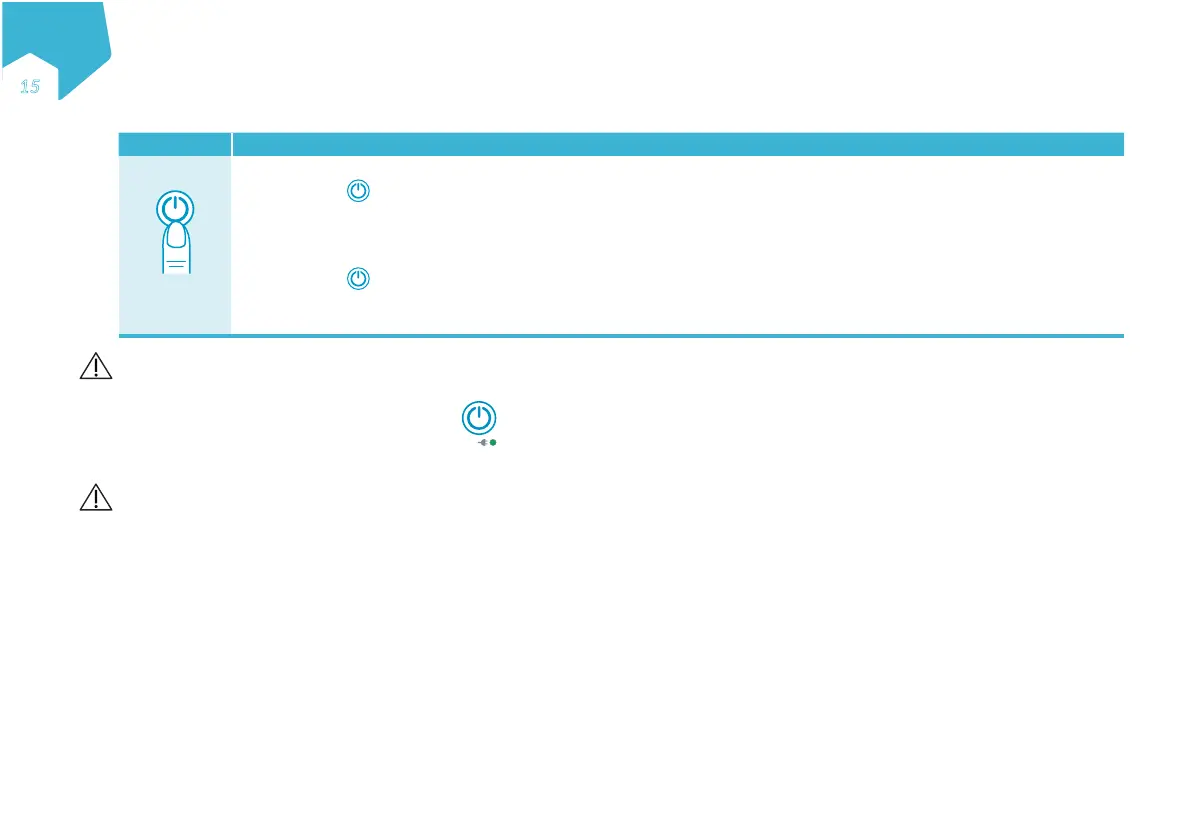
Button Direction / Result
2”
Power On
Press and hold
for 2 seconds (2”) to power on. You should hear 3 tones. The pump will first display all screen segments
briefly. Ensure that all the segments are visible. The pump will then perform a diagnostic and, if successful, will display
SELF CHECK OK.
Power Off
Press and hold
2 seconds (2”) to power off. You should hear 3 tones as the pump shuts down.
Note: All nutritional therapy parameters, volume history and user settings are retained in the pump’s memory for re-use when
the pump is next turned on.
Warning: When turning the pump on, if you do not hear the tones or do not see all the screen segments, do not use the pump. Contact your sales representa-
tive or an approved service provider.
Power Status Light
Solid green = Pump is plugged into the AC power.
6.4 Inserting the Administration Set
Warnings:
• Use only Compat Ella
®
administration sets.
• Inspect the Compat Ella
®
administration set. Do not use if damaged or altered.
• Replace the Compat Ella
®
administration set every 24 hours to maintain delivery accuracy and help prevent the growth of potential harmful contamination.
Loading the Cassette
See sequence on page 2 to load set into the pump.
Fig. 1: open door by lifting the thumb tab
Fig. 2, 3: wrap cassette loop around rotor. Note the arrow which shows correct orientation
Fig. 4, 5: using your thumb, slide the cassette to the right to clip the cassette in the pump
Fig. 6: close the door by pressing on the “PUSH” symbol.
Note: Compat Ella
®
Administration Sets are equipped with a patented Auto-Anti-Free-Flow (AAFF) mechanism, which is always active when needed.
The AAFF mechanism is only released when the cassette is inserted in the pump and the door is closed.
EN
Ǝƒ
C
M
Y
CM
MY
CY
CMY
K


 To Next Page