NetPerformer SDM-8400 Hardware Installation Guide
2-2 Memotec
2.1 About Unpacking the Unit
This chapter outlines preparatory steps that should be executed before you install and
configure the SDM-8400:
• Selecting a location (“Selecting a Location” on page 2-2)
• Preparing the site (“Preparing the Site” on page 2-4).
2.1.1 Selecting a Location
To ensure that the SDM-8400 functions properly, you should install the unit in an
appropriate location which satisfies certain criteria for size, connection distance and
ambient environment.
Caution: Unit must be installed in a restricted access location.
2.1.2 Size Requirements
• Select a standard 19" (48 cm) equipment rack or a hard, flat surface that is:
- Capable of supporting the combined weight of the SDM-8400, its cabling and
attached equipment
- Near an easily accessible AC power socket or DC power supply.
• To ensure proper ventilation of the SDM-8400, leave 2 inches (5 cm) of unob-
structed space around the unit chassis.
• Ensure that a sufficient number of shelves, supports, racks and cabinets are avail-
able to safely house all equipment.
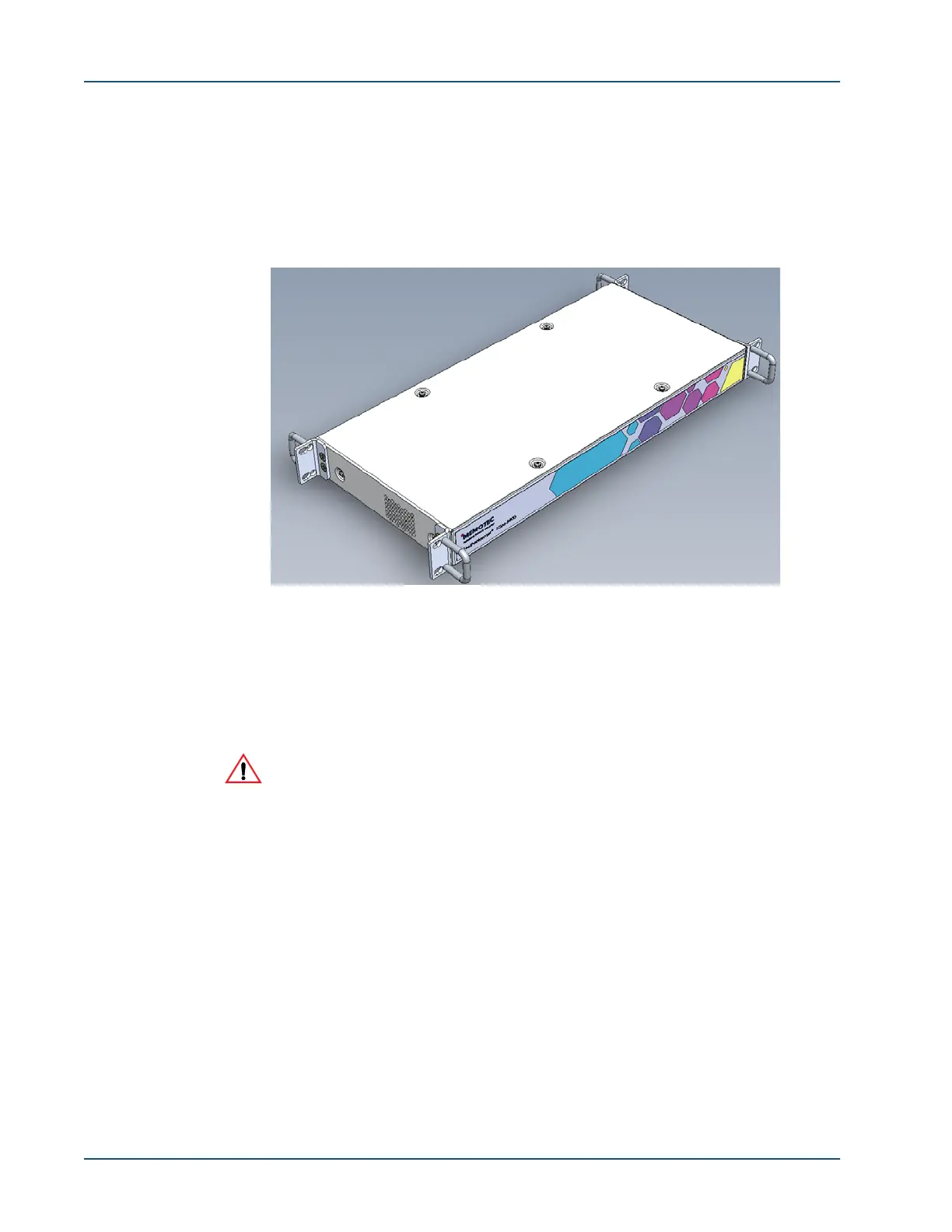
Figure 2-1: Front View of the SDM-8400



 To Next Page