NetPerformer SDM-8400 Hardware Installation Guide
3-6 Memotec
NOTE: The unit will begin power-up and system check immediately.
Warning: Do not remove the cover of the SDM-8400. The SDM-8400 unit
contains no user-serviceable parts. Only a qualified technician approved by
Memotec is authorized to open the unit.
3.3.2 Connecting the SDM-8400 DC to a DC Power Source
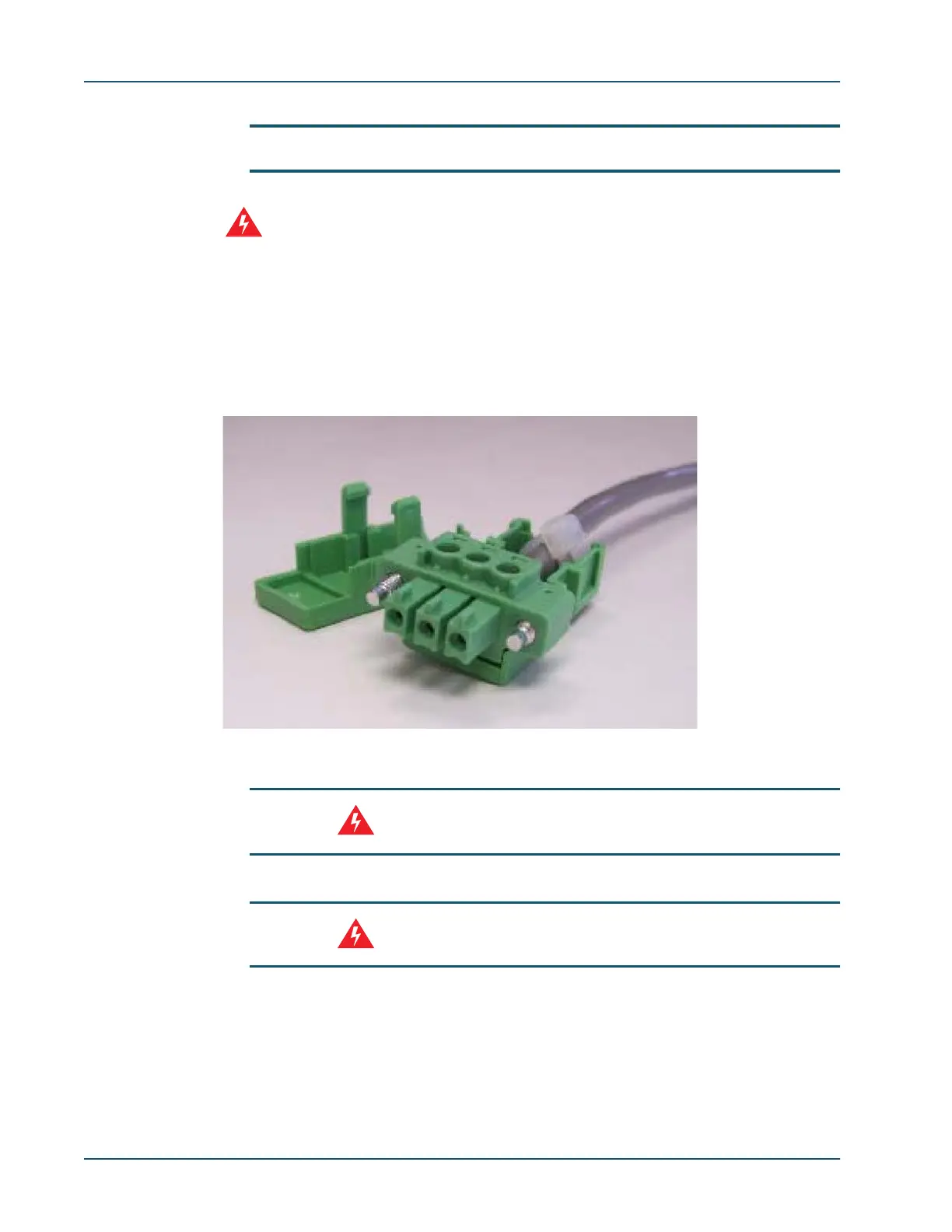
The DC power connector is comprised of a three-position screw connection plug
component enclosed by cable housing. An assembled cable is shown in Figure 3-3
(housing cover is removed for illustration purposes).
WARNING: The SDM-8400 DC unit requires that the building’s electrical
installation has a 10-amp maximum overcurrent breaker protection.
WARNING: To remove all power from the unit, the power feeds must be
disconnected.
5.5.1 Wiring the DC Power Connector
The DC power connector should be made with #16 gauge cable. As illustrated in Figure 3-
4, the three wires must follow this sequence (from left to right): -48V, return, ground.
Figure 3-3: DC power entry connector



 To Next Page