Hardware Installation
Memotec 3-5
3.3 Powering Up the Unit
Depending on which option was ordered, the SDM-8400 can be powered either by a DC
power supply or AC power.
3.3.1 Connecting the SDM-8400 UAC to an AC Power Source
NOTE: Information about the power supply is provided on “Power Supply” on
page 4-9.
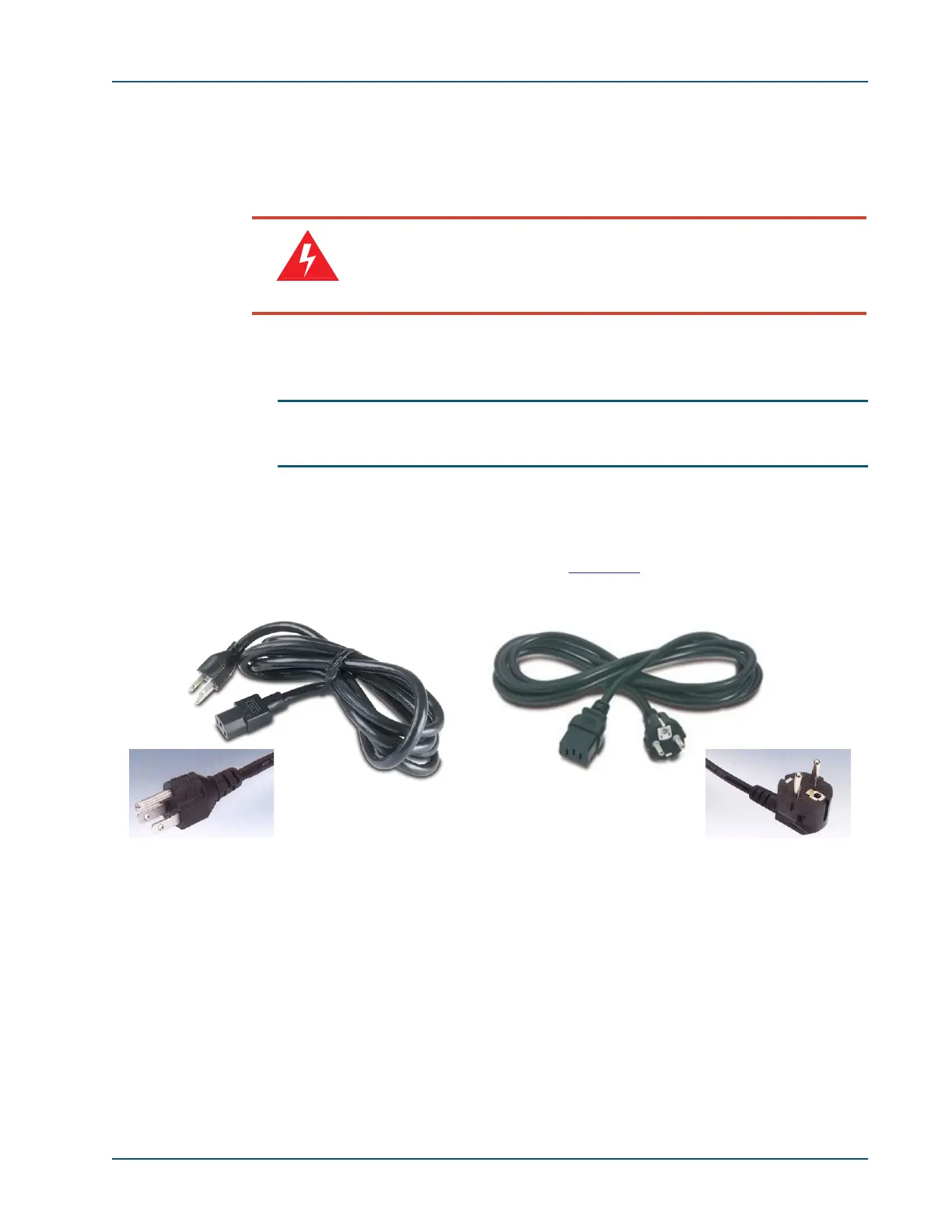
A removable power cord is supplied with the AC-powered unit, either:
• 115VAC North American type, or
• 240VAC European Schuko type (see
Figure 3-2).
To connect a UAC unit to its power source:
1. Connect the female end of the factory supplied power cord to the AC power inlet,
located at the rear of the SDM-8400 chassis.
2. Plug the male end of the power cable into an AC power outlet (100-240 VAC, 50/60
Hz) with a protective earthing connection in good condition.
Warning
Connecting the power cables to the chassis is a critical stage. If
anything is inserted incorrectly when the unit is powered-up, it can
damage the unit. Proceed with extreme caution.
Figure 3-2: Power Cords for SDM-8400 UAC Unit
240VAC European Schuko type115VAC North American type



 To Next Page