Tr o u b l es h oo t in g l 6- 5
6
Tr o u b l e s h o o t i n g
H o w t o I d e n ti f y the Ca u s e of a P ro b le m
( c o n ti n ue d )
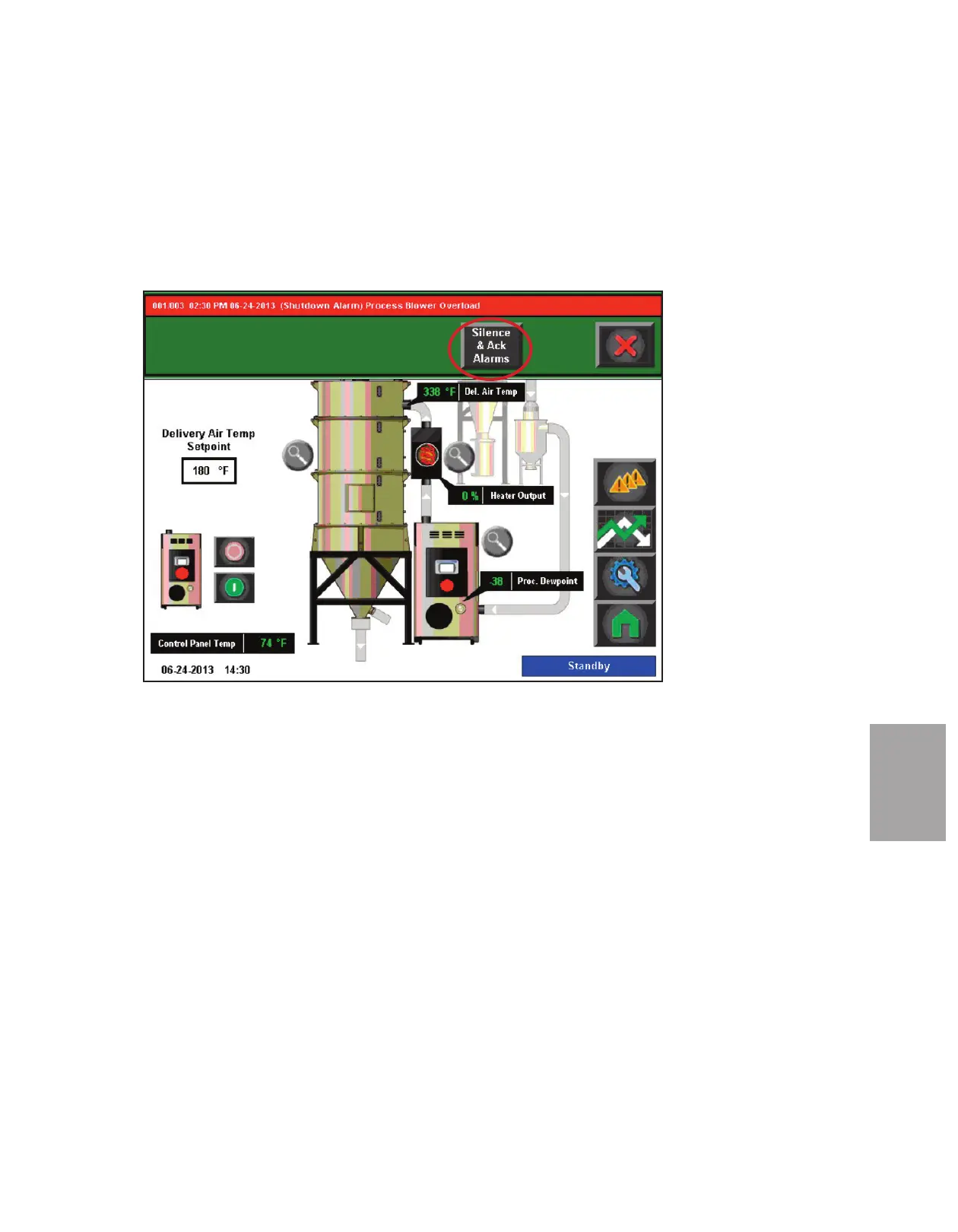
When an alarm message is displayed:
1 Press the “Silence and Ack Alarms” button when the alarm banner appears at the top
of the screen.
2 Find the error message in the diagnostics table of the following troubleshooting sec-
tion of this manual, or the troubleshooting section of the applicable component user
manual. Take any necessary steps, as directed, to resolve the problem.








 To Next Page