4 - 4 l O pe r a t io n
H o w t o N a v i ga t e the Co n t r o l S cr e en s
( c o n ti n ue d )
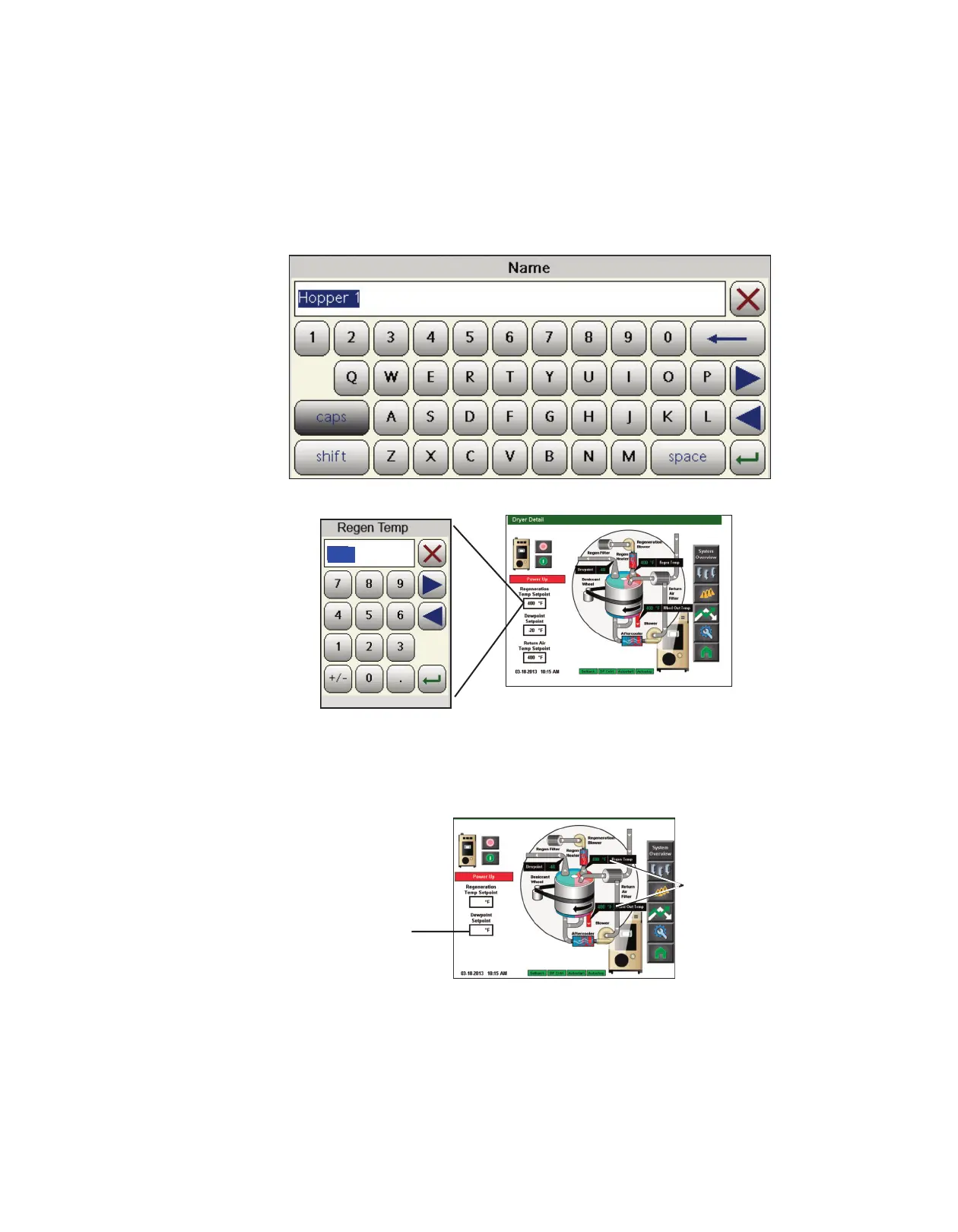
The user name, password and other information can be entered using the pop-up keyboard
window that appears when an appropriate field is touched.
Set points can be entered within fields with a heavy black boundaries. Values shown within
colored boxes are “actual” values and can not be changed.
Set point Field
(User Changeable)
Actual Values
(Non-
Changeable)
(continued)
350
NOTE: Changing most parame-
ters will require a user login at
the proper security level.
See
the Operation section of this
User Guide entitled DC-T
System Security Levels for
more information about user
login levels and access.
✐
350
-40








 To Next Page