10
Turning the Camera on and off
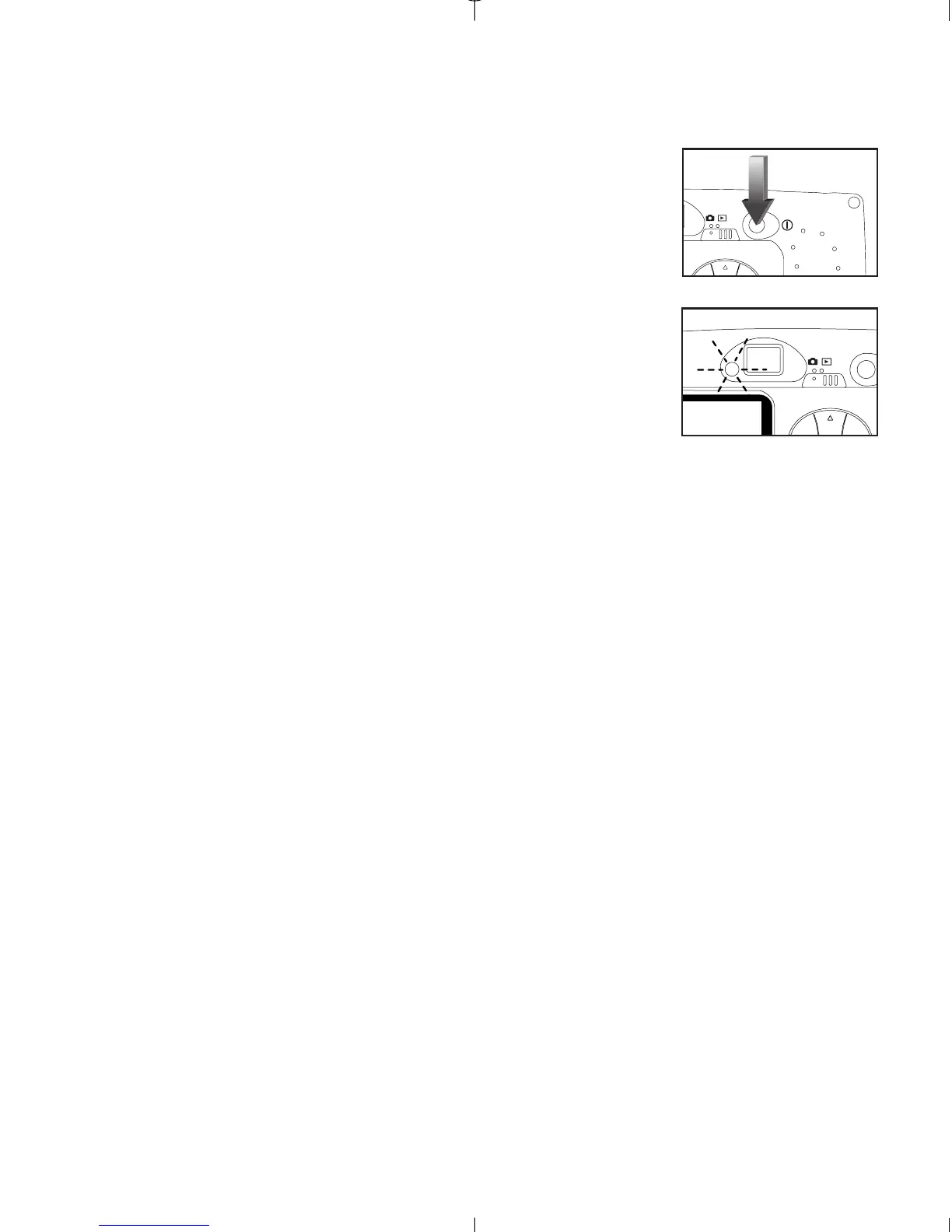
When the camera is turned on, the camera ready LED
on the back of the camera blinks and the LCD will
display the default settings.
Turning the Camera on and off:
1. Press the Power button to turn the camera on.
(fig.1.3)
2. The camera is ready for picture taking when the
camera ready LED stops blinking. (fig.1.4)
3. To turn the camera off, press the Power button for
a few seconds.



 To Next Page