26
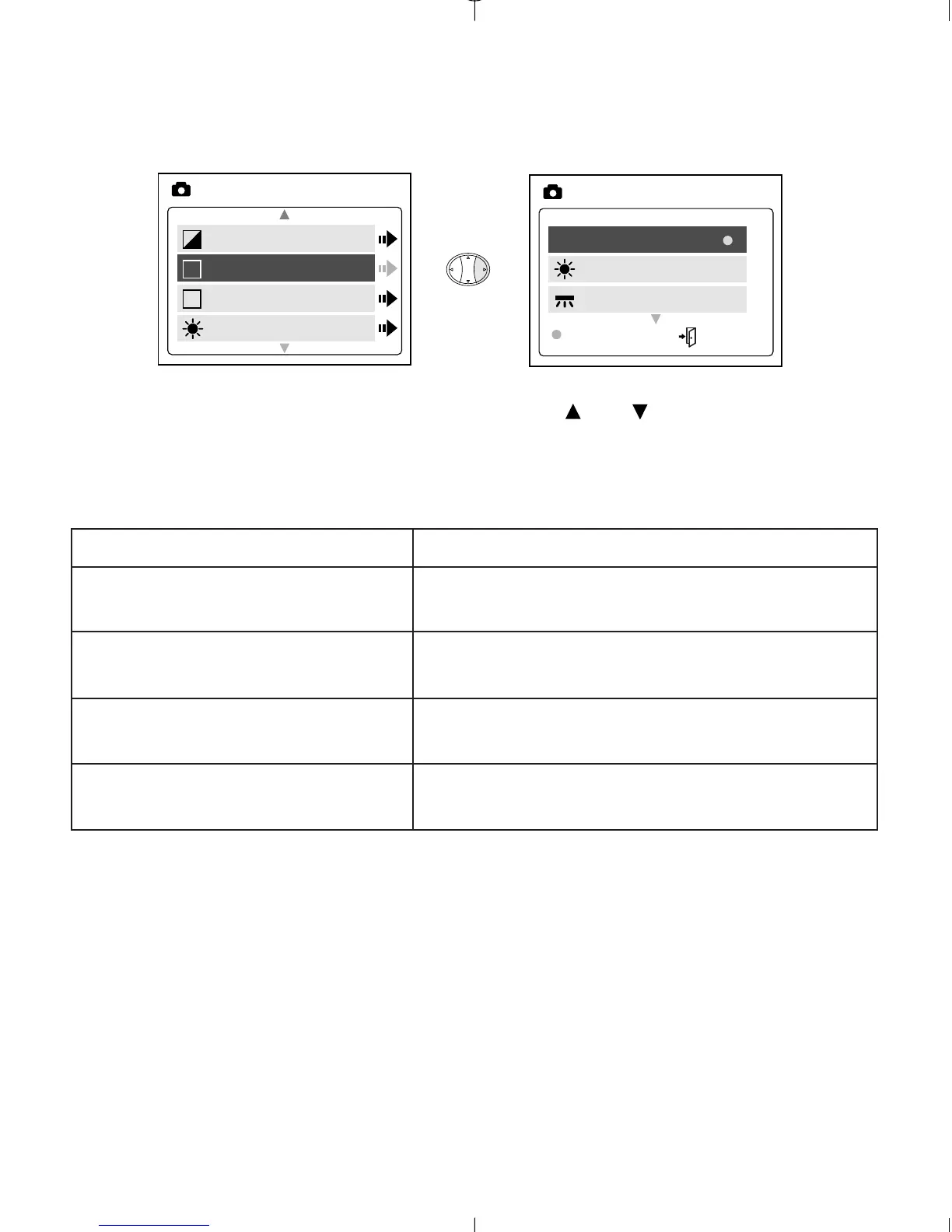
WB (WHITE BALANCE)
1. In the WB (WHITE BALANCE) menu, press or to choose between
AWB, Sunny, Fluorescent or Tungsten.
2. Press OK to select the white balance mode and press MENU to exit.
White Balance Option Explanation
Auto White Balance The camera will automatically
choose the white balance setting.
Sunny To be used outdoors with sufficient
sunlight.
Fluorescent To be used indoors with fluorescent
light conditions.
Tungsten To be used indoors with tungsten
light conditions.



 To Next Page