29
SETUP
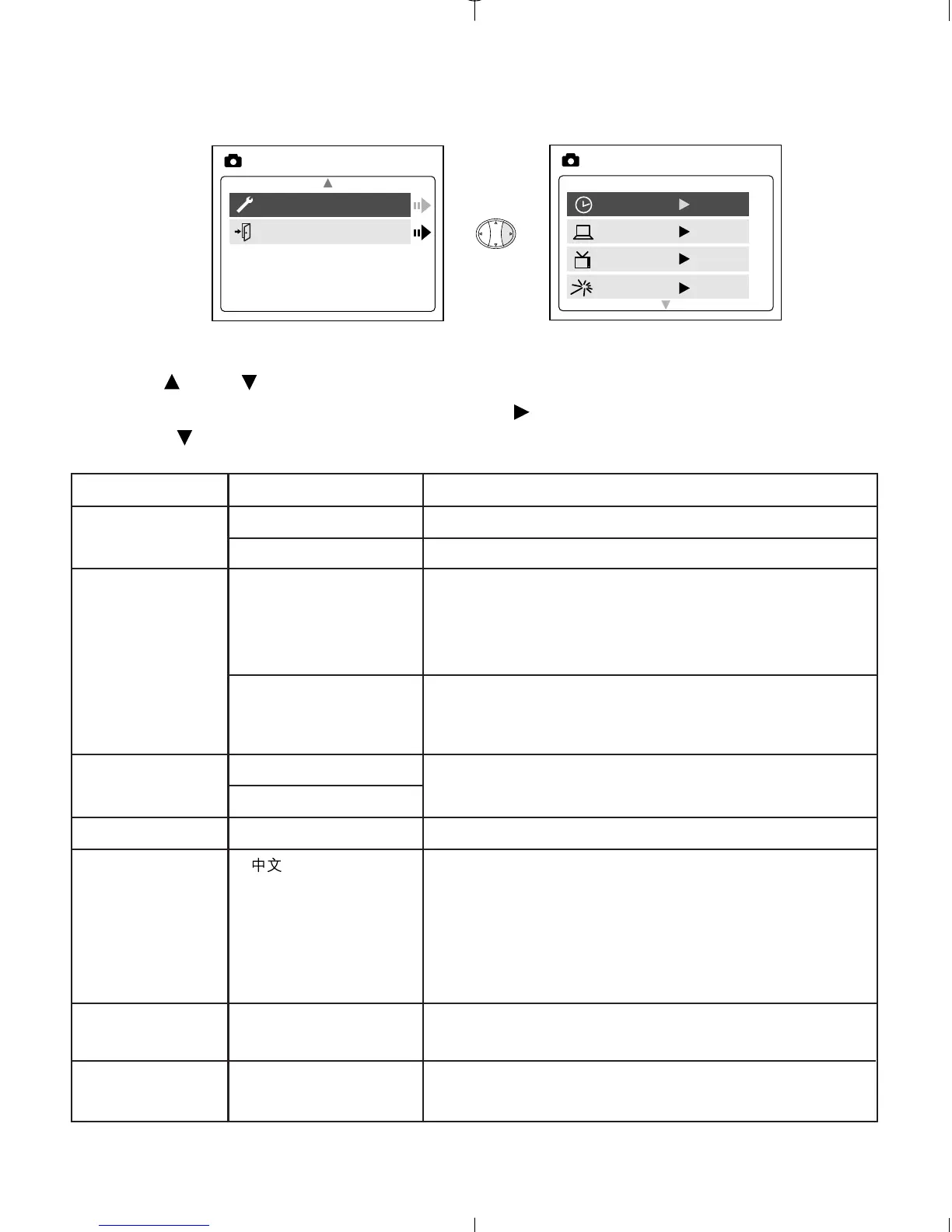
Using the SETUP menu:
1. Use or to toggle between the options.
2. When the option is highlighted, use to change the setting.
3. Press to select and scroll to the next option or press MENU to exit.
Setup Option Selection Options Explanation
Time-out 15, 30, 60, 90 Sets the automatic power off option.
None Deactivates the automatic power off option.
Driver PC WDM/TWAIN Driver. Use this mode when using
ArcSoft PhotoImpression, ArcSoft
VideoImpression, NetMeeting or other video
conferencing software.
DSC Mass Storage mode. Use this mode to view
your images and video clips using the Mass
Storage driver.
TV NTSC
PAL
Play Logo On/Off Turns the start up animation on or off.
Language , Sets the language in your camera.
English,
Français,
Español,
Deutsch,
Italiano
Default Sets all camera settings to the
factory default.
Format Formats the internal memory or the MMC/SD
by deleting all files.



 To Next Page