40
Windows Only
Using the PC Driver Mode
You may use this mode to view your images with ArcSoft
PhotoImpression.
This mode allows you to take video clips on your computer and to use
the camera as a web camera.
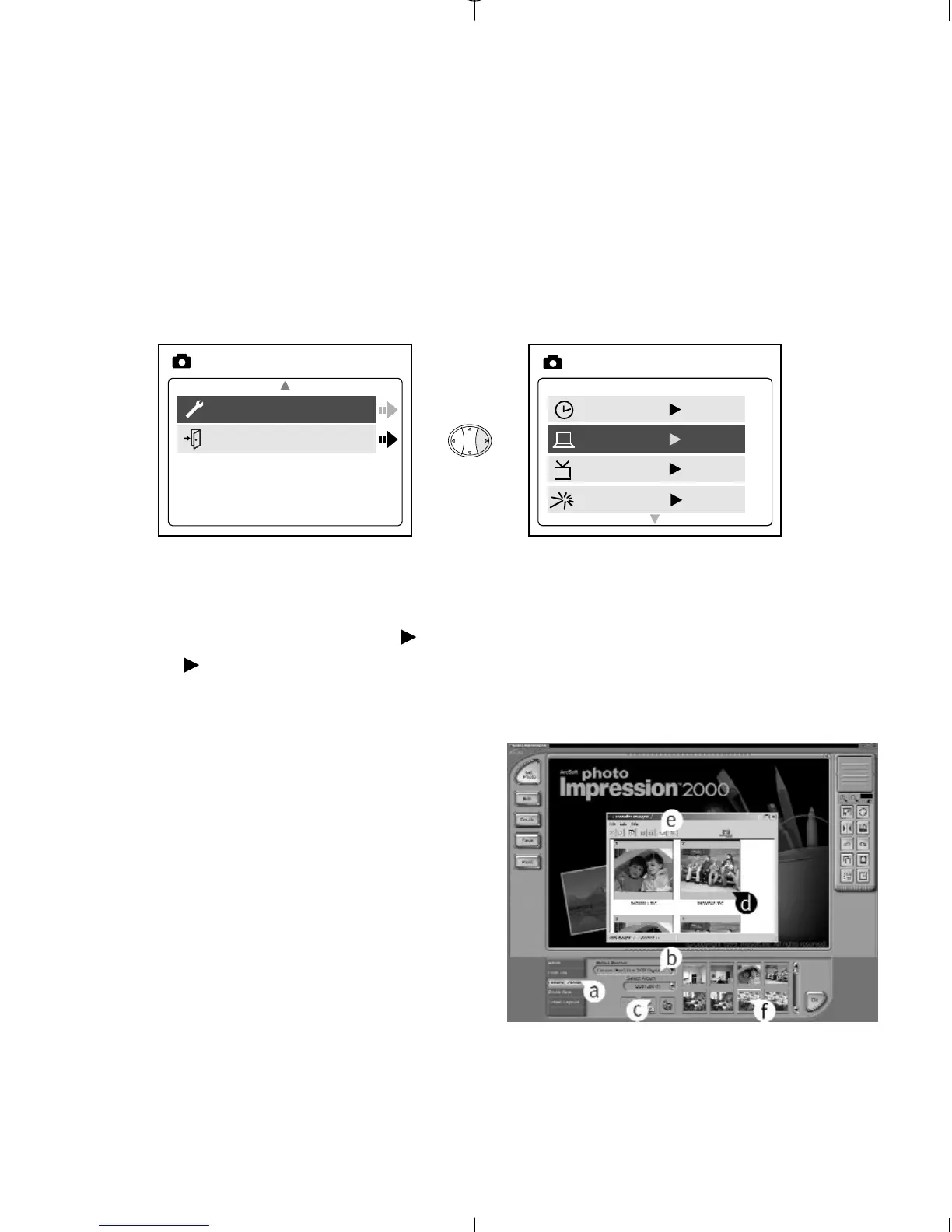
Setting PC Mode in your camera
1. Turn the camera on.
2. In the Setup menu, press until Driver is highlighted.
3. Press to change the setting to PC.
4. Turn the camera off.
5. Connect the camera to the computer.
6. Launch ArcSoft PhotoImpression
software by clicking on Start-
Programs-ArcSoft Camera Suite
and choose PhotoImpression from
the application list on your screen.
(fig.5.2)
7. Click on the [Camera/Scanner]
button. (fig.5.2 a)
8. Click on the drop-down list under
SELECT SOURCE and choose
Concord Eye-Q Duo 2000.
(fig.5.2 b)



 To Next Page